Programming a CD+G or CD
7
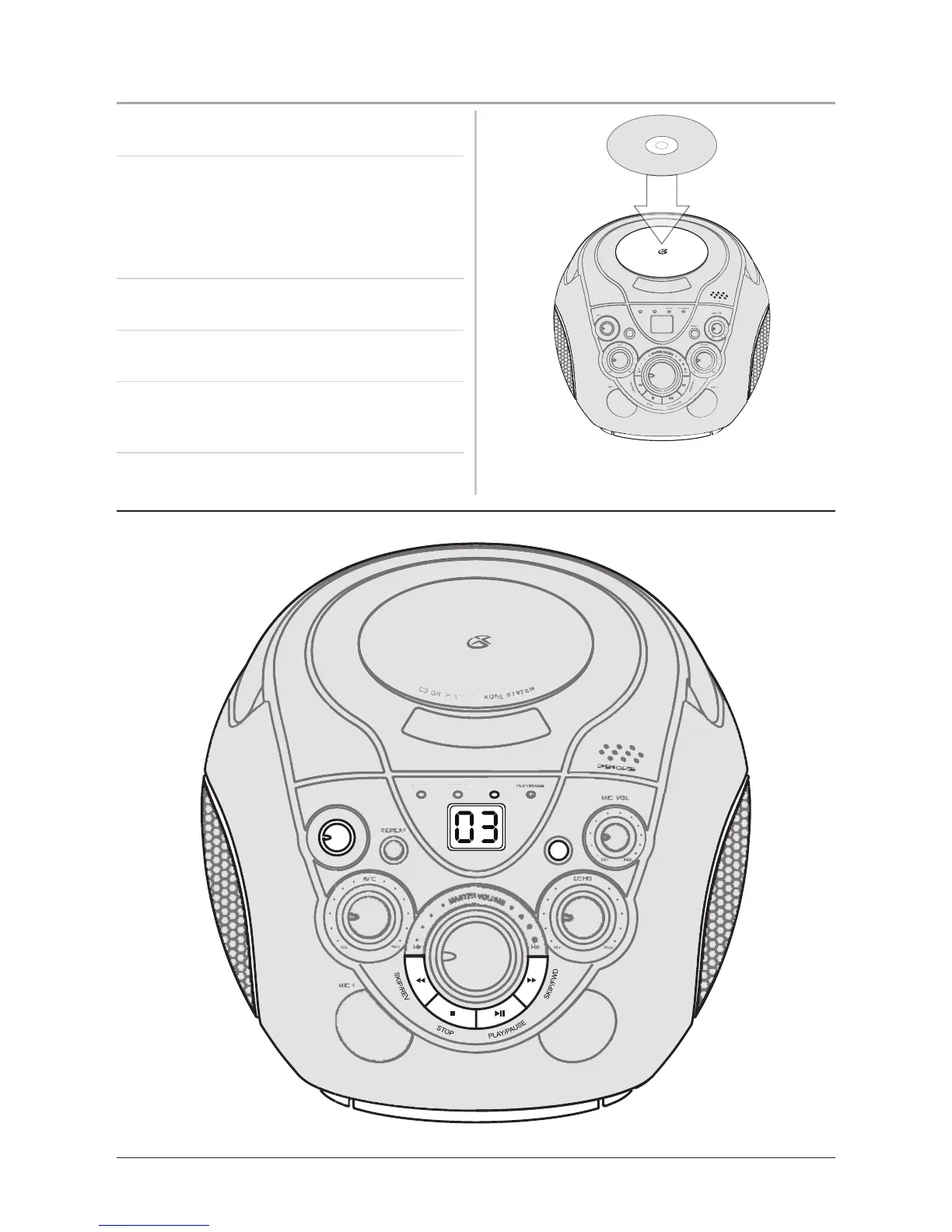
1. Load the CD or CD+G Disc into the unit’s CD-
Drive, located on the top of the unit.
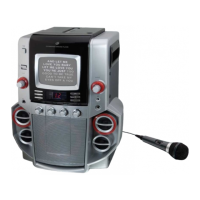
2. Press the Program Button to begin
programming the CD or CD+G Disc (the
Program Indicator Light will blink red).
The CD or CD+G disc must be stopped in
order to create a program.
3. Select a CD or CD+G track using the Skip &
Search Buttons.
4. Once the desired track is selected, press the
Program Button.
5. Repeat steps 3. and 4. until all of the desired
tracks are programmed. This unit allows up to
19 tracks to be programmed.
6. Press the Play/Pause Button to begin playing
the programmed tracks.



 To Next Page