4
5
6
9
7
8
11
13
15
16
17
20
18
19
3
2
1
12
10
14
8
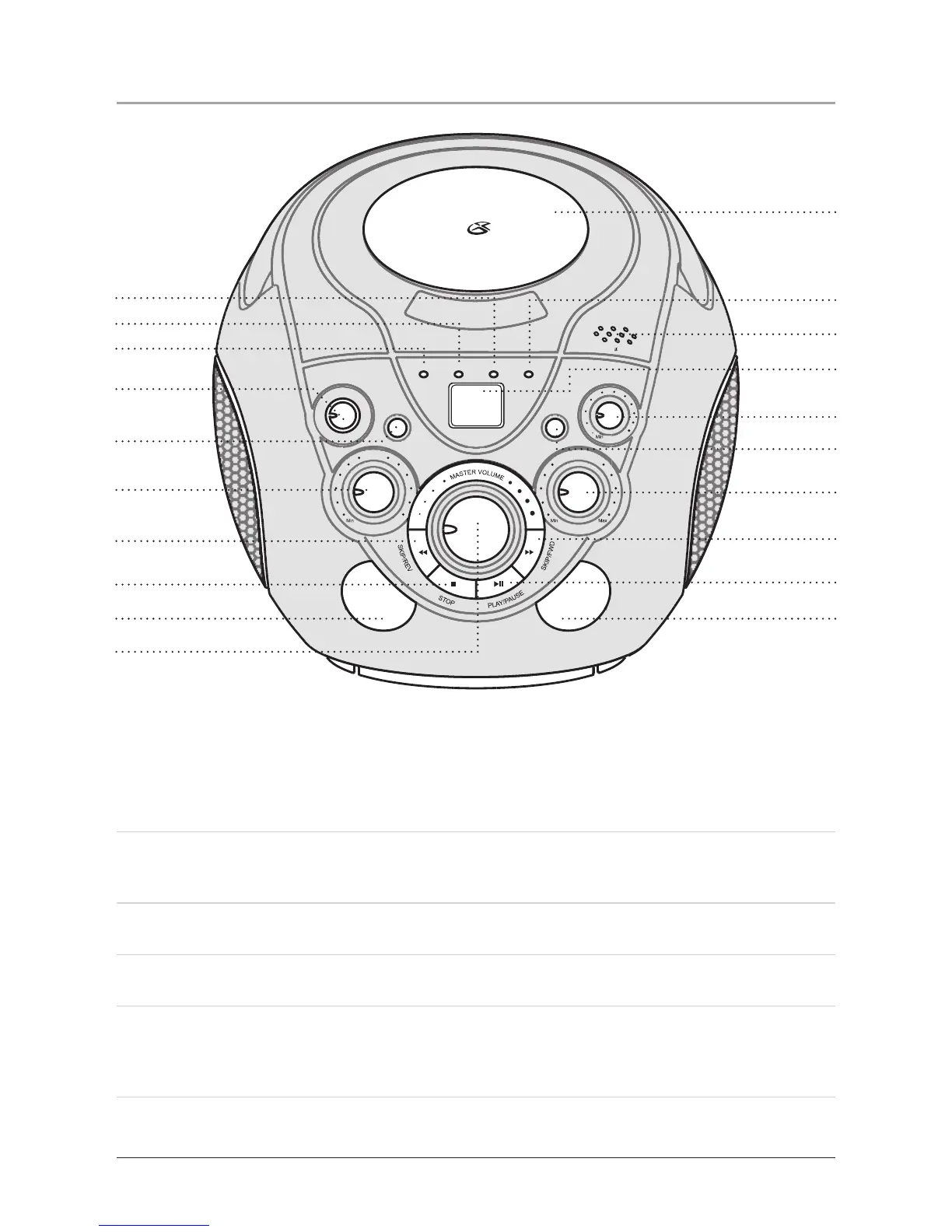
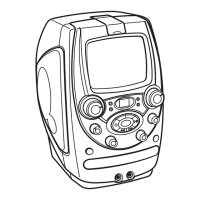
1 Program Indicator
The Program Indicator lights up when the unit is in Program Mode. See the Operations section for
instructions on how to program a CD and CD+G.
2 Repeat Indicator
The Repeat Indicator blinks when repeating a single song from a CD or CD+G disc. The Repeat Indi-
cator lights up when repeating an entire CD or CD+G album.
3 Power Indicator
The Power Indicator lights up when the unit is powered on.
4 Power Button
Rotate the Power Button to turn the unit off and on.
5 Repeat Button
Press the Repeat Button once to repeat an individual song; when activated, the Repeat Indicator will
blink red. Press the Repeat Button twice to repeat an entire CD; when activated, the Repeat Indicator
Light will turn red without blinking.



 To Next Page