9
Using the USB Input
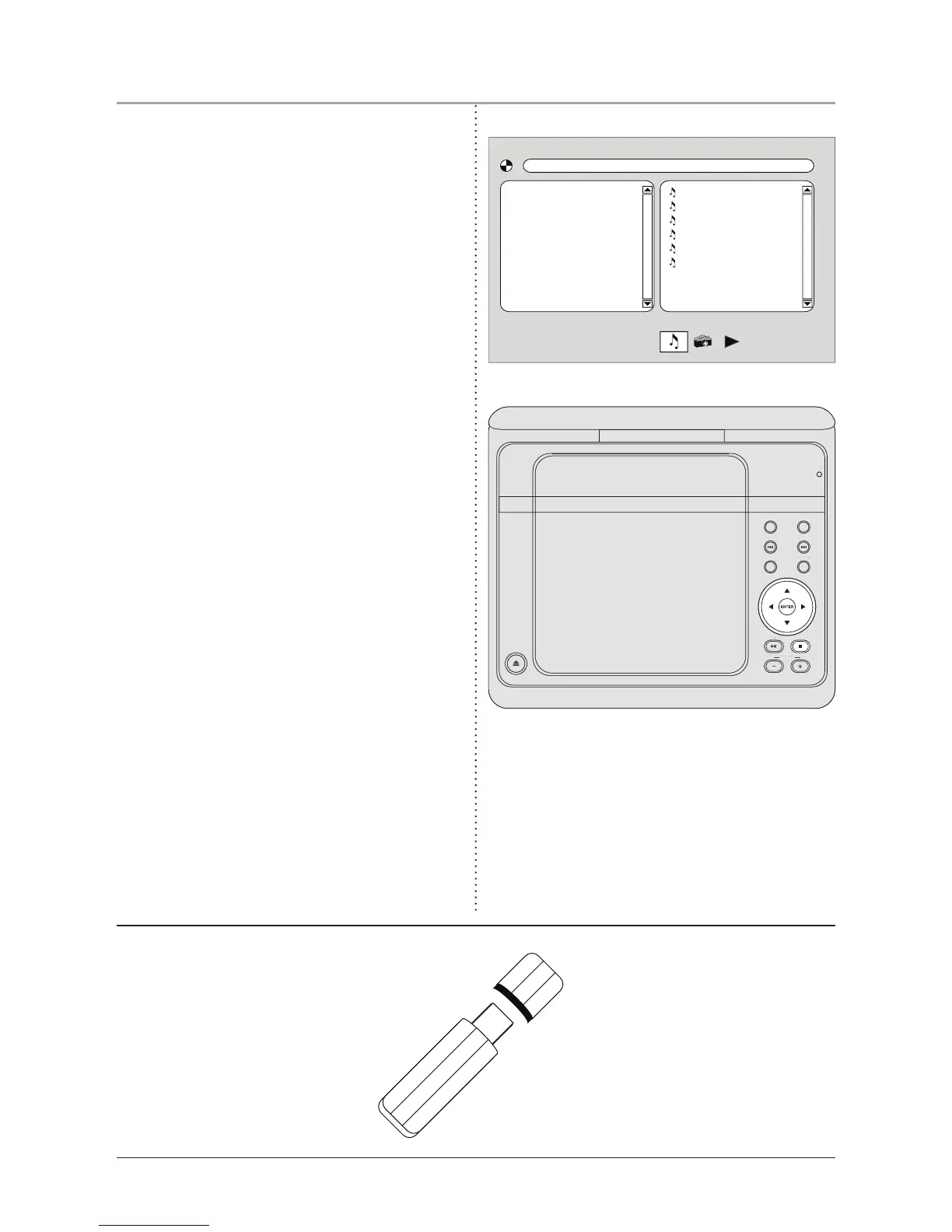
1. Plug a USB thumb drive into the USB
Input.
2. Switch the unit to USB Mode by pressing
and holding the DVD/SD/USB Function
Button. The following display will
appear.
3. Use the Directional Buttons to select
videos, music, or images. Press the
Enter Button to play a selected video, or
image.
• The unit will play some mainstream,
AVI movie les, and JPEG image les
from USB thumb drives. The different le
types must be separated into folders for
the unit to read them.
• Please note, loaded memory cards will
not play audio les.


 To Next Page