6
Viewing Photos
1. Connect a XD, MS, MMC, or SD memory card, or a USB Thumb Drive, to the
unit.
The memory card or thumb drive that is connected to the unit must have jpeg
images loaded onto it.
2. Press the Power/Snooze Button to turn the unit on.
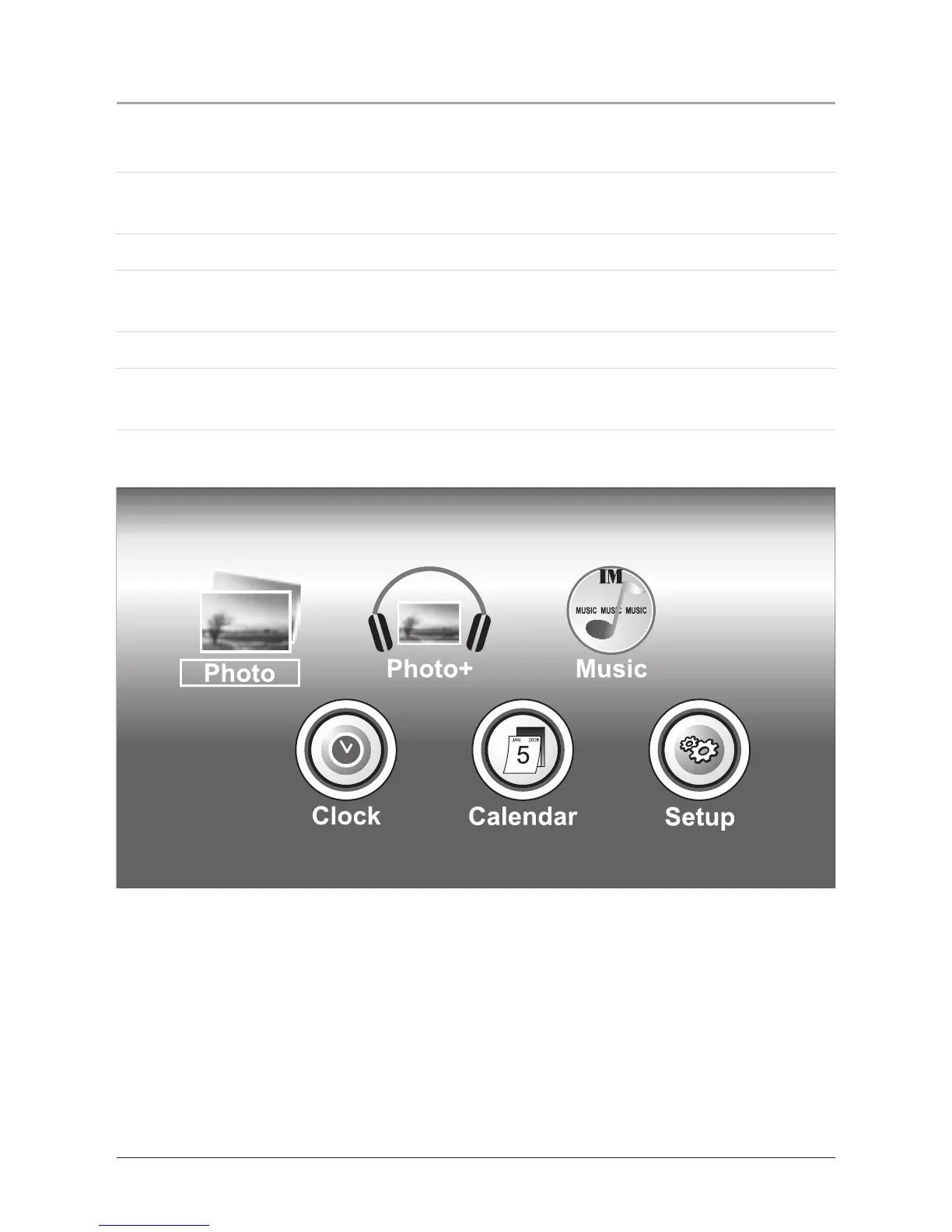
3. Press the Left and Right Buttons to navigate and highlight the options on the
main menu.
4. Highlight Photo and press the Enter/Mode Button to select the photo option.
5. Photos from the connected memory source (XD card, MS card, MMC card, SD
card, or USB Thumb Drive) will now play as a slideshow on the unit.


 To Next Page