8
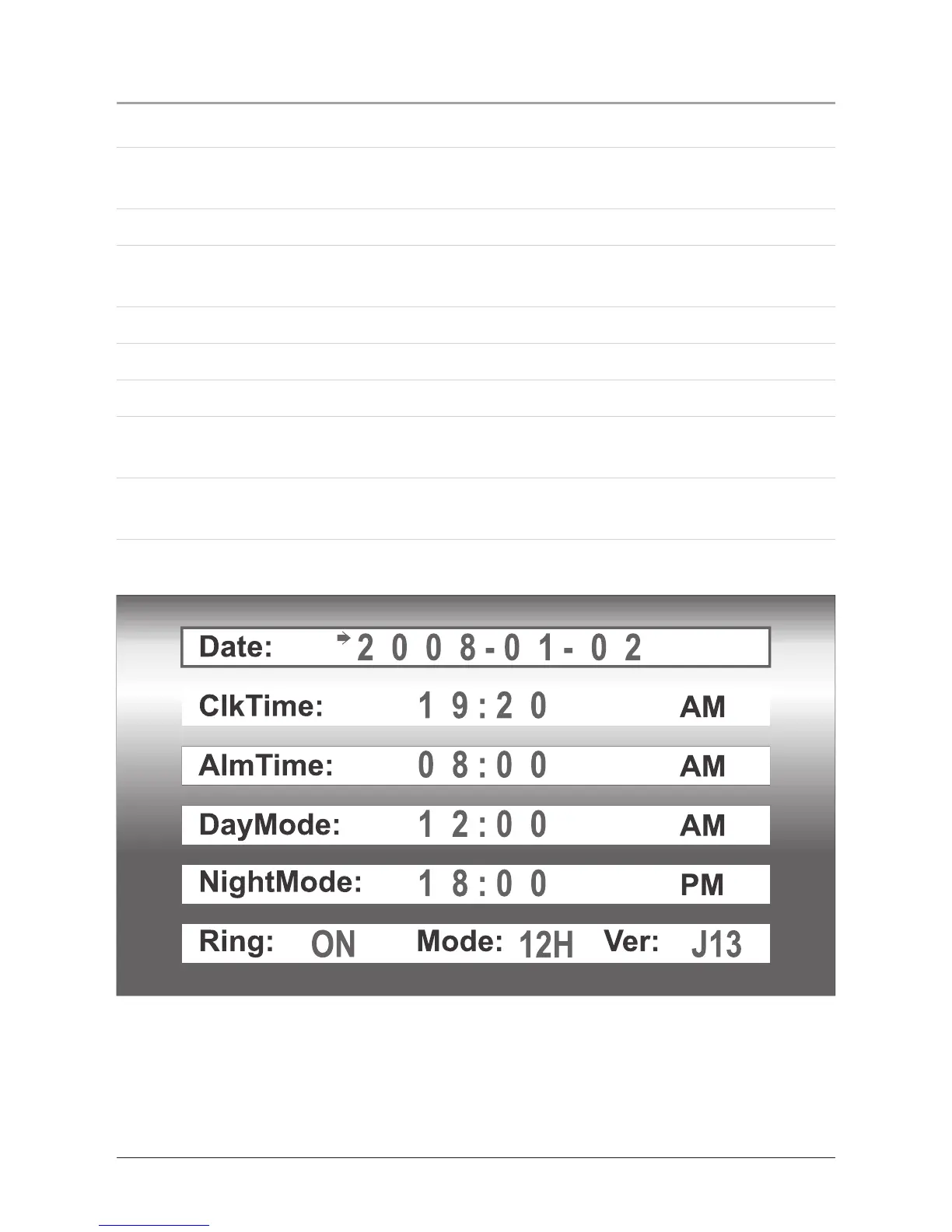
Setting the Time
1. Press the Power/Snooze Button to turn the unit on.
2. Press the Left and Right Buttons to navigate and highlight the options on the
main menu.
3. Highlight Setup and press the Enter/Mode Button to select the photo option.
4. Press the Volume Buttons to move up and down and highlight ClkTime in the
setup menu.
5. Press the Left and Right Buttons to highlight the hour or minute.
6. Once highlighted, press the Volume Buttons to adjust the hour and minute.
7. Press the Enter/Mode Button to set the adjusted time.
8. After the time has been set, press the Menu/Al Off Button to return to the main
menu.
The clock mode can be switched to 12H or 24H by adjusting the Mode option at
the bottom of the setup menu.



 To Next Page