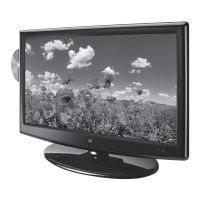
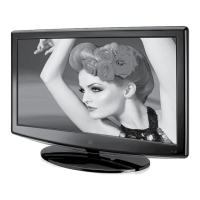
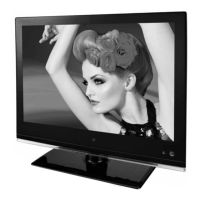
GPX12
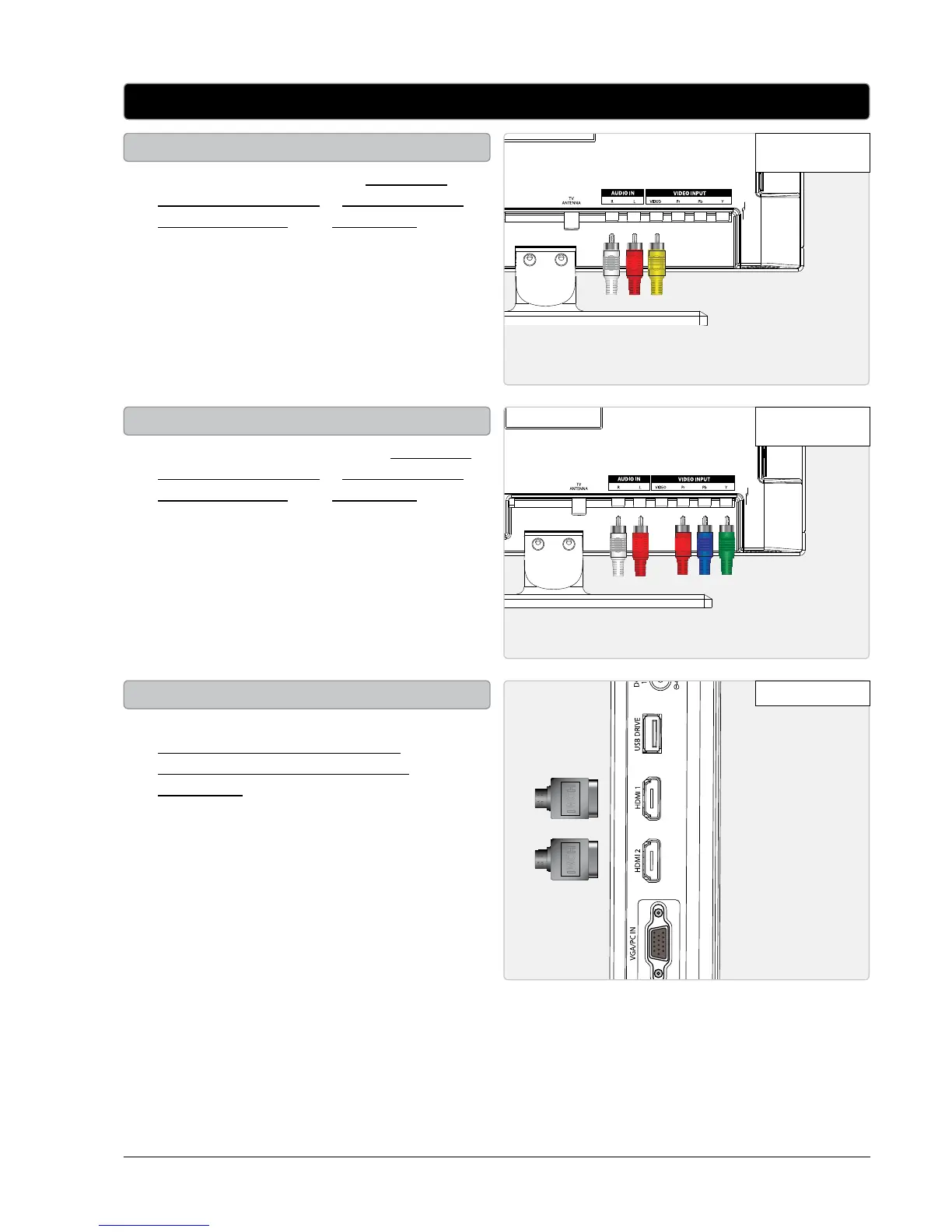
Connecting Other Devices (Set-Top Box, Gaming Device, DVD Player, VCR, or PC)
• You will need: a set-top box, composite
and RCA stereo cables or component and
RCA stereo cables or an HDMI cable. (not
included)
• Connect the set-top box’s audio and video
outputs to the corresponding audio and
video inputs on the television.
• Power the television on and press the
SOURCE button to switch to the connected
input. (AV (composite), YPbPr (component),
HDMI 1, or HDMI 2)
• You will need: a DVD player or VCR,
composite and RCA stereo cables or
component and RCA stereo cables or an
HDMI cable.
• Connect the DVD player or VCR’s audio and
video outputs to the corresponding audio and
video inputs on the television.
• Power the television on and press the
SOURCE button to switch to the connected
input. (AV (composite), YPbPr (component),
HDMI 1, or HDMI 2)
• You will need: a gaming device, composite
and RCA stereo cables or component and
RCA stereo cables or an HDMI cable. (not
included)
• Connect the gaming device’s audio and video
outputs to the corresponding audio and
video inputs on the television.
• Power the television on and press the
SOURCE button to switch to the connected
input. (AV (composite), YPbPr (component),
HDMI 1, or HDMI 2)
Connecting a Set-Top Box
Connecting a DVD Player or VCR
Connecting a Gaming Device
HDMI HDMI


 To Next Page