Customer Support: 1-888-999-4215 GPX 13
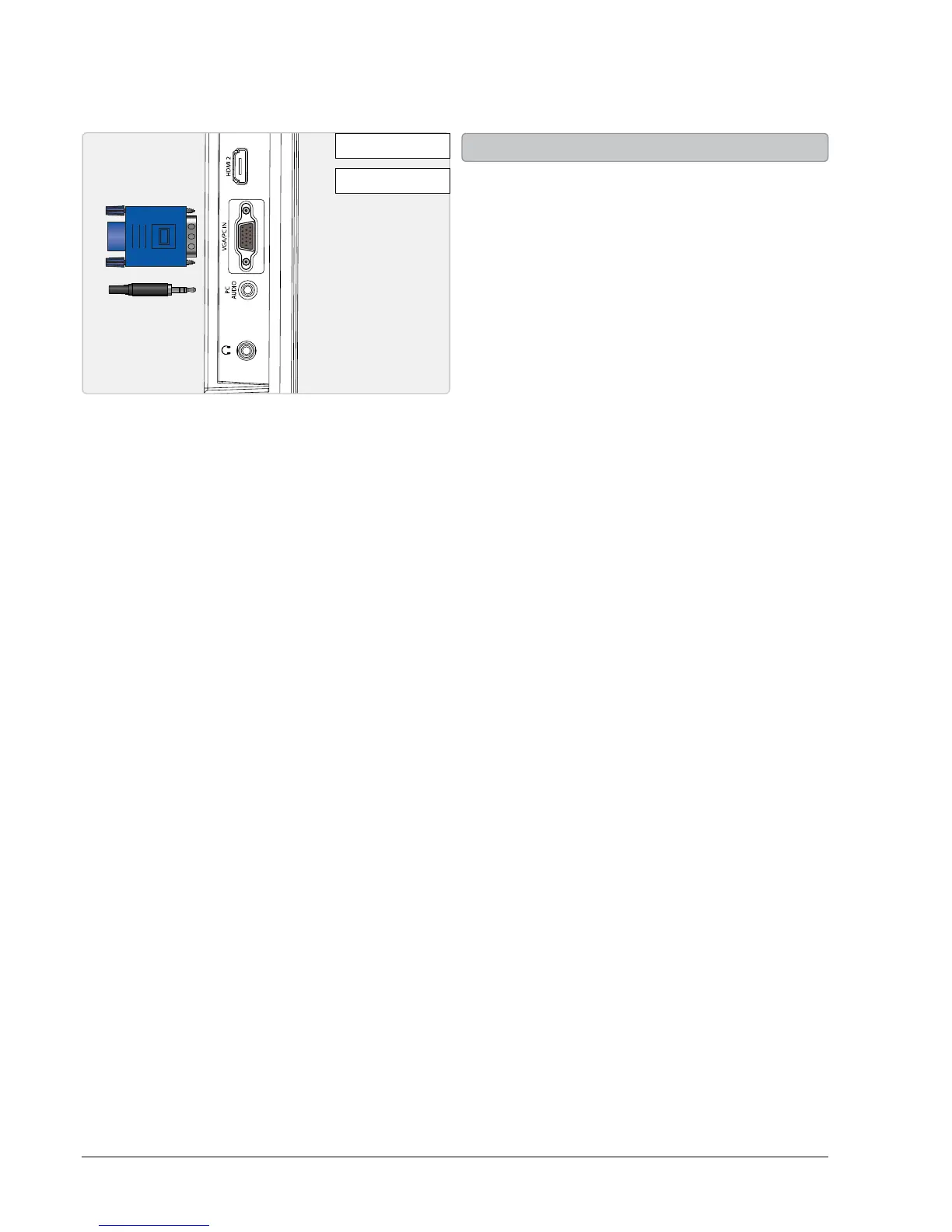
• You will need: a PC with a VGA output, and a
VGA cable. (not included)
• Connect the computer’s VGA output to the
VGA/PC INPUT on the television.
• Power the television on and press the
SOURCE button to switch to the PC Mode.
• Audio from the connected PC can be input
to the television through the TV’s PC AUDIO
INPUT by using a 3.5mm audio cable (not
included).
Connecting a Computer


 To Next Page