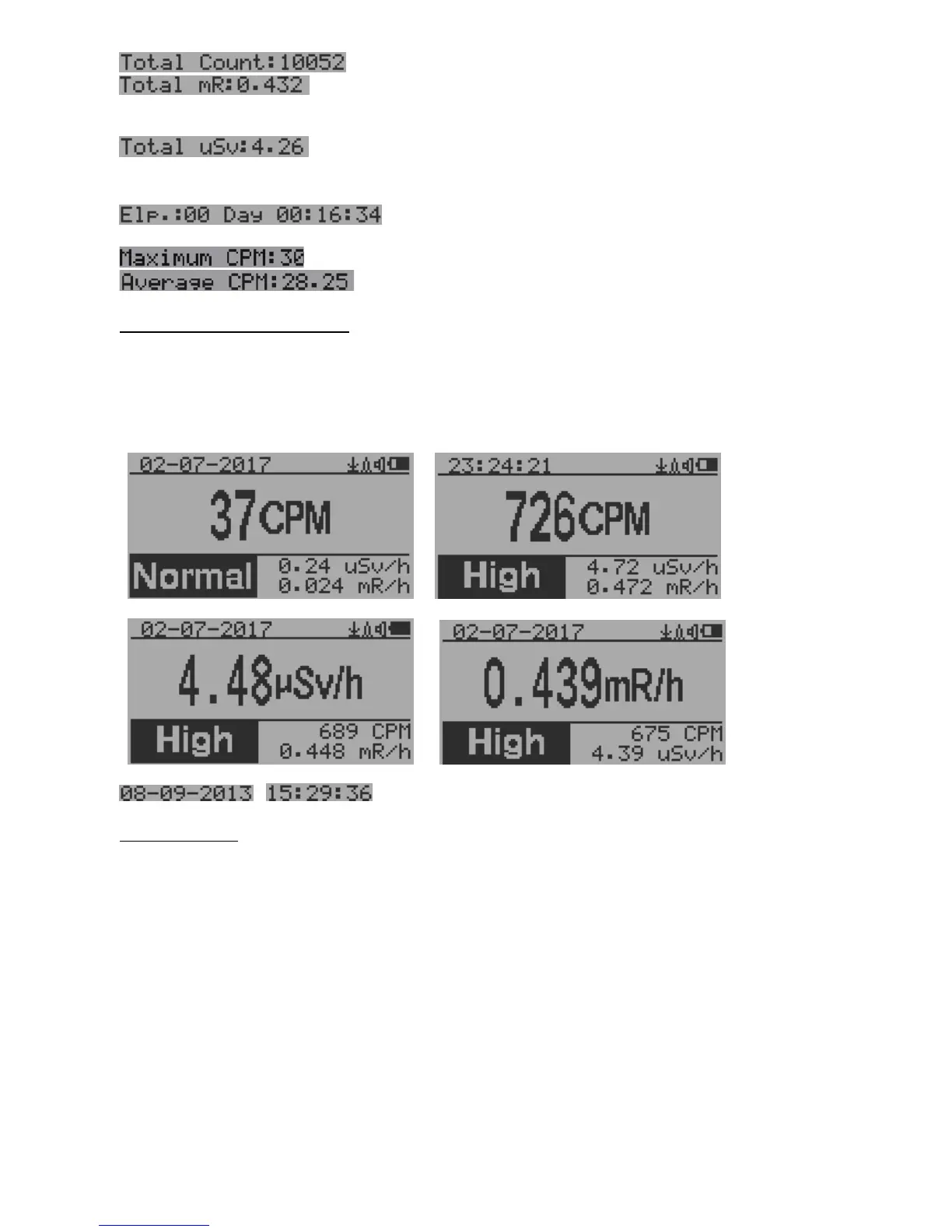
Total count.
Total cumulated radiation dose in mR since
power on.
Total cumulated radiation dose in uSv since
power on.
Elapsed time since power on
(Press S2 for toggling displayed info)
Maximum CPM since power on
Average CPM since power on.
Navigation keys for both modes:
S1: Text/Graphic Display Mode Selection
S2: µSv/h, mR/h, Total Count, Elapsed Time selection
S3: Date or Time on title selection
S4: Menu
Large Font Mode:
, Current date and time (Change it in Text Mode)
S2 key toggles between CPM, µSv/h and mR/h mode
Navigation keys:
S1: Text/Graphic/Large Font Display Mode Selection
S2: µSv/h, mR/h, CPM selection
S3: µSv/h, mR/h, CPM selection
S4: Menu
NOTE: Large Font Mode is available in firmware Ver. 2.20 or later only



 To Next Page