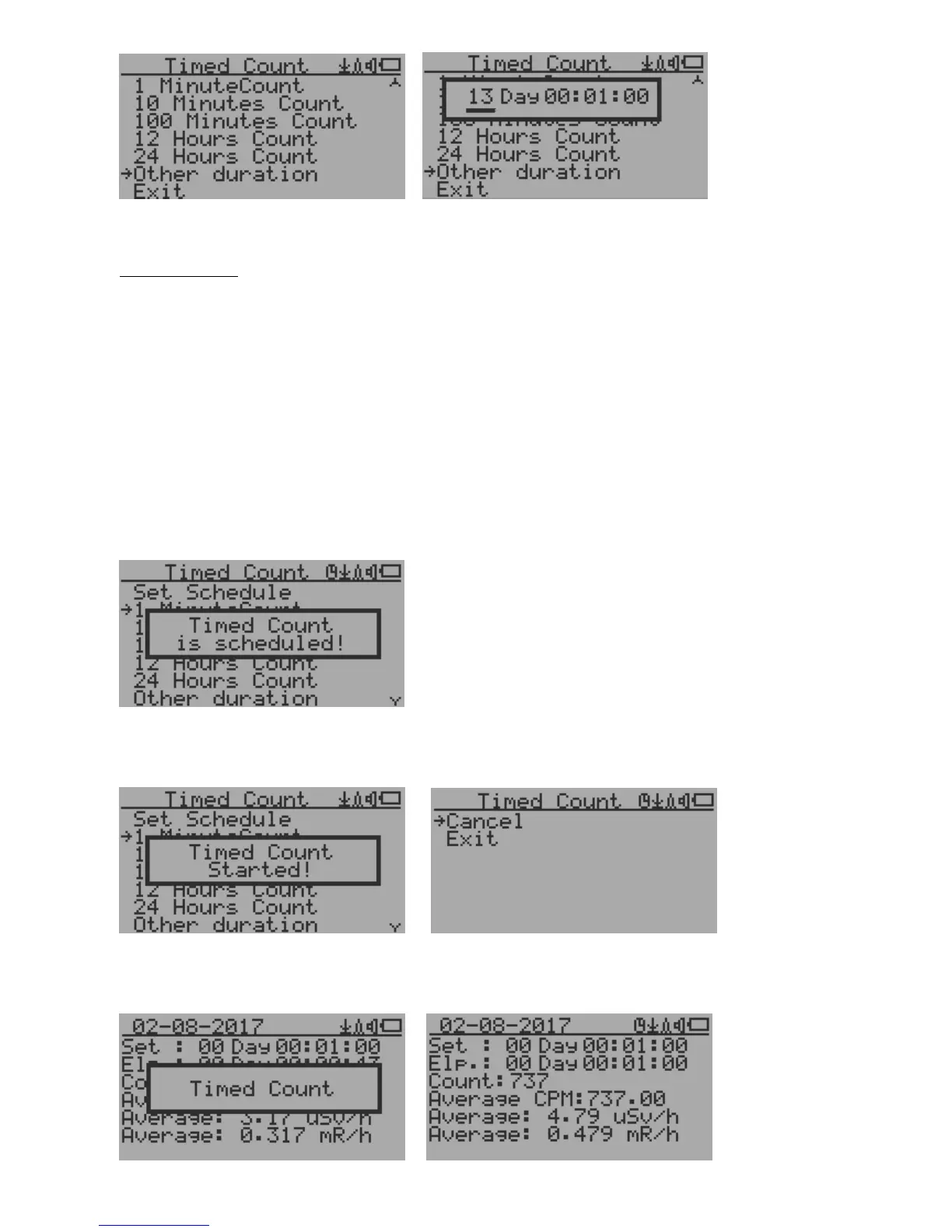
This example shows a 2 days duration is set for Timed Count.
Navigation keys:
S1: Back/Exit
S2: Increase the cursor position value
S3: Decrease the position value.
S4: Move the cursor to input data type between Day, Hour, Minute and Second.
Start a Timed Count
If no Schedule set, then the Timed Count starts immediately after the duration set.
If the Schedule is set, then the Timed Count will be started after a scheduled time period passed.
This is useful if a testing target is not ready immediately.
Once the Timed Count schedule is active, the Timer icon will be showed on the top icon area.
When the Timed Count started, the screen will pop up a message: Timed Count Started.
The Timed Count can be cancelled anytime.
Now you can exit the menu and see the Timed Count progress screen and information:



 To Next Page