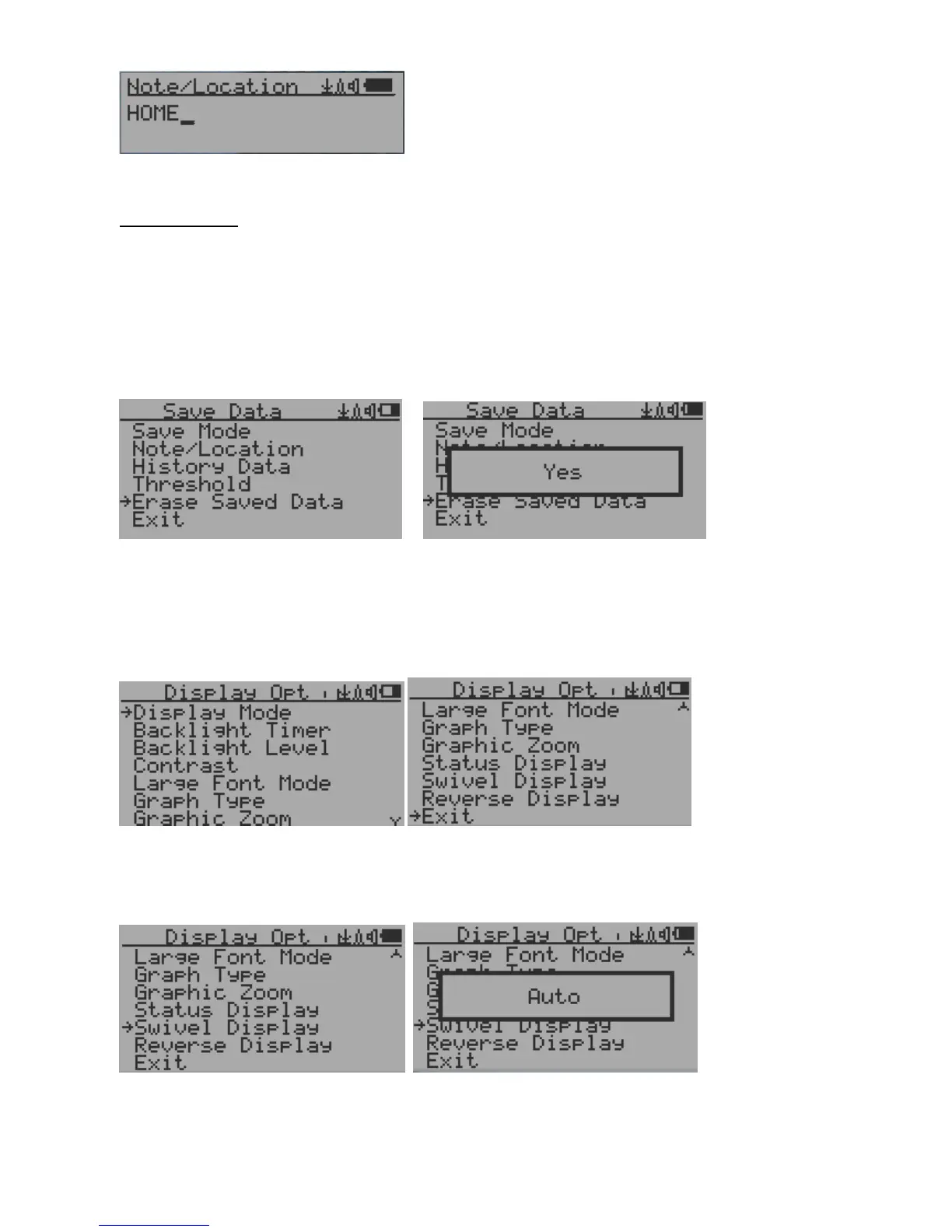
Note/Location Input
The cursor indicates the position of current character input.
Navigation keys:
S1: Backspace and erase
S2: Move cursor right
S3: Move cursor left
S4: Exit & Store
Erase Saved History Data
Use S2 and S3 to select Yes or No on the screen to confirm the request. After about 3 seconds with
Yes confirmation, the unit will start to erase entire saved history data. It may take a few seconds to
complete the task.
Display Option
Swivel Display Option
Pressing the S4 key will cycle between: Normal -> Swivel -> Auto Swivel modes
In the Auto Swivel mode, the display will be rotated by 180° if the unit is held upside down.



 To Next Page