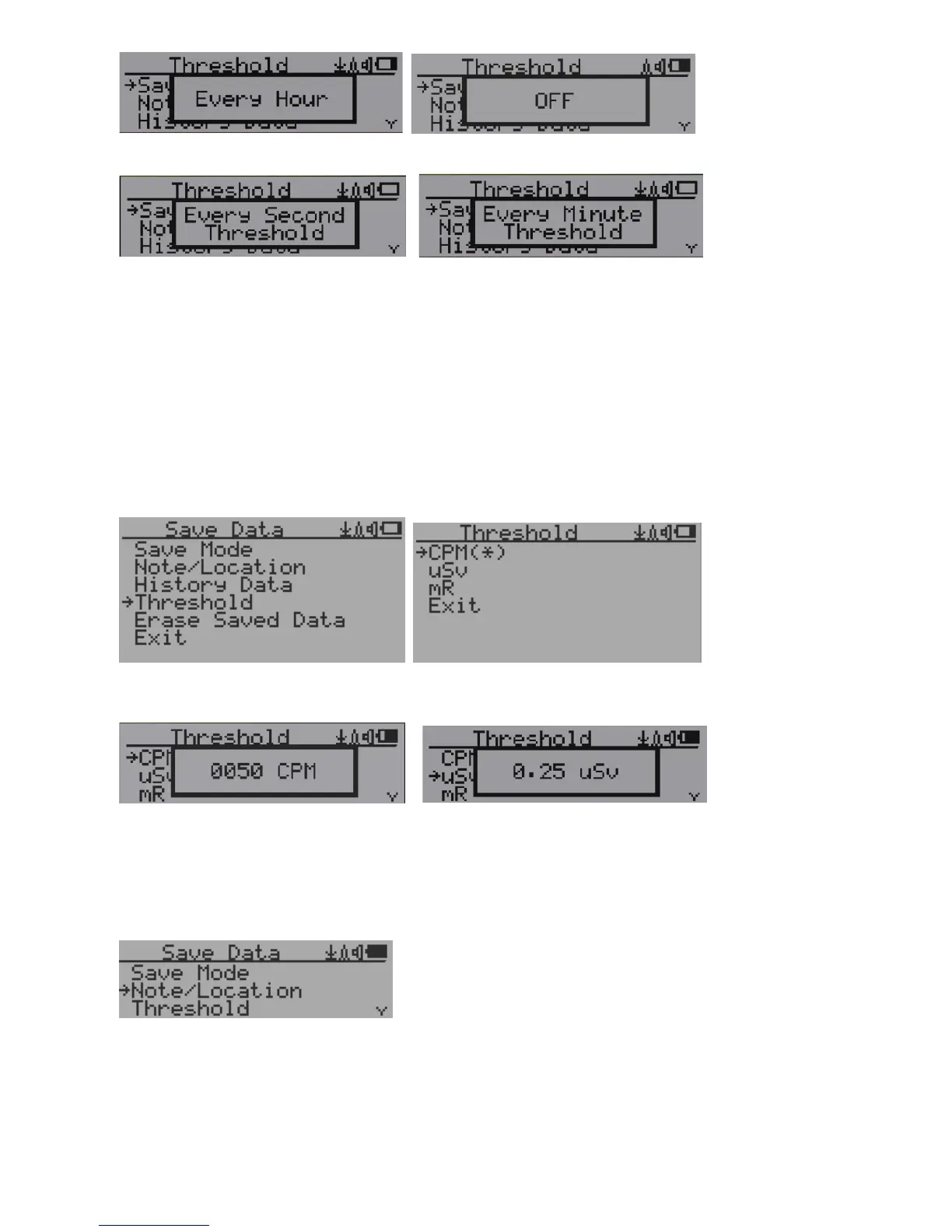
Selecting this item will turn on/off the real time data saving from followings:
OFF -> Every Second ->Every Minute -> Every Hour->Every Second Threshold->Every Minute
Threshold
NOTE: The history data memory will be used as a ring buffer. Once the end of the
memory is reached, the oldest data will be over written. Carefully select the
data saving interval to save memory space.
With Threshold saving mode, data only will be logged if it exceed the threshold value.
Threshold Data Saving Setting
Select threshold type you want to use: CPM, uSv OR mR
Add Note or Add Location for data saving
The user may add a note with up to 16 characters into the history data to identify the measurement
or location.
This note/location information will be saved together with the radiation data.



 To Next Page