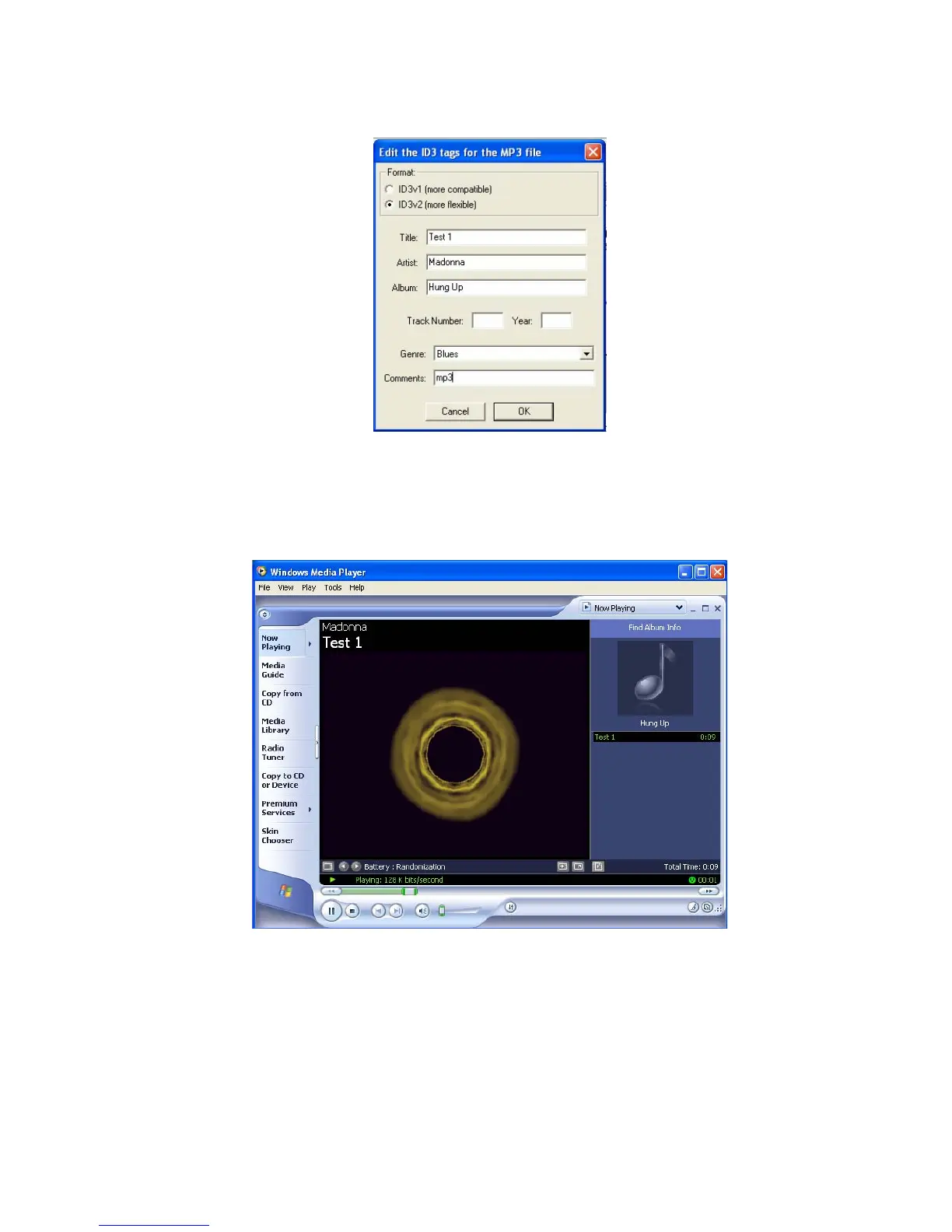
11. Enter the title, artist and any other information about the MP3 file that you have created and click on the "OK"
button.
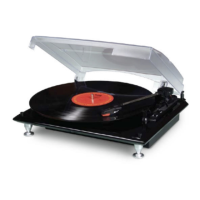
12. Next, go to the location of the file you have converted. You can play the converted file on any application that
supports .WAV or MP3 formats.
NOTE: Converted files can be transferred (burned) to a CD. Please refer to the manufacturer's instructions provided
with your CD burner or computer for additional details.
16


 To Next Page