765041982 Rev. 000 16
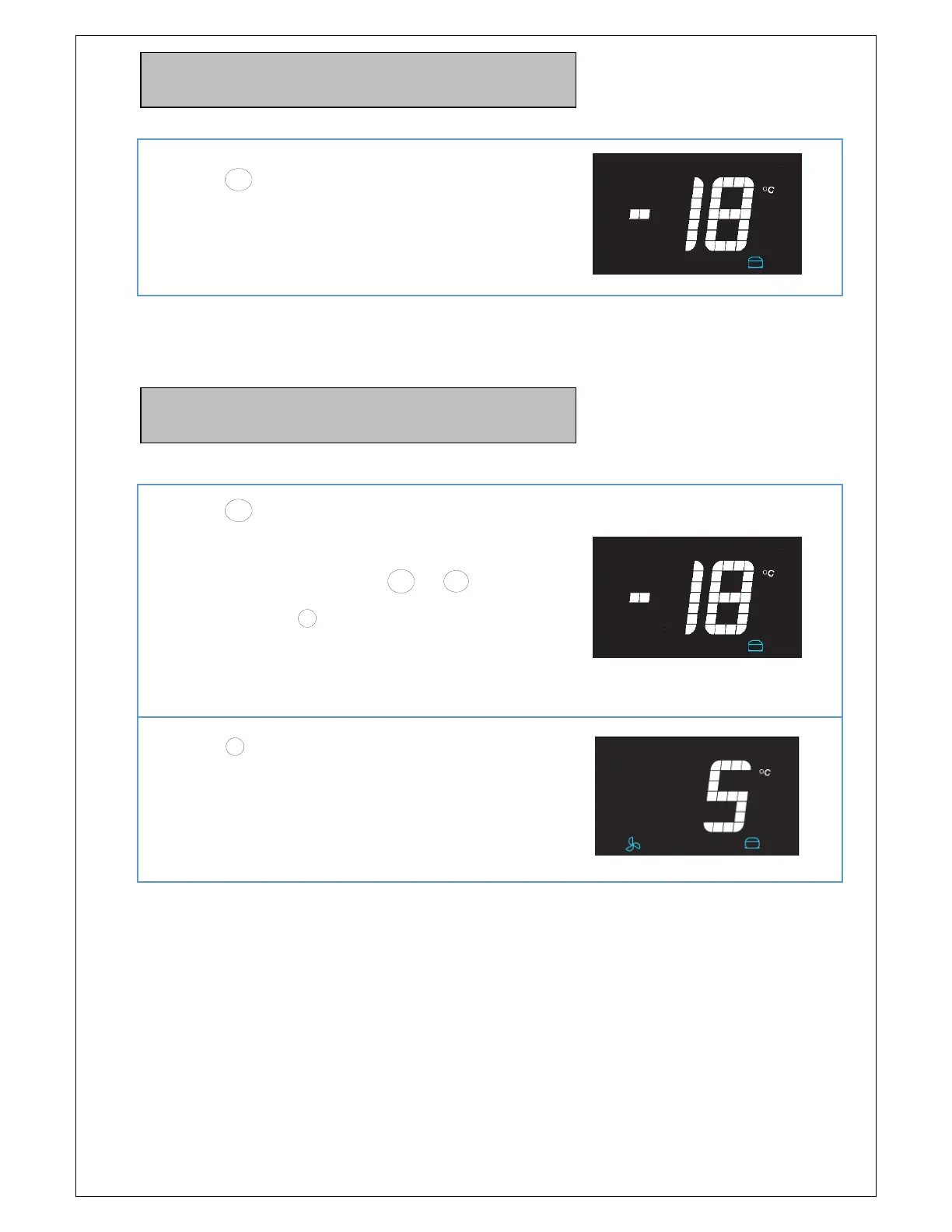
Display of the setpoint (temperature
setting) in the storage program
Press the
P
button, and hold it in.
The display then shows the "desired value" and
thereby the temperature setting.
Setting of the setpoint (temperature
setting) in the storage program
Press the
P
button, and hold it in. The display
then shows the "desired value" and thereby the
temperature setting. When the
+
or
-
button is
lightly pressed (the
P
button continues to be held
in), the value is increased or lowered.
When the
P
button is released, an auditory signal
is issued and the value is saved. The display once
again will show the internal temperature within the
unit.



 To Next Page