~7~
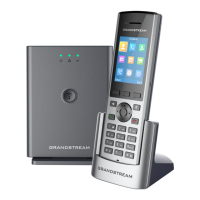
DP750 Web CONFIGURATION
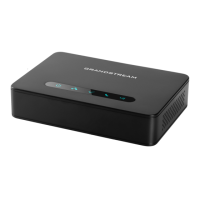
When the DP750 Network icon shows a solid blue light (mean-
ing the network is ready), the user can congure the DP750
by navigating to its IP address via browser.
If a DP720 is successfully paired with the DP750, the user can
obtain the IP address of the DP750 as follows.
Steps to obtain DP750 IP address via paired DP720:
1. Press “Menu”(left softkey) to bring up operation menu.
2. Press Arrow(Up, Down, Left, Right) keys to move the cursor to
“Setting” icon, then press “Select”(left softkey).
3. Press Up arrow key to navigate to “Info”, then press “Select”.
4. The LCD screen will display information about the DP720.
Using Arrow keys, move the cursor down to view the IP
address of the DP750
5. Type the IP address of DP750 into the browser.
6. Log in using default password “admin” to congure the
DP750 after seeing below login page.


 To Next Page
 Loading...