~8~
Please download the User Manual and check out the
FAQ for more detailed instructions:
http://www.grandstream.com/products
NOTE:
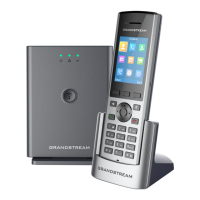
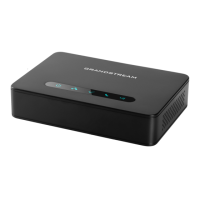
Following information required to congure DP750:
• IP address, subnet mask and gateway IP if using static IP
(default via DHCP)
• SIP server and/or Outbound Proxy FQDN or IP address.
• User(subscriber) information: User ID, Authentication ID,
Password, etc.
• DP750 supports “Plug-n-Call” if the ITSP (Internet Telephony
Service Provider) provides automatic provisioning service.
Please ensure the DP750 has an internet connection (either
DHCP or static IP on an internet ready network) if the feature
is enabled. It will be congured automatically by remote
servers of the ITSPs when powering up the DP750.
• Please contact your ITSPs for additional settings that may
be necessary to congure the DP750.
This product is covered by one or more of the U.S. patents (and any foreign patent
counterparts thereto) identied at www.cmspatents.com.


 To Next Page
 Loading...