25
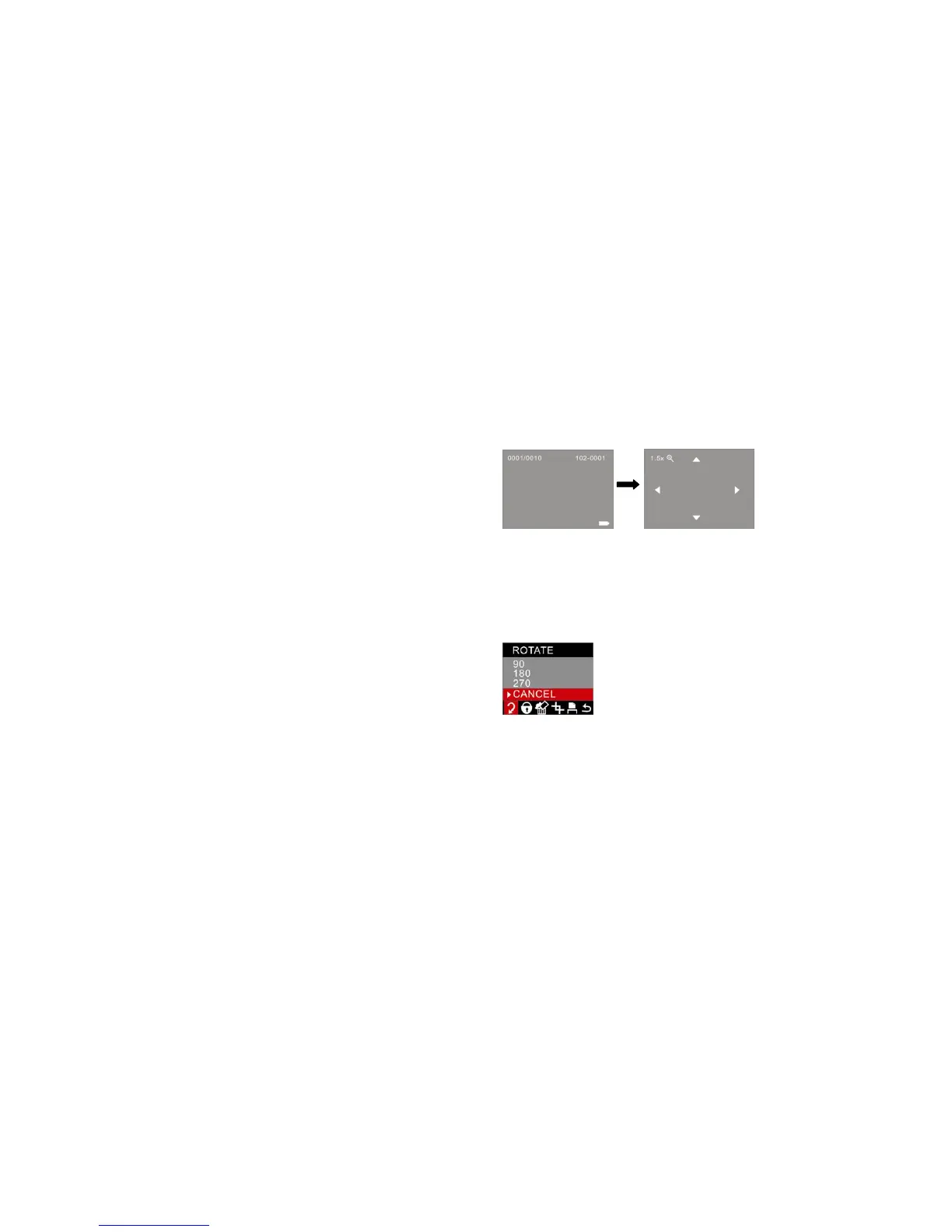
Press W button to zoom back out.
Note: you can not zoom in the AVI video files.
Operation for still photos
Select the still photo you want to delete, rotate, protect, crop or print.
Rotate
1. Press the Menu/OK button.
2. Press the Up/Down button to select how many degrees you want to rotate or cancel.
3. Press the Menu/OK button to confirm.
Protect
You can protect your photos/videos from accidental deletion by selecting the “lock” feature.



 To Next Page