2. Instructions
At the start of the working day
1. Pour over the granules in the wash tank.
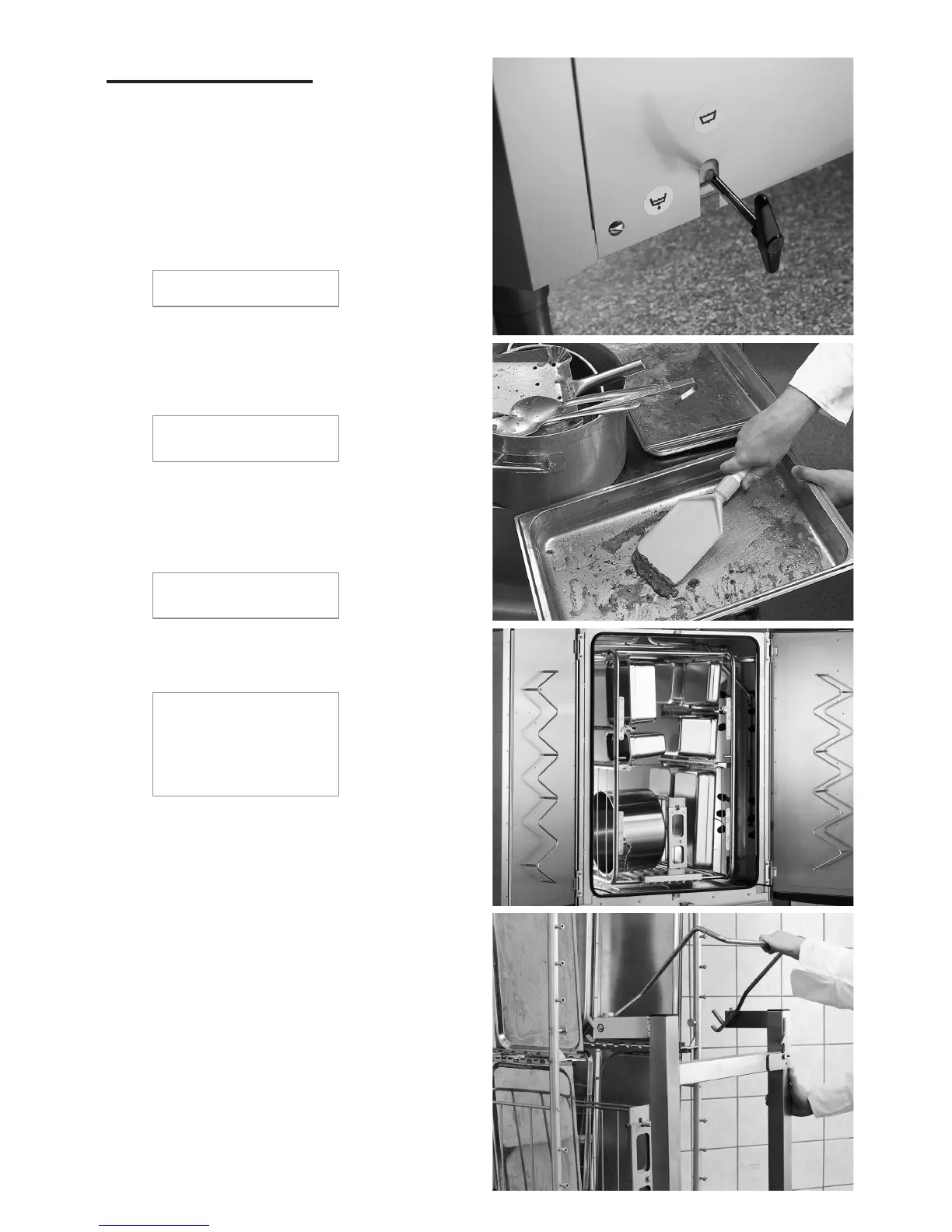
2. Close the drain valve (Figure 1).
3. Switch on the main switch.
1
2
3
3:1
3:2
8
Filling with water
Close the doors. The message below will appear in the display:
Fill wash tank?
Press the START button. The machine will then fill with water
and heat it to the correct temperature. The programme selection
diodes flash out of sequence with the diodes for washing, with
or without granules during filling. The following message is
displayed on the machine:
XX°C XX°C
Filling the wash tank
With a hot water connection (+55 °C), filling and heating takes
20 minutes.
If the correct temperature has not been attained in the wash tank
after filling, the following message is displayed:
50°C 60°C
Heating the wash tank
When the correct temperature has been attained in the wash
tank, a preselected programme is displayed. The diodes for the
programme come on. The machine is ready for use.
65°C Standby 85°C
Normal program
with granules
Wash time: 4:10
Preparing items to be washed
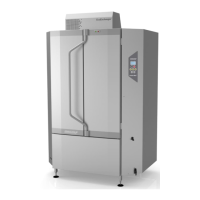
Remove or scrape off extraneous waste from the items to be washed
before loading them into the machine (Figure 2).
NB! Pots should not be soaked. To avoid foaming, do not prewash
with washing-up liquid. If foaming occurs, the machine will not
clean properly.
Loading utensils
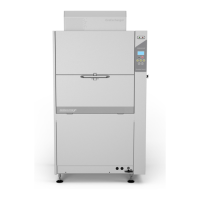
All pots shall be placed in the machine with the insides facing
the spray pipes (fig.3:1).
The GD 975 multi-cassette is supplied as standard with all
machines. There are also a number of optional extras.
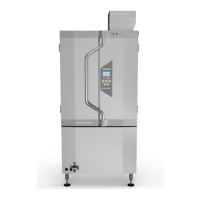
Inserting and removing the cassette
GD 900 Compact: The cassette is an integral part of the machine
and can be slid halfway out of the machine (fig.3:1).


 To Next Page