GB
77
Installation menu
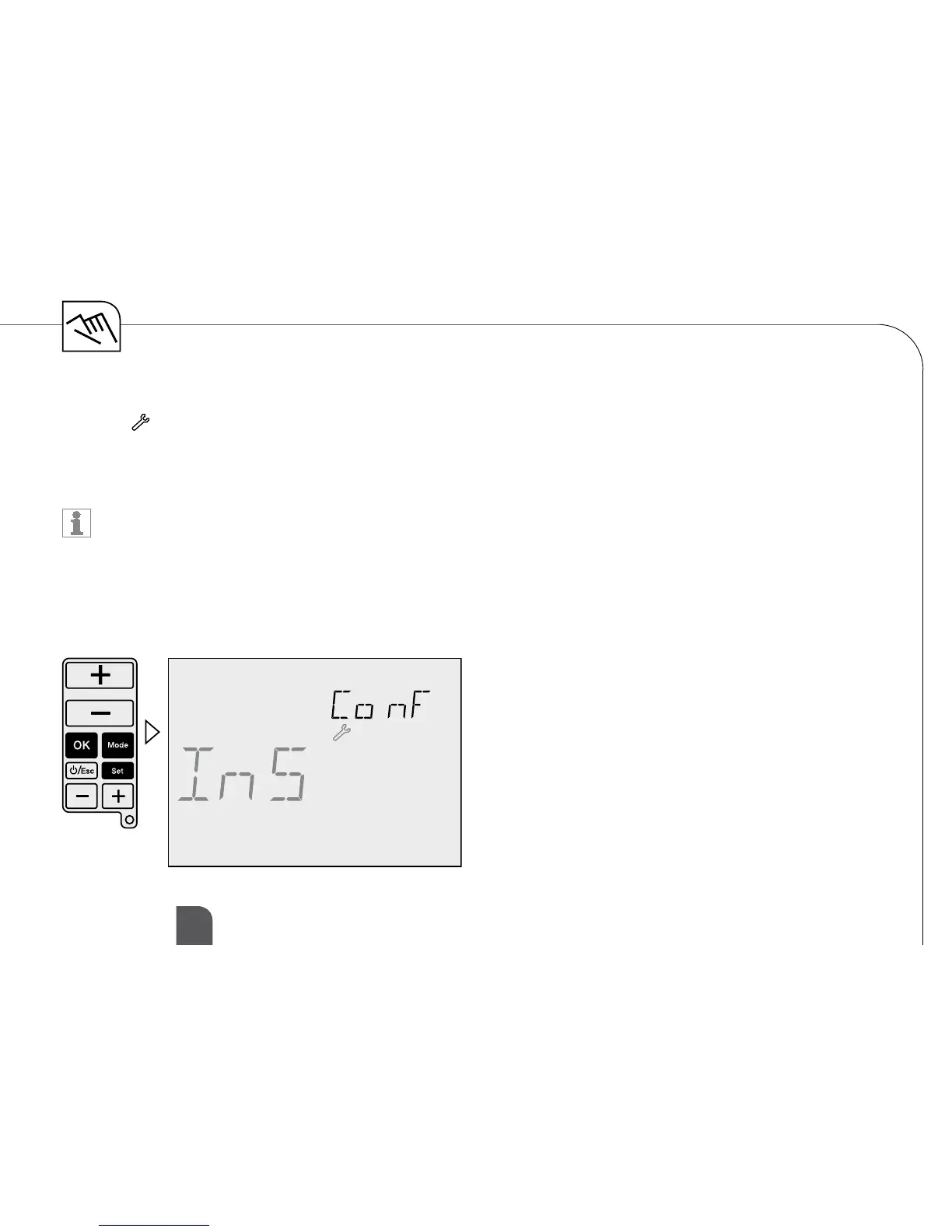
Symbol:
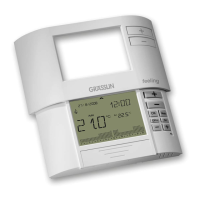
ToaccessthisCongurationmenu,presstheMODE-button, the OK-button and SET-button at the same
time until Installer menu is shown in the display. Press ESC-button to go to previous Menu.
The ajustments in this menu are only for experts.
Allpossibilitiesforadjustmentareshownwithaself-explaining,oatingrealtextinthedisplay.
Use lower +/– buttons to navigate through menus.
Use upper
+/– buttons to change values and OKtoconrm.


 To Next Page