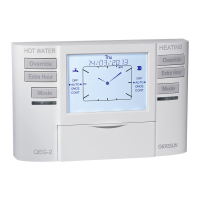
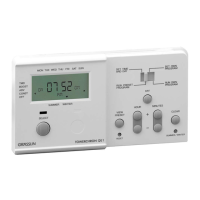
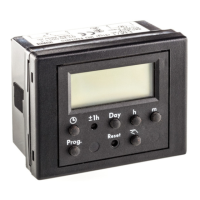
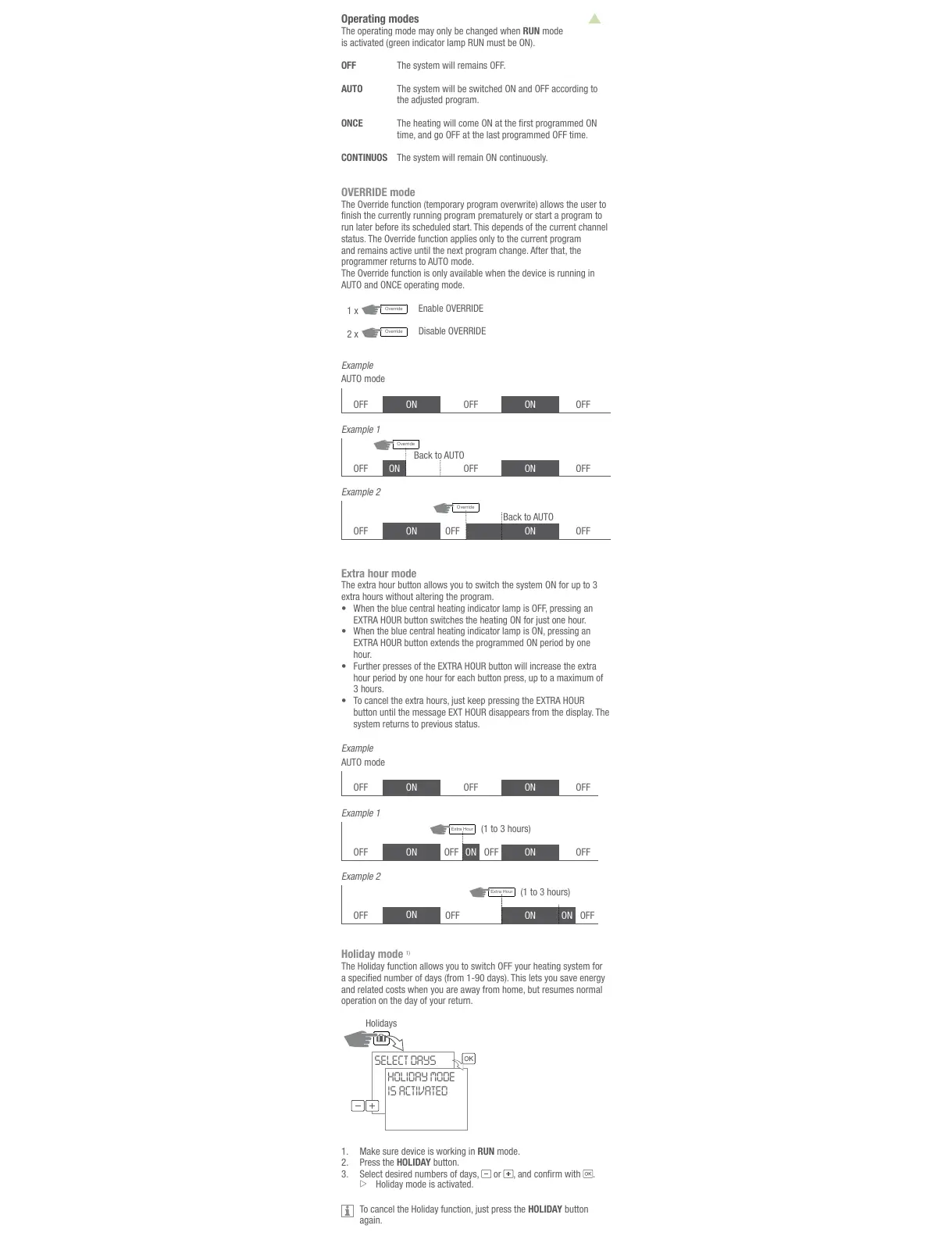
Holiday mode
1)
and related costs when you are away from home, but resumes normal
operation on the day of your return.
Holidays
SELECT DAYS
HOLIDAY MODE
IS ACTIVATED
1. Make sure device is working in RUN mode.
Press the HOLIDAY button.
3. Select desired numbers of days,
or .
HOLIDAY button
again.
Operating modes
The operating mode may only be changed when RUN mode
is activated (green indicator lamp RUN must be ON).
OFF The system will remains OFF.
AUTO The system will be switched ON and OFF according to
the adjusted program.
ONCE
time, and go OFF at the last programmed OFF time.
CONTINUOS The system will remain ON continuously.
OVERRIDE mode
The Override function (temporary program overwrite) allows the user to
run later before its scheduled start. This depends of the current channel
status. The Override function applies only to the current program
programmer returns to AUTO mode.
The Override function is only available when the device is running in
AUTO and ONCE operating mode.
Override
Extra hour mode
•
•
hour.
•
3 hours.
•
The
system returns to previous status.
OFF OFFOFF ONON
ON
ON
ON
OFF OFF
OFF
(1 to 3 hours)
(1 to 3 hours)
Example 1
OFF
ON
ON
OFF
OFF
Example 2
OFFON


 To Next Page
 Loading...