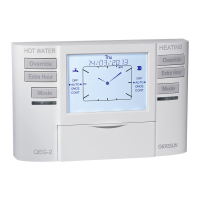
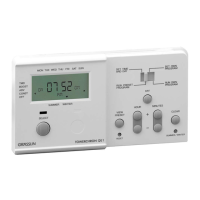
Installers menu
The programmer has a special installers menu where some
features can be adjusted to suit your lifestyle or preferences.
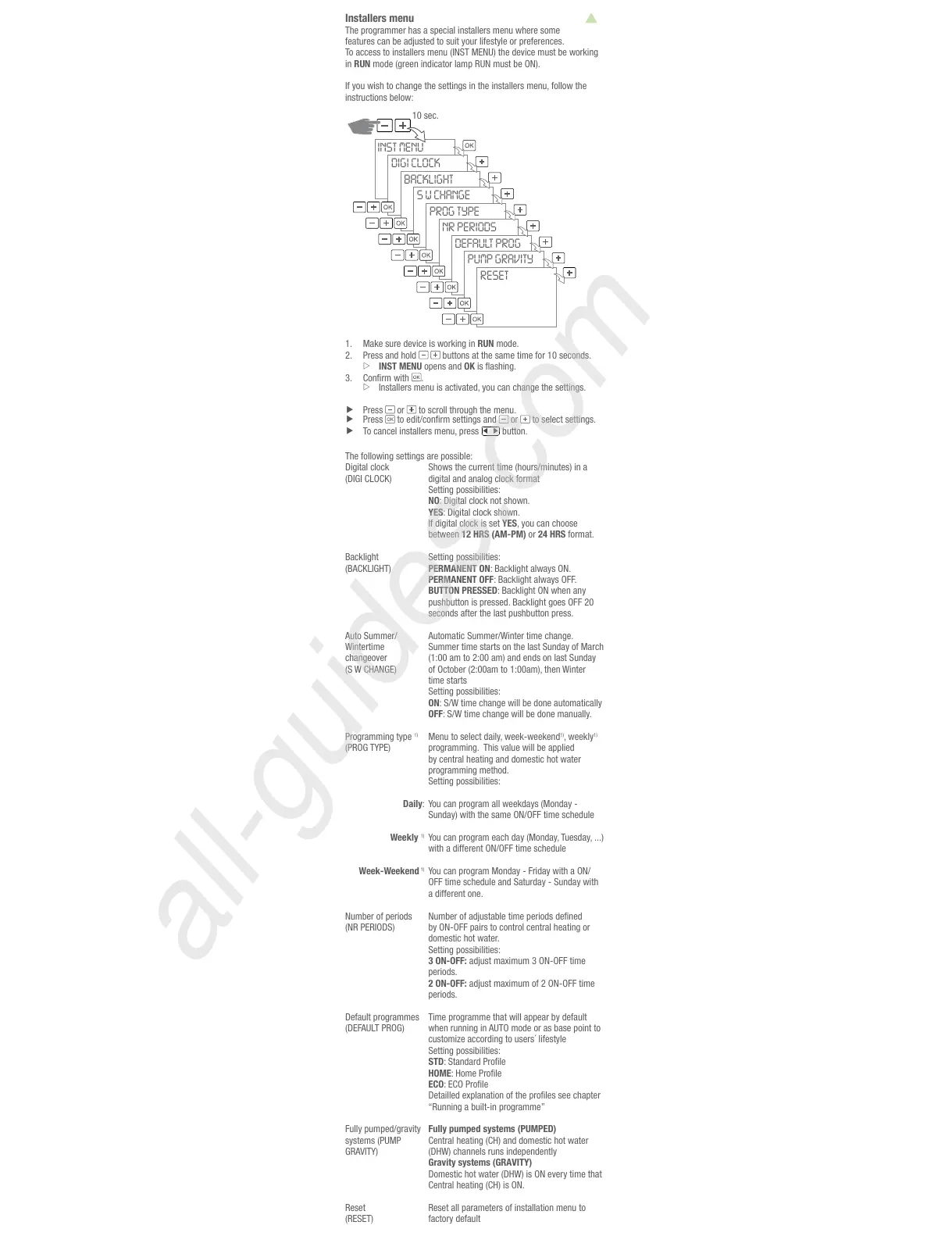
To access to installers menu (INST MENU) the device must be working
in RUN mode (green indicator lamp RUN must be ON).
If you wish to change the settings in the installers menu, follow the
10 sec.
INST MENU
DIGI CLOCK
BACKLIGHT
S W CHANGE
PROG TYPE
NR PERIODS
DEFAULT PROG
PUMP GRAVITY
RESET
1. Make sure device is working in RUN mode.
Press and hold
INST MENU opens and OK
3.
.
Installers menu is activated, you can change the settings.
Press or to scroll through the menu.
Press or to select settings.
To cancel installers menu, press
button.
Digital clock
(DIGI CLOCK)
Shows the current time (hours/minutes) in a
digital and analog clock format
NO
YES
If digital clock is set YES, you can choose
between 12 HRS (AM-PM) or 24 HRS format.
Backlight
()
PERMANENT ON
PERMANENT OFF
BUTTON PRESSED
seconds after the last pushbutton press.
Auto Summer/
changeover
Summer time starts on the last Sunday of March
time starts
ON
OFF
Programming type
1)
(PROG TYPE)
Daily
Weekly
1)
Week-Weekend
1)
Menu to select daily, week-weekend
1)
, weekly
1)
programming. This value will be applied
by central heating and domestic hot water
programming method.
You can program all weekdays (Monday -
Sunday) with the same ON/OFF time schedule
You can program each day (Monday, Tuesday, ...)
with a different ON/OFF time schedule
You can program Monday - Friday with a ON/
OFF time schedule and Saturday - Sunday with
a different one.
Number of periods
(NR PERIODS)
by ON-OFF pairs to control central heating or
domestic hot water.
3 ON-OFF:
periods.
2 ON-OFF:
periods.
Default programmes
(DEFAULT PROG)
Time programme that will appear by default
when running in AUTO mode or as base point to
STD
HOME
ECO
“Running a built-in programme”
Fully pumped/gravity
systems (PUMP
Fully pumped systems (PUMPED)
Gravity systems (GRAVITY)
Reset
(RESET)
Reset all parameters of installation menu to
factory default


 To Next Page
 Loading...