EasyManua.ls Logo

Grasslin Talento 371 Plus - Program Management; View, Edit, and Delete Programs

Grasslin Talento 371 Plus
Print Icon
To Next Page IconTo Next Page
To Previous Page IconTo Previous Page
Loading...
14
Prog.
OK
ON P01
15:00
HH:MM
OK
DEL
REVIEW
NEW
ESC OK
EDT OK
OK
OFF P02
18:00
HH:MM
EDT OK
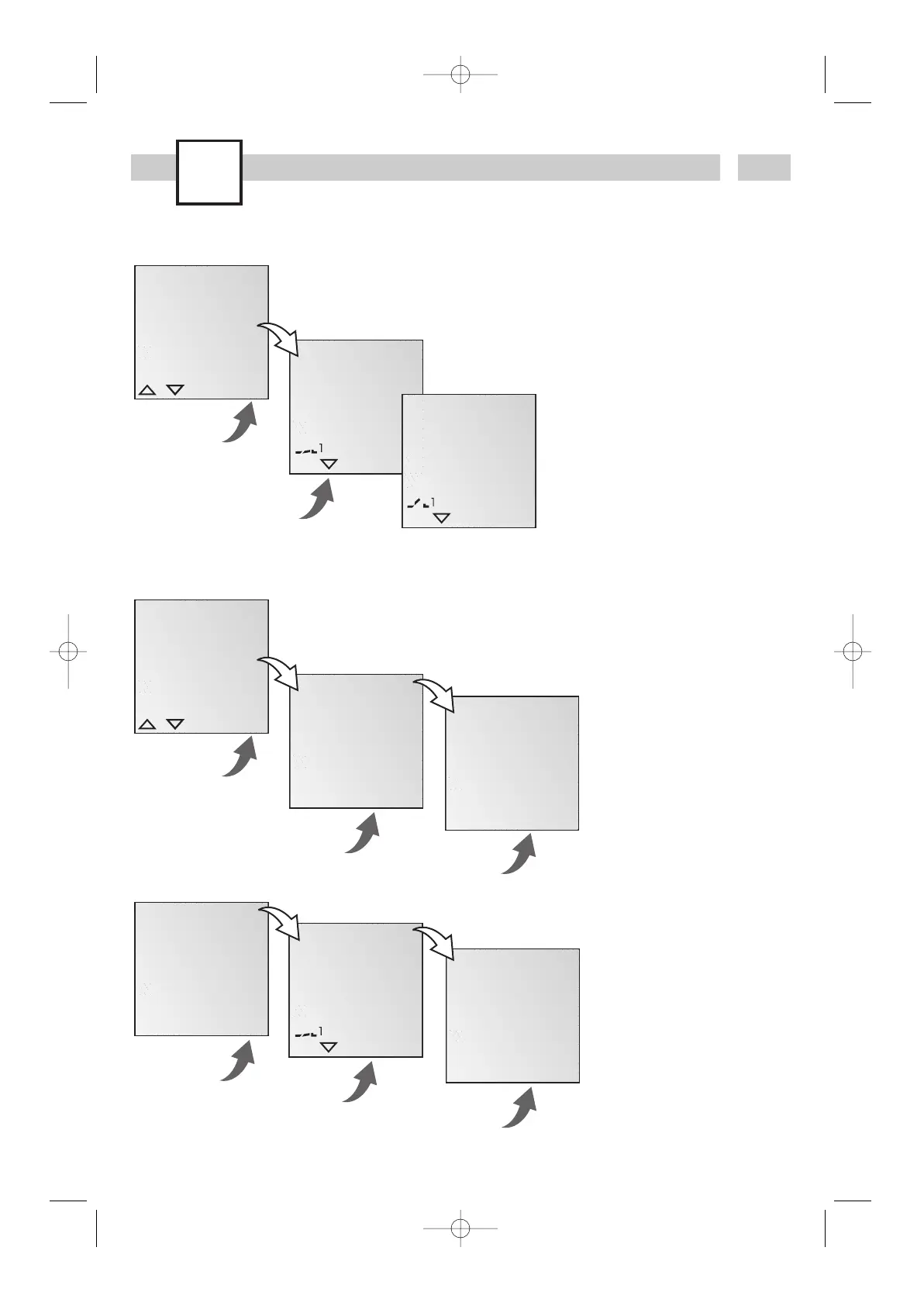
View, edit program
Info
· The program steps can
be scrolled through
with .
· The respective program
can be edited by
pressing EDT.
The procedure is the
same as when creating
a new program.
Info
· It is possible to delete all
programs with YES
· By pressing NO,
individual programs
can be deleted.
OK
DEL
ALL
OK
NEW
DEL
REVIEW
ESC OK
YES NO
OK
CONFIRM
YES NO
OK
ON P01
15:00
HH:MM
DEL OK
OK
DEL
ALL
YES NO
OK
CONFIRM
YES NO
Delete all programs
Delete individual programs
Info
When deleting individual
programs, the program
steps are always deleted
in pairs (e.g. P01 ON and
P02 OFF).
talento371/372plus-1 11.05.2004 16:01 Uhr Seite 14

Related product manuals