EasyManua.ls Logo

Grasslin Talento 472 plus - External Input Control; Manual Switch Operation; Process Timer Function

Grasslin Talento 472 plus
Print Icon
To Next Page IconTo Next Page
To Previous Page IconTo Previous Page
Loading...
36
OK
SELECT
CHANNEL
I
ESC
OK
OK
COUNT
EXT O/R
ESC OK
OK
TAXIMODE
EXT I/P
ESC OK
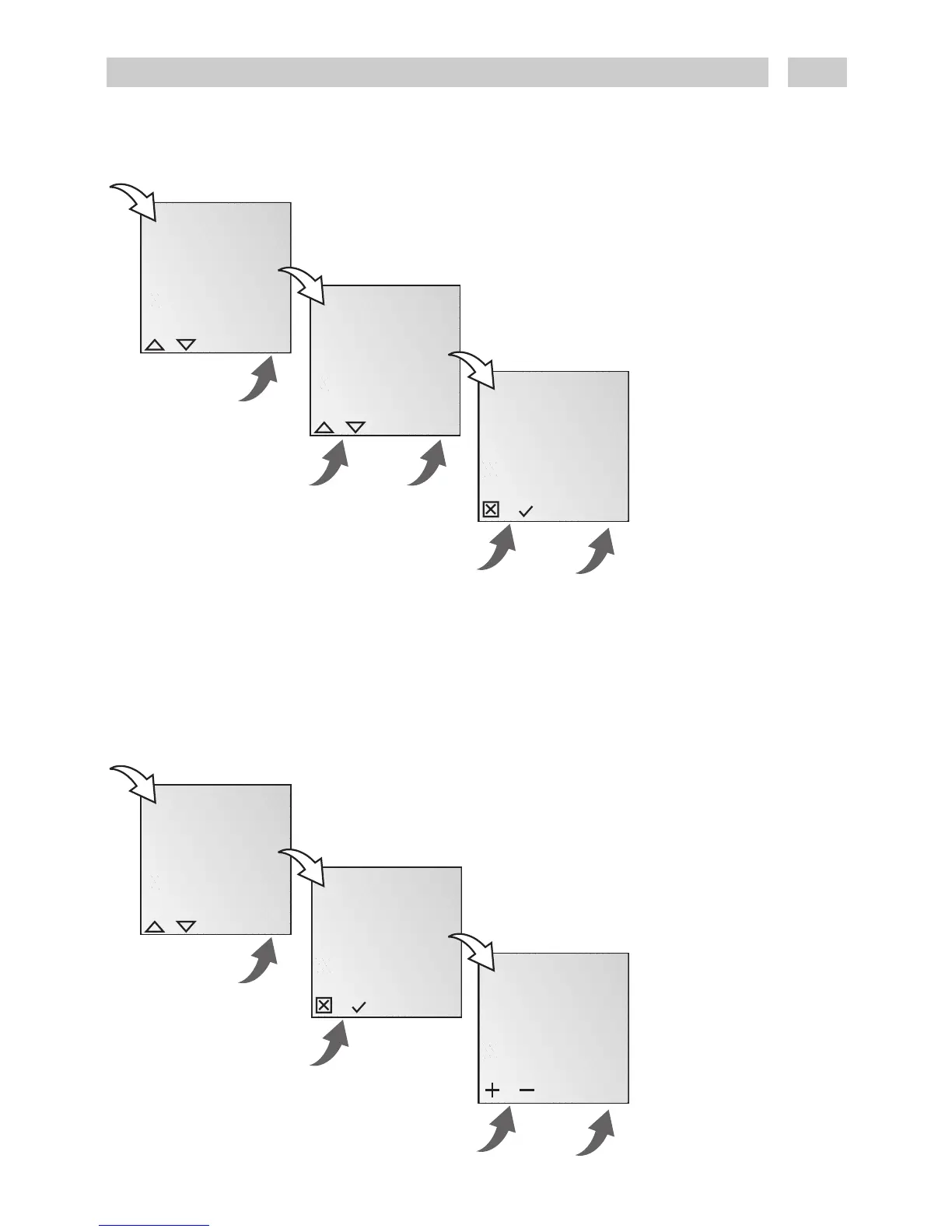
External input – manual switch
Info
An appropriate channel is
assigned to an external
button by selecting EXT
O/R.
When the button is
pressed, a switching
command is issued and
remains in effect until the
button is next pressed or
the next automatic
switching command is
issued.
Example:
Press external button.
Light ON until the next
programmed OFF
command or an OFF
command issued by again
pressing the manual
switch.
OK
SELECT
CHANNEL
I
ESC
OK
OK
MINUTES
07:30
ESC
OK
OK
EXT O/R
COUNT
ESC OK
External manual switch – process timer (max. 20 minutes)
Info
The time for the process
timer is set by selecting
COUNT. This is started by
pressing an external
button.
The process time is started
again from “0” by pressing
the button again.
The time is reset to “0” by
again selecting COUNT.

Related product manuals