Chapter Topics
Book Topics
GrIP User’s Guide
Chapter 5 – GrIP Software
...GrIPKey Keyboard Emulation Software, Cont’d.
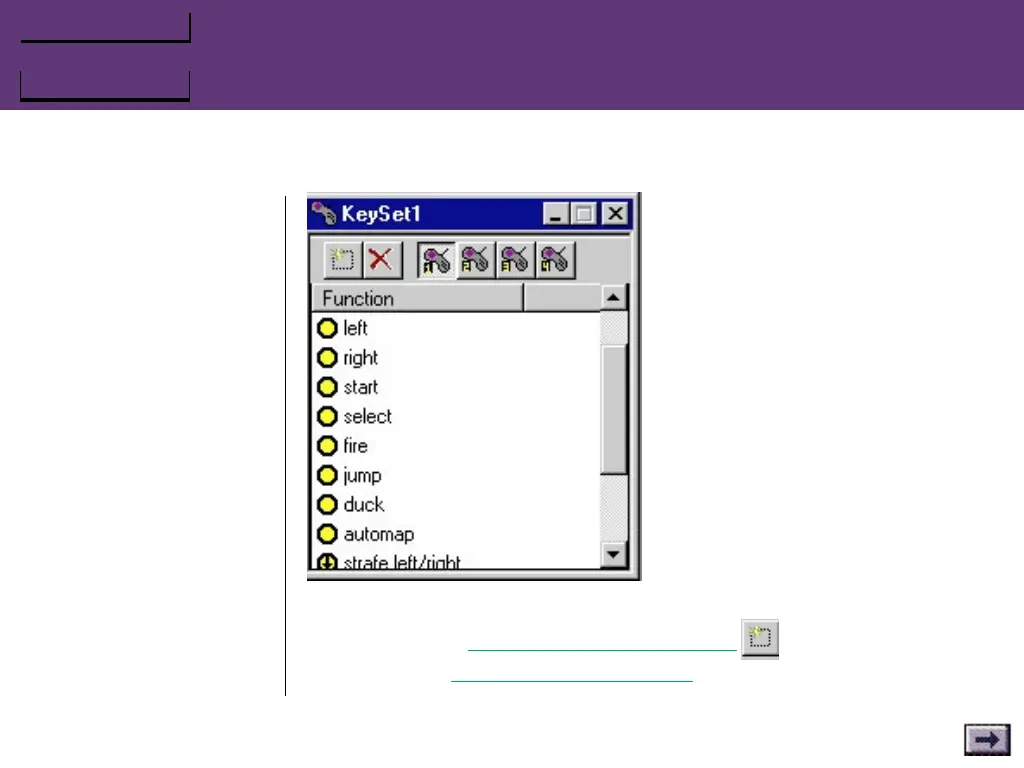
3. To enter the game‘s keyboard commands:
a. Click the Add New Function button in the Keyset win-
dow. The Function Configuration window opens.
b. Type a description in the Function Description field.
Sample functions
(a new KeySet will be blank)



 To Next Page