- 25 -
5.4 Installation of the display deportee
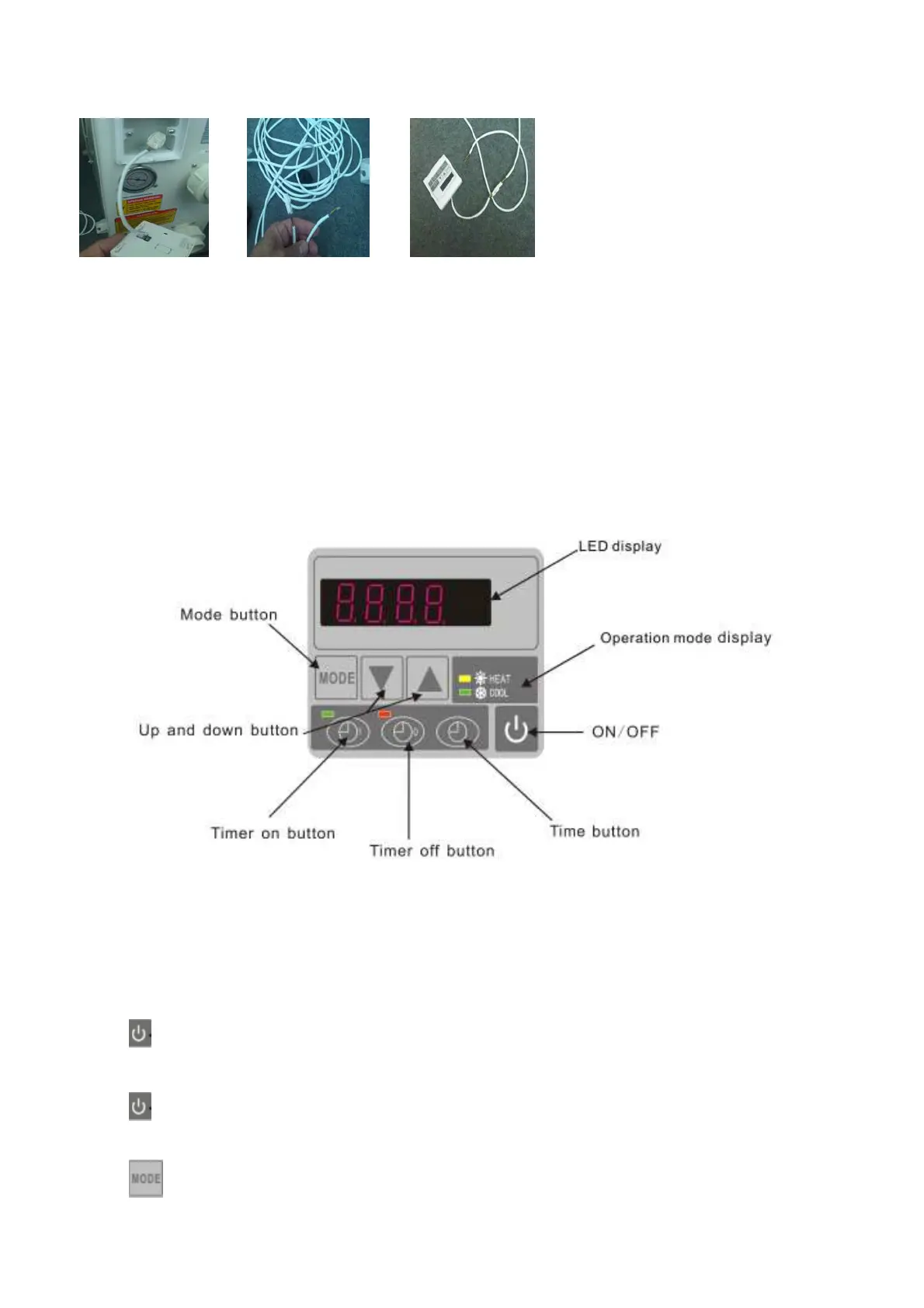
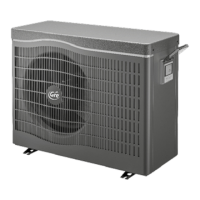
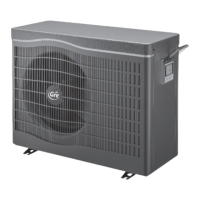
Photo (1) Photo (2) Photo (3)
- Disassembling of and disconnected control board of the connector (photo1)
- Installation of the provided cable (photo 2)
- To pass the cable by the press pack (photo 3) and to connect the port directly
6. Display Controller Operation
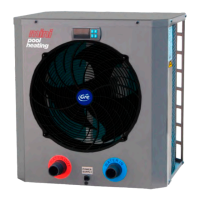
6.1 The buttons of LED wire controller
When the heat pump is running, the LED display shows the inlet water temperature.
When the heat pump is standby, the LED display shows the real time.
6.2 Start or stop the heat pump.
Press to start the heat pump unit, the LED display shows the desired water temperature for 5 seconds,
then shows the inlet water temperature.
Press
to stop the heat pump unit.
6.3 Choose heating or cooling mode:
Press until “heat” or “Cool” light is on.


 To Next Page