- 26 -
6.4 Setting the real time
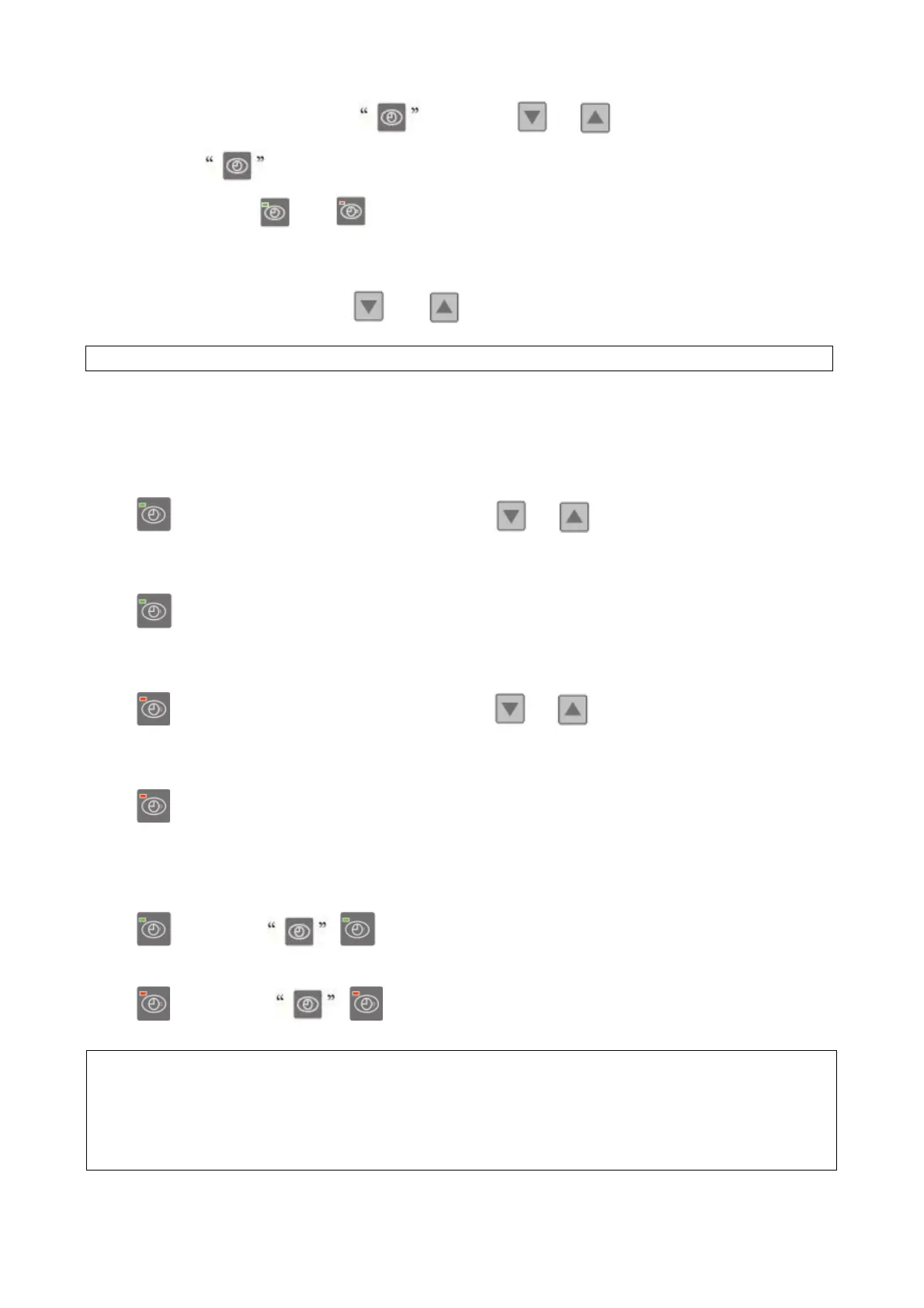
On standby or running mode, press , then press or to adjust hour/minute.
Then press the again to store the new data.
When setting the time, and cannot work.
6.5 Water temperature setting:
On standby or running mode, press and to adjust the desired water temperature
6.6 Automatic start/stop the heat pump
To set the time to start the unit
Press to set the time to start the unit, then press or to adjust the time (set the time for
start
5 minutes after the water pump).
Press again to store the new data.
To set the time to stop the unit
Press to set the time to stop running, then press or to adjust the time (set the time for
stop
5 minutes before the water pump).
Press
again to store the new data.
6.7 Cancel the automatic start/stop
To cancel the automatic starter
Press , then press , light off and the automatic start is off.
To cancel the automatic stop
Press , then press , light off and the automatic stop is off.
Note : If the water filtration system stops before the heat pump, the unit will shut down (security
condition) and the code EE3 or ON advertise on the controller.
It is important to program the heat pump link the time program of the water filtration system.
For restart the heat pump, turn off and turn on the electrical power supply to restart the unit.
Note : the heat pump can running only if the water circle/filtration system is running.


 To Next Page