


 To Next Page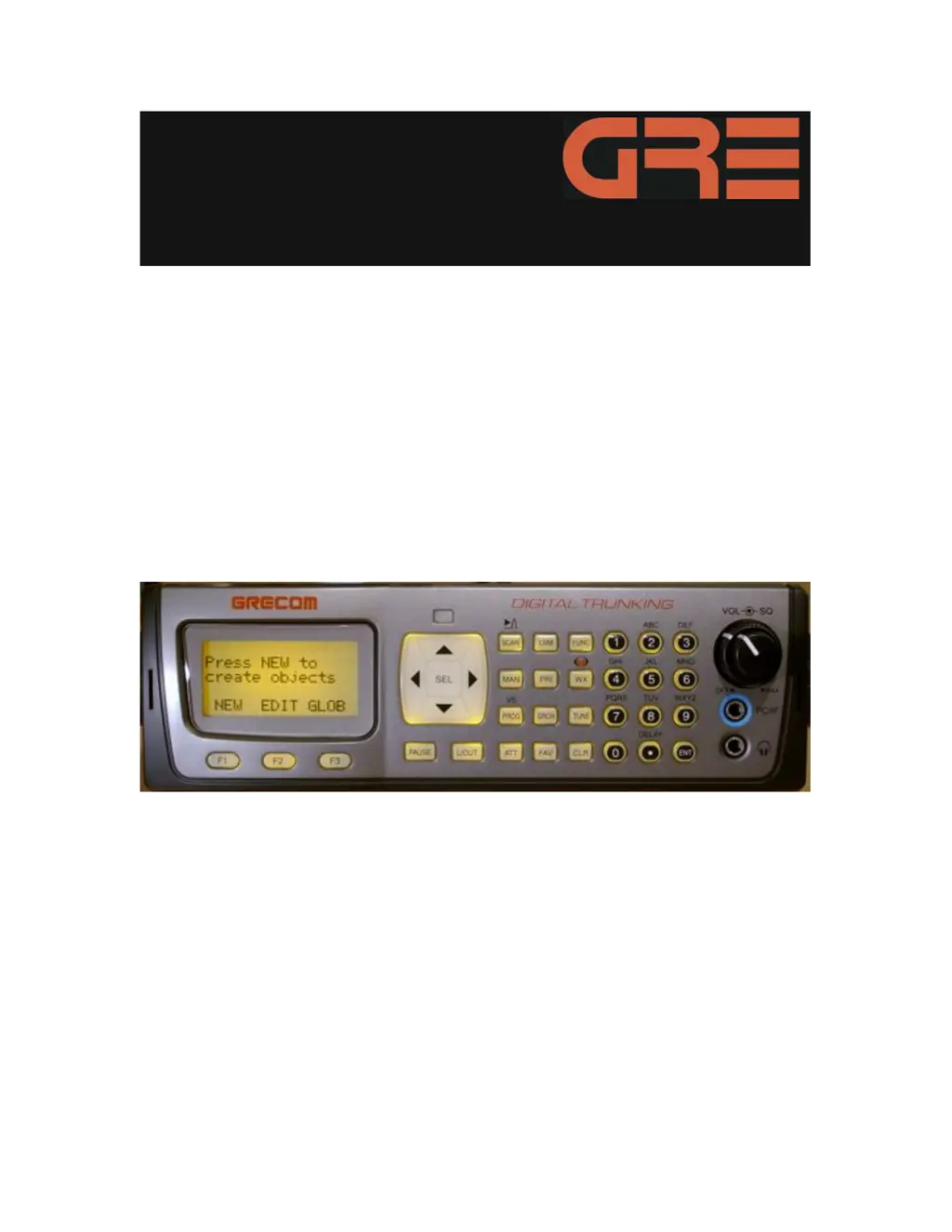
A
Alexander MurphyAug 6, 2025
What to do if my GRE Scanner will not scan when SCAN key is pressed?
- JJoseph MyersAug 6, 2025
If your GRE Scanner isn't scanning when you press the SCAN key, several factors could be at play: 1. A “birdie” frequency might be programmed. Try tightening the squelch, applying an attenuator, or locking out the “birdie” frequency. 2. The scanner might need a reset or initialization. Follow the steps to reset/reinitialize the scanner. 3. There might be no channels programmed, only one channel programmed, or all channels are locked out. Ensure that the scanner has more than one channel programmed and enabled for scanning. 4. The SQUELCH control might not be adjusted properly. Turn the SQUELCH control clockwise until scanning resumes.
 General




