EasyManua.ls Logo

GREAT PLAINS PL5200 - User Manual

GREAT PLAINS PL5200
110 pages
Print Icon
To Next Page IconTo Next Page
Loading...
Read the operator manual entirely. When you
see this symbol, the subsequent instructions
and warnings are serious - follow without
exception. Your life and the lives of others
depend on it!
Illustrations may show optional equipment not
supplied with standard unit.
!
Table of Contents Index
Original Instructions
411-825M
Great Plains
OPERATOR MANUAL
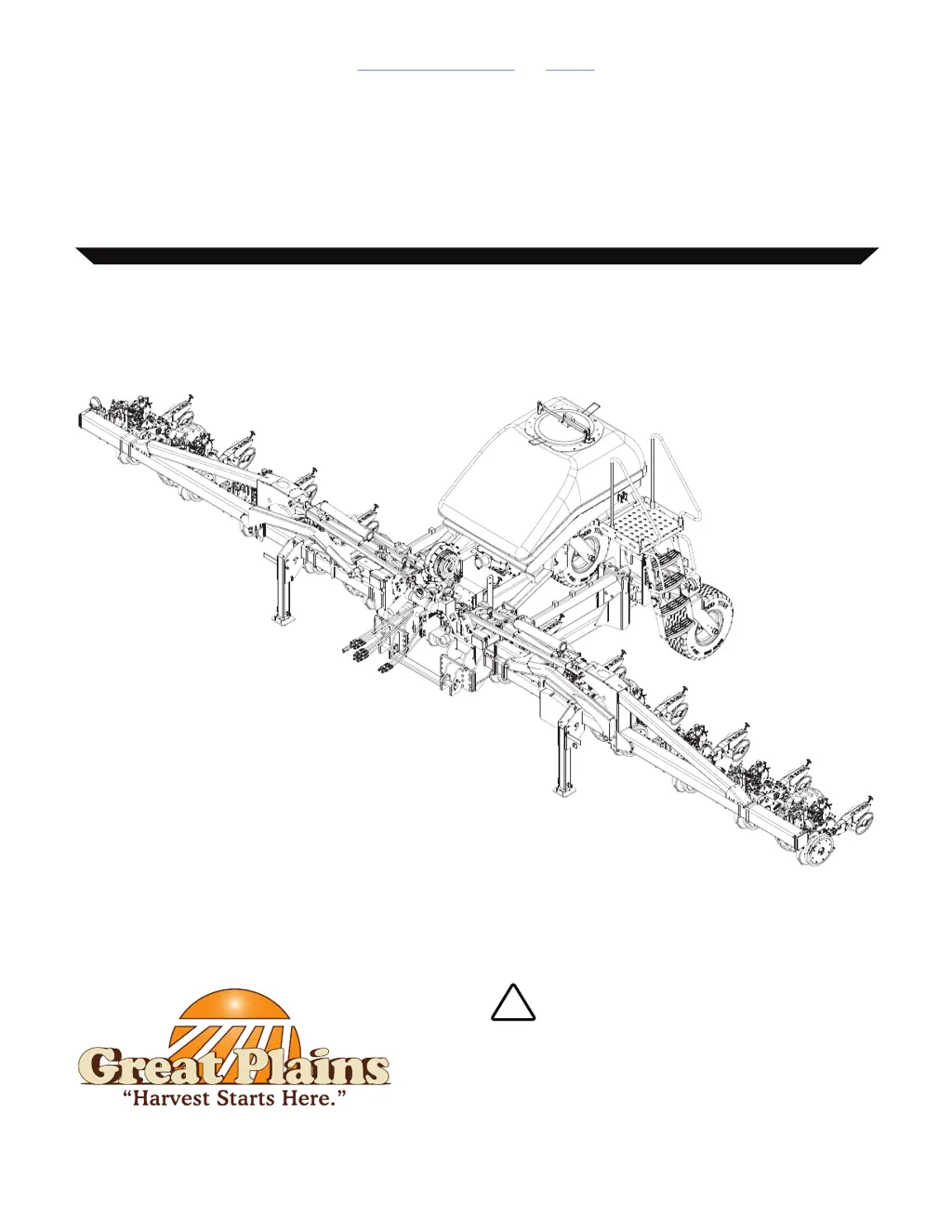
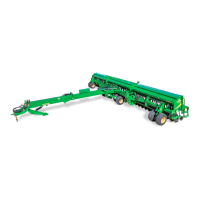
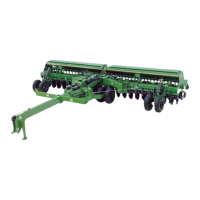
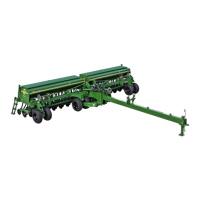
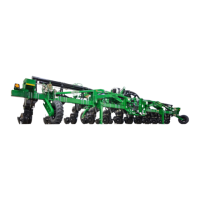
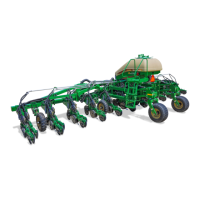
MODEL PL5200 40’ Stack-Fold Planter
PLANTER

Table of Contents

Questions and Answers

  • K
    Karen BowersAug 19, 2025
    Why is the seed population off (too high, too low, or no seed) on my GREAT PLAINS Farm Equipment?
    • Y
      ybowmanAug 19, 2025
      Several factors can cause an incorrect seed population. Check the seed rate charts in the Material Rate manual to ensure you're using the correct seed rate. Reduce field speed to recommended values if it's excessive. Make sure the tires are the correct sizes and inflated to the correct psi. Adjust the fan speed to the recommended rpm. Also, verify the range and transmission sprockets, inspect main shaft sprockets, and refer to the seed rate charts to confirm the correct seed disk. If the seed treatment is sticky, add seed lubricant. Finally, perform a speed calibration if the speed sensor constant is incorrect.
  • K
    Kaitlyn ShafferAug 21, 2025
    What to do if the hydraulic movement is jerky on my GREAT PLAINS PL5200?
    • R
      Ricky KellyAug 21, 2025
      Jerky hydraulic movement can stem from several causes. First, check and add fluid to the tractor hydraulic oil reservoir if it's low. Air in the hydraulic system can also cause this issue; slowly operate the hydraulics for several cycles to resolve it. Inspect the hitch area for tangled hydraulic hoses. Finally, check for seeping or leaking hydraulic oil, relieve pressure, and tighten hydraulic connections. If the problem persists, contact your Great Plains dealer for service.
  • R
    Richard WrightAug 23, 2025
    Why is the seed depth uneven with my GREAT PLAINS PL5200 Farm Equipment?
    • A
      andersonmarthaAug 25, 2025
      Uneven seed depth can occur due to several reasons. Reduce field speed to recommended values if it's excessive. If field conditions are too wet, wait for improved conditions. Ensure the seed firmer is correctly positioned with the right tension. Adjust row unit down pressure as needed. Rework the field if excessive debris or uneven conditions are present.
  • M
    Mark MorrisAug 26, 2025
    How to fix drag marks in the field caused by my GREAT PLAINS Farm Equipment?
    • J
      Jason JacksonAug 26, 2025
      Drag marks can be caused by several factors. Start by removing trash and mud from the row unit if the opener disks aren't freely turning. Inspect all row unit parts for damage, rust, wear, and maintenance needs, and then replace, adjust, or service them as necessary. If field conditions are too wet, wait for them to improve. Adjust the coulter depth if it's set too deep. If the Seed-Lok is plugging the row unit, consult the manual page 52 about “Seed-Lok Wheels Lock-up (Option)”. Reduce down pressure if there is too much. Finally, inspect the row unit frame for damage and replace it if needed.
  • R
    Richard SmithAug 28, 2025
    Why is the seed spacing uneven with my GREAT PLAINS PL5200?
    • S
      szavalaAug 28, 2025
      Uneven seed spacing can be attributed to a few reasons. If the hydraulic drive meter motor rpm is too low, increase field speed. If field speed is excessive, reduce it to recommended values. Additionally, check for and remove any obstructions in the row unit seed tube.
  • A
    Angela WhiteAug 30, 2025
    What causes seed hoses to plug or partially plug on my GREAT PLAINS PL5200 Farm Equipment?
    • M
      Mary WagnerAug 30, 2025
      Several factors can cause seed hoses to plug. Inspect the seed hoses and remove any obstructions. Ensure the fan speed is correct. If there's a sag or kink in the seed hoses, inspect them and remove the obstructions. Make sure the meter door and/or y-tubes are open. Verify that the seed hose assembly is properly placed. Finally, inspect for air leaks from the fan to the top of the meter.
  • J
    jasonphillipsSep 1, 2025
    What to do if my GREAT PLAINS PL5200 Farm Equipment planter does not fully unfold or fold?
    • L
      logan47Sep 2, 2025
      If the planter doesn't fully unfold or fold, it may be due to fold cylinders being out of phase. Slowly operate the fold hydraulics for several cycles until smooth hydraulic movements are achieved. If a large quantity of air is present in the hydraulic system contact your Great Plains dealer for service.
  • J
    Jeffrey BaileySep 4, 2025
    Why is the seed depth too shallow or the seed scattered when using my GREAT PLAINS PL5200?
    • A
      angelhendersonSep 4, 2025
      Shallow seed depth or scattered seed can result from a damaged seed tube, so replace it. Another cause may be that the opener depth is too shallow, so adjust the side depth wheels.
  • L
    Laura HarrisSep 6, 2025
    Why do I have one or more rows with little or no seed using my GREAT PLAINS Farm Equipment?
    • K
      Kayla BuckleySep 6, 2025
      Having rows with little or no seed can be due to several reasons. A set population value might be too high for the field speed, so reduce field speed. There might be foreign matter in the seed chamber, so clean it out. Or, the drop seed hose might be too long, so shorten the seed hose between the airbox to y-tubes.
  • D
    Dr. Lauren GomezSep 8, 2025
    What causes many consecutive population alarms on the seed monitoring console of my GREAT PLAINS PL5200?
    • T
      Thomas MolinaSep 8, 2025
      Consecutive population alarms often indicate a damaged or plugged seed tube. Inspect the seed tube for damage and/or plugging. Remove any obstructions, and replace the tube if necessary.

GREAT PLAINS PL5200 Specifications

General IconGeneral
BrandGREAT PLAINS
ModelPL5200
CategoryFarm Equipment
LanguageEnglish

Related product manuals