17
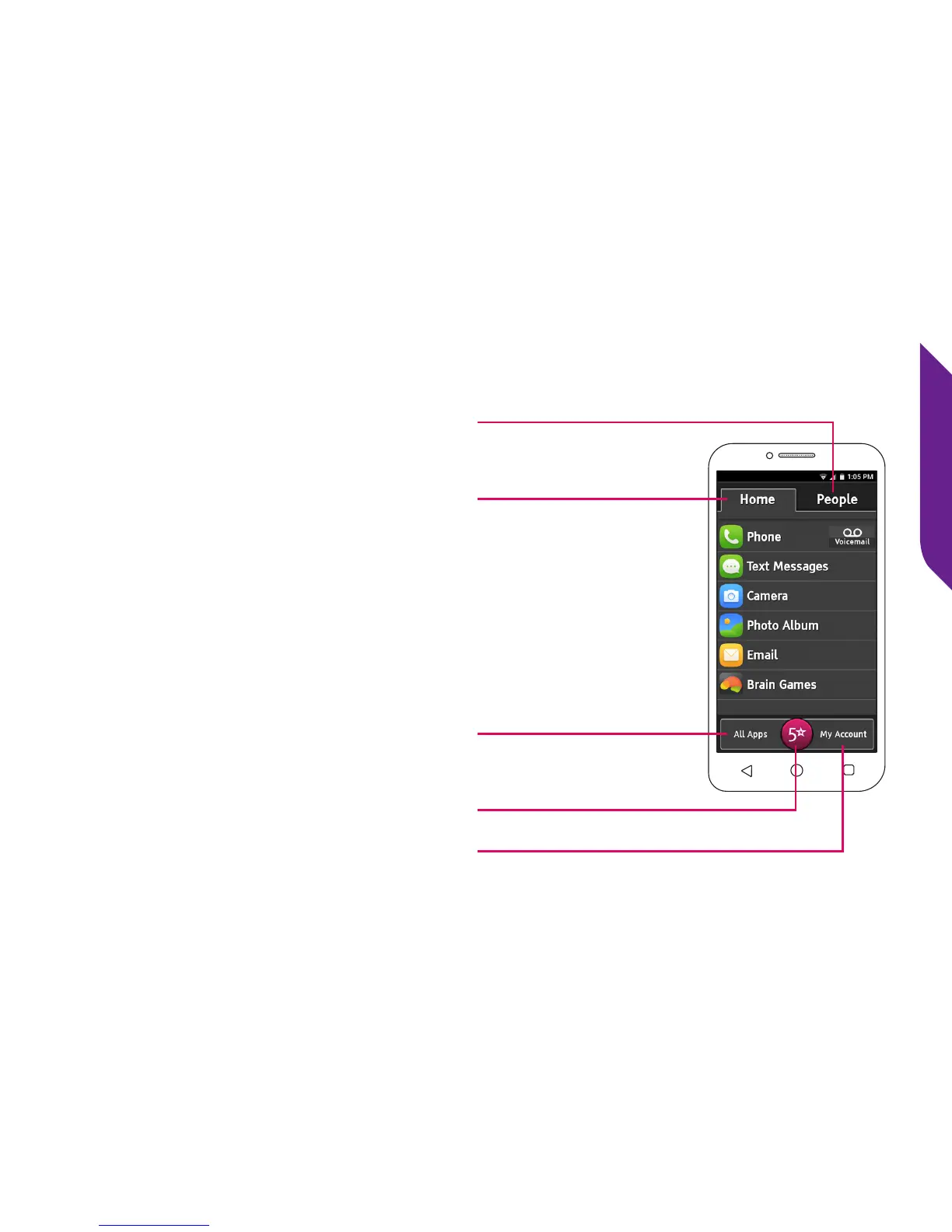
Jitterbug Home Screen
As soon as you unlock your phone
for the rst time, you will see the
Jitterbug Home Screen. From this
screen you can access all features of
your Jitterbug.
The Home Screen is organized with
two main tabs—Home and People.
It was designed to be simple, so you
can easily access apps and contact
people that are the most important to
you without having to search through
numerous icons.
People Tab
Home Tab
All Apps Button
5Star Button
My Account Button



 To Next Page