6
Activating Your Jitterbug
Before using your phone for the rst
time, it needs to be activated. The Setup
Wizard built into your phone will help
guide you through this process.
1. PRESS AND HOLD the Power/Lock
Button on the right side of your phone
to power it on.
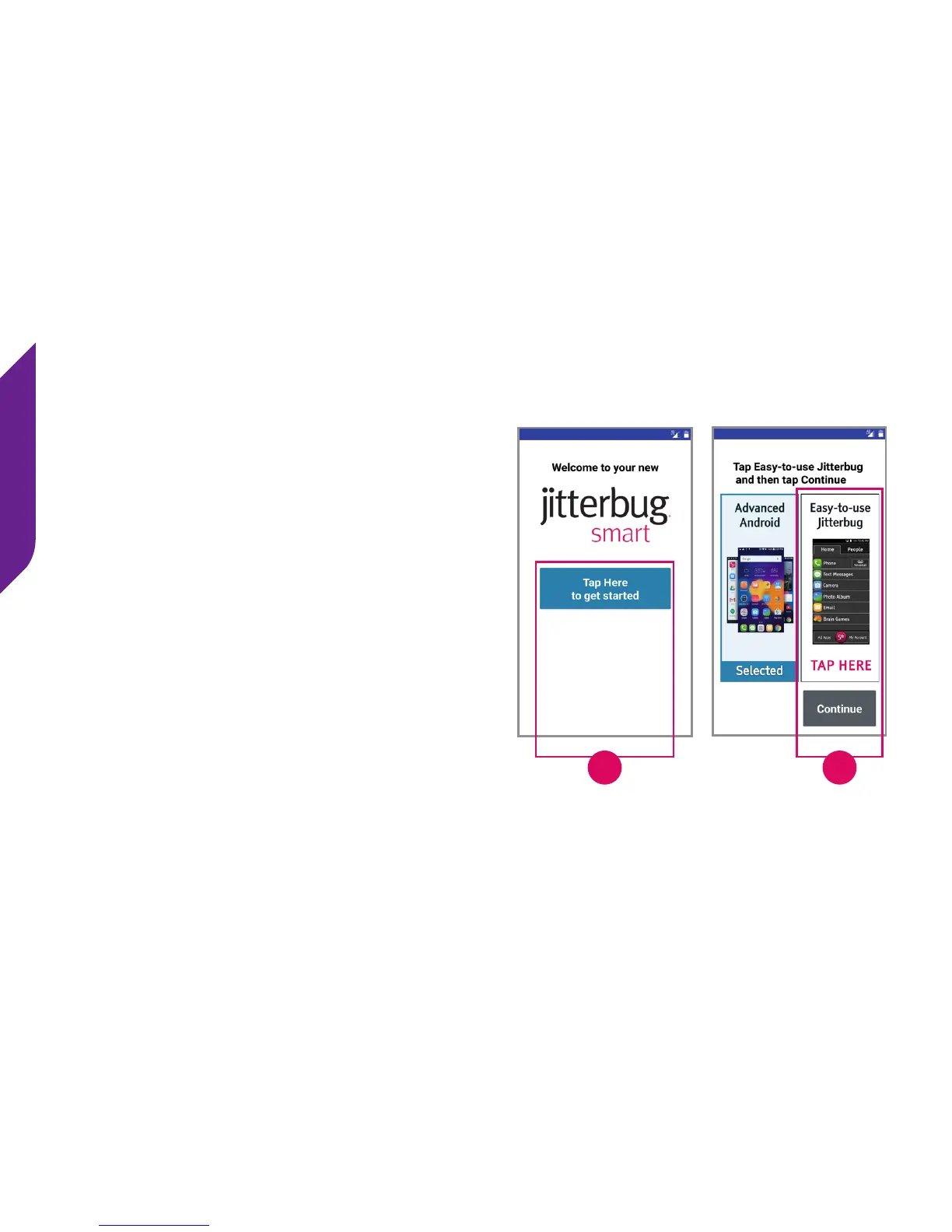
2. TAP the Tap Here to get started
button at the Welcome Screen.
3. IMPORTANT: TAP the Easy-to-use
Jitterbug option and then TAP Continue.
2
3



 To Next Page