Service Manual
Technical Information
28
6.Function and Control
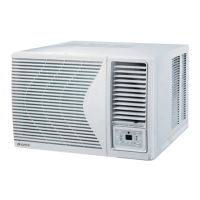
6.1 Introduction of Control Pane
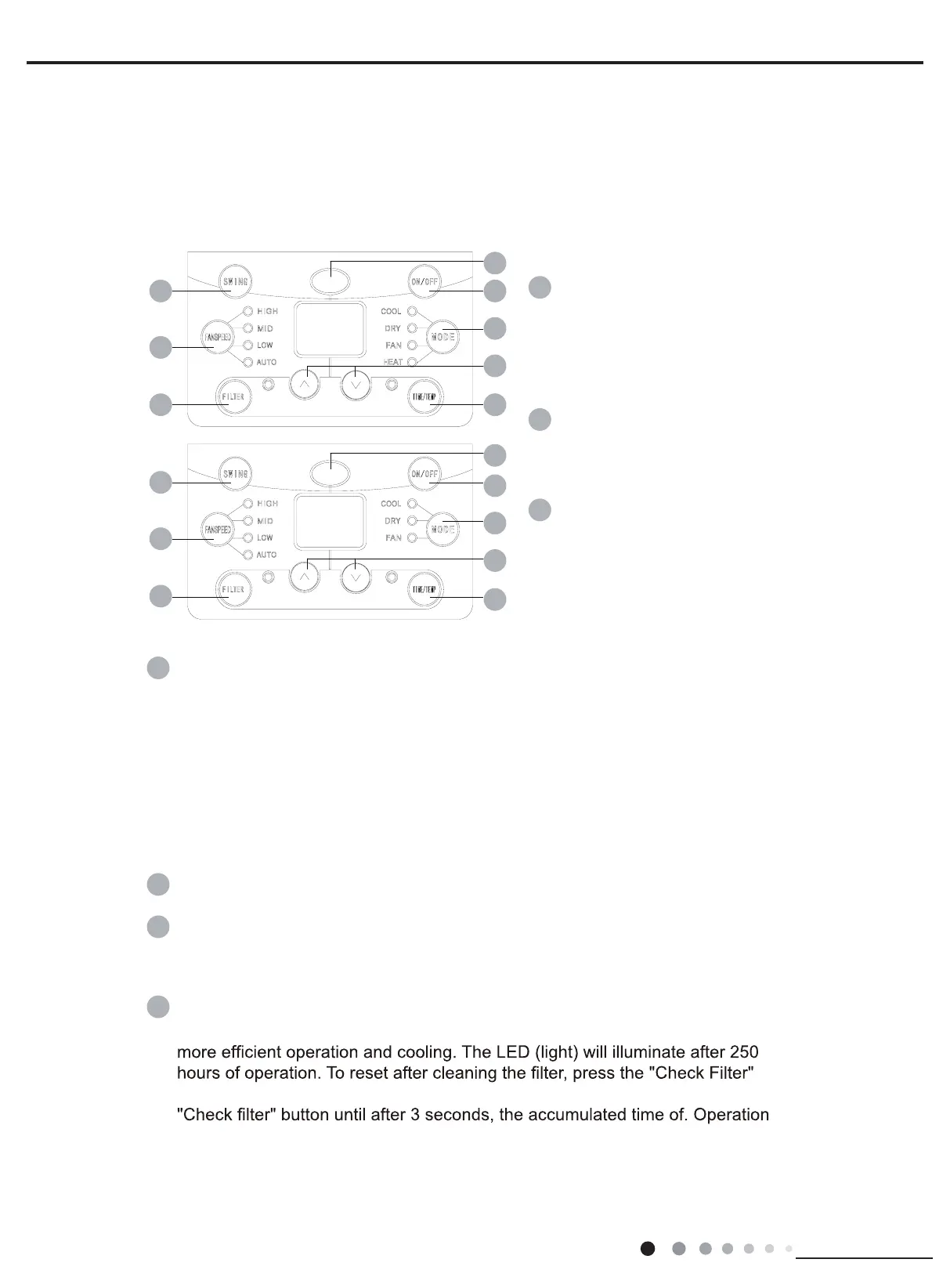
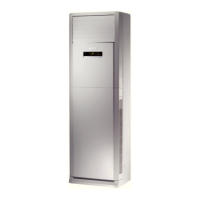
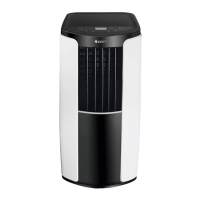
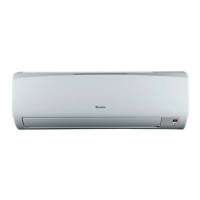
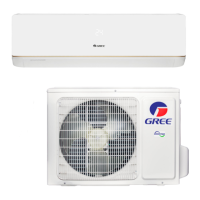
If wireless remote controller is lost, you can use the remote control panel and
operate manually.
5
1
2
4 TIME/TEMP BUTTON
ON/OFF BUTTON
Operation starts when pres-
sing this button, and stops
when pressing this button
again.
SWING BUTTON
Activate the automatic air
swing function.
6
5 SIGNAL RECEIVER
5
1
1
2
2
6
6
4
4
3
3
4
MODE BUTTON
Select the operation mode, AUTO, COOL, DRY, FAN, HEAT (for reverse cycle
model) or AUTO, COOL, DRY, FAN (for cooling only model).
4
7
7
3FAN SPEED BUTTON
Select the fan speed LOW,
MID, HIGH and AUTO in
sequence.
1 hour decrements, The time setting range is from 10~24 hours.
to decrease the selected time in 0.5 hour decrements, The time setting range
ġis from 0~10 hours. Press the keypad also to increase the selected time in
Ģ1 hour increments, and Press the keypad to decrease the selected time in
Press the
ġ
keypad to increase the set (operating) temperature of the unit. and
Press the
Ģ
keypad to decrease the set (operating) temperature of the unit.
The temperature setting range is from 16~30°C.Press the keypad also toġ
increase the selected time in 0.5 hour increments, and Press the
Ģ
ot dapyek
7 FILTER BUTTON
This feature is a reminder to clean the Air Filter (See Care and Cleaning) for
button and the light will go off. Before the LED(light) illuminate, press the
will be canceled.



 To Next Page