Indirect Gas-Fired Heat Modules30
Field Adjustments
Field adjustments that can be made to the FX controller
include:
• Go to high fire and return
• Adjust discharge air temperature setting
• Adjust inlet air sensor setting
• Adjust room override setting
Go to High Fire Mode
Setting the controller to High Fire mode will cause
it to activate the igniter circuitry and fully opens the
modulating gas valves. With the gas valves fully open,
the valves can be adjusted to permit the recommended
maximum amount of gas to the burner manifold.
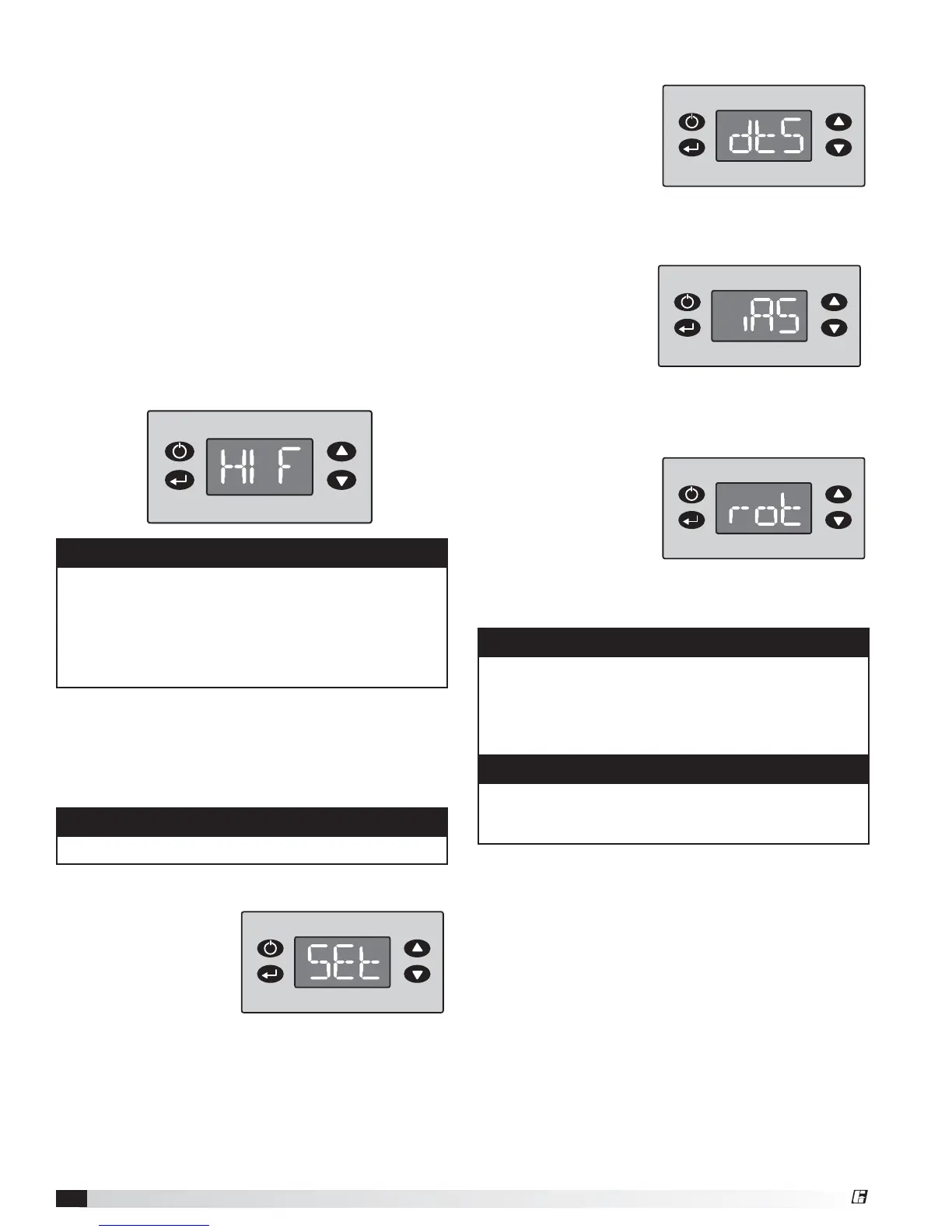
To send the unit to High Fire, press the “Enter” button
and the “Up” and “Down” buttons simultaneously for
three seconds until the readout shows “HIF”. The unit
will now remain in High Fire until the “Function” button
is pressed.
Return to Normal Operation
Return the unit to Normal Operation by pressing the
“Function” button. The readout will now show the
software version number and the three blinking LEDs at
the top of the screen will stop blinking.
Access the Setpoints Menu
Press and hold the
Function button for
three seconds to
access the Setpoints
Menu. The display will
read “SEt”. Press the
Enter button. To edit
the settings, follow the instructions in Program Mode
section.
Access the Discharge Air Temperature Setting
Go to the Setpoints
Menu and then scroll up
or down until the display
reads “dtS”. Press the
Enter button. To edit
the settings, follow the
instructions in Program
Mode section.
Access the Inlet Air Sensor
Go to the Setpoints
Menu and then scroll up
or down until the display
reads iAS. Press the
Enter button. Once the
display reads iAS, the
display will change to
the Inlet Air Sensor setting. To edit the setting, follow the
instructions in Program Mode section.
Access the Room Override Setting
Go to the Setpoints
Menu and then scroll
up or down until the
display reads rot. Press
the Enter button. The
display will change
to the room override
setting. To edit the setting, follow the instructions in
Program Mode section.
NOTE
The Room Override function requires a field-supplied
thermostat to be installed in the heated space and to
be wired between terminals 31 and 32 in the unit’s
control center. Reference the unit-specific wiring
diagram.
NOTE
The Room Override function temporarily changes the
discharge air temperature to the room override setting
if the room thermostat is not satisfied.
NOTE
• If the unit is placed in High Fire, it will remain in
High Fire until the “Function” button is pressed.
• Forcing the unit into High Fire in mild weather may
cause the high limit switch to trip. If the high limit
switch trips, it will reset automatically once the
discharge air temperature is at a safe level.
NOTE
Always check low fire after adjusting high fire.
Enter Down
UpFunction
®



 To Next Page