1 DESCRIPTION
1.1 PURPOSE
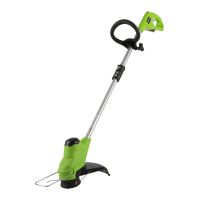
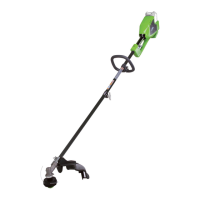
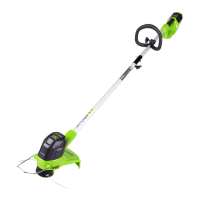
This machine is used to cut grass, light weeds, and
other similar vegetation at or around ground level. The
cutting plane must be approximately parallel to the
ground surface. You cannot use the machine to cut or
chop hedges, shrubs, bushes, flowers and compost.
1.2 OVERVIEW
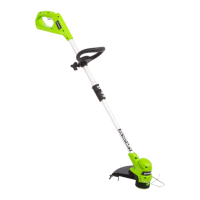
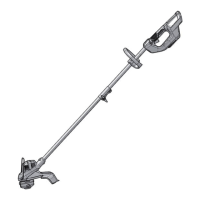
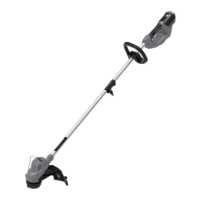
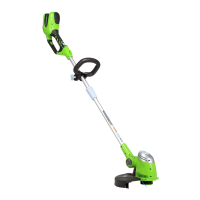
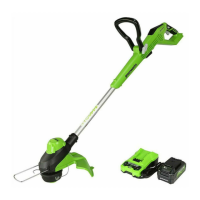
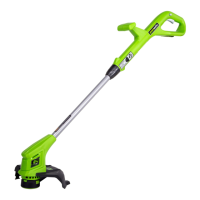
Figure 1 - 18.
1
Trigger
2
Rear handle
3
Lock-out button
4
Auxiliary handle
5
Upper shaft
6
Coupler
7
Lower shaft
8
Edger button
9
Guard
10
Cut-off blade
11
Edge guide
12
Trimmer head
13
Edger wheel
14
Pivoting button
15
Screw
16
Battery release button
17
Spool retainer button
18
Tab
19
Spool cover
20
Spool
21
Spool housing
22
Hole
A
Direction of roatation
B
Best cutting area
C
Dangerous cutting area
2 SAFETY
WARNING
Make sure that you do/obey all safety instructions.
Refer to Safety Manual.
3 INSTALLATION
WARNING
Remove the battery pack from the machine before
installation.
WARNING
Do not use accessories that are not recommended for
this machine.
3.1 UNPACK THE MACHINE
WARNING
Make sure that you correctly assemble the machine
before use.
WARNING
• If the parts have damage, do not use the machine.
• If you do not have all the parts, do not operate the
machine.
• If the parts are damaged or missing, speak to the
service center.
1. Open the package.
2. Read the documentation in the box.
3. Remove all the unassembled parts from the box.
4. Remove the machine from the box.
5. Discard the box and package in compliance with
local regulations.
3.2 ATTACH THE GUARD
Figure 2.
WARNING
Do not touch the cut-off blade.
1. Remove the screws from the trimmer head with a
Phillips head screwdriver (not included).
2. Put the guard onto the trimmer head.
3. Align the screw holes on the guard with the screw
holes on the trimmer head.
4. Tighten the screws.
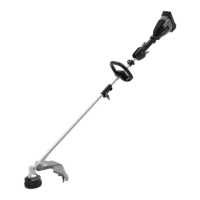
3.3 ASSEMBLE THE SHAFT
Figure 3.
1. Insert the lower shaft into the coupler on the upper
shaft.
NOTE
Make sure the upper and lower part of shafts are
securely tightened before installing the battery pack
again.
2. Tighten the coupler.
3.4 INSTALL THE BATTERY PACK
Figure 4.
4
English
EN




 To Next Page