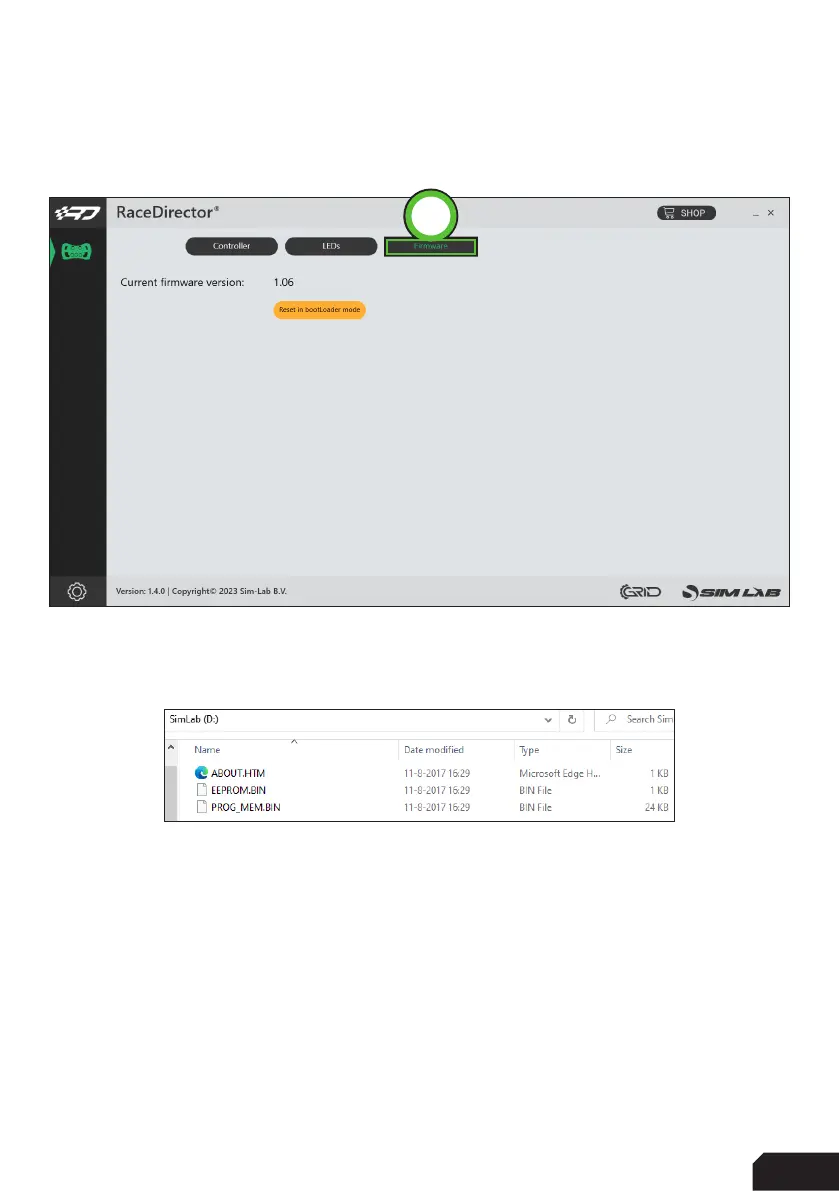
Firmware (C)
On this page you can see the current firmware loaded on the wheel. If it is needed to
updated, this is done through this page.
Press ‘Reset in BootLoader mode’ (1). This will reboot your wheel in this case. When it
has rebooted, an explorer window will pop up, like the wheel has temporarily turned
into a large USB drive.
Download the latest firmware (hex file) from either our Discord or the GRID
Engineering website. Simply drag the downloaded hex file into the window like above.
The file will transfered to wheel, installed and the wheel will reboot. The explorer win



 To Next Page