EasyManua.ls Logo

Grifco MH6102 - User Manual

Default Icon
24 pages
Print Icon
To Next Page IconTo Next Page
Loading...
Chamberlain Australia Pty Ltd
Unit 1, 75 Epping Rd
North Ryde NSW 2113
Ph: 1800 GRIFCO
www.grifco.com.au
Ref: D-M-RDO-006B
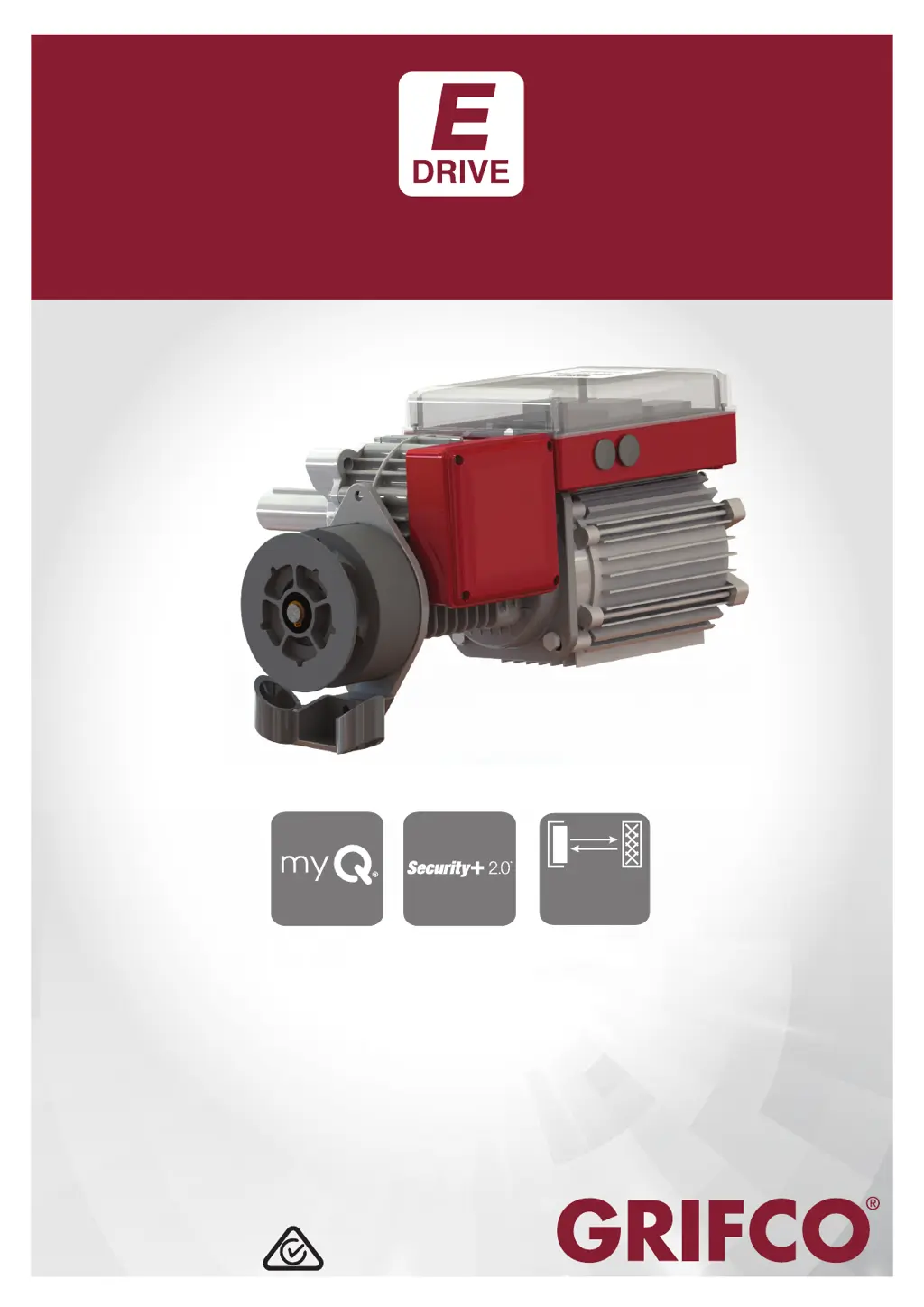
MH Series
ML Series
Compatible with Security+ 2.0
®
accessories
Compatible with Grifco myQ Internet Gateway
E-Drive
INSTRUCTION MANUAL
Reflective
Safety Beam
Compatible
Compatible
Chamberlain New Zealand Ltd
17B Arrenway Drive, Rosedale 0623
Auckland
Ph: 0800 653 667
www.grifco.co.nz

Questions and Answers

  • K
    Kyle AyersAug 18, 2025
    How to troubleshoot Grifco MH6102 when no lights are displayed?
    • P
      pwhitakerAug 18, 2025
      If there are no lights on the MCB or Controller, check the transformer and power supply wiring to ensure they are correctly connected. If there is a light on at the MCB but not on the Controller, there may be a bad connection to the Controller.
  • H
    Heidi HartAug 20, 2025
    What to do if Grifco MH6102 shows that Entrapment Protection Device is removed?
    • N
      nicholewellsAug 20, 2025
      If the opener has detected removal of an Entrapment Protection Device, set DIP 1 to OFF and press the ‘reset’ (RST) button on the MCB for 10 seconds. Relearn any remaining Entrapment Protection Devices.
  • A
    Alexander CooperAug 23, 2025
    Why is my Grifco Door Opening System showing an under speed error?
    • S
      Sara WardAug 23, 2025
      An under speed error can be caused by extreme load on the door. Check for objects causing interference to door operation, inspect the door installation, and check for damage to the motor. Consider upgrading to a larger opener if necessary.
  • K
    Kurt AdkinsAug 25, 2025
    Why is the Grifco MH6102 Door Opening System push button not responding?
    • J
      Jacob ShieldsAug 26, 2025
      A non-responsive push button can be due to several reasons: * Check that the RJ45 plugs are securely clipped in at both the Controller and MCB. * Inspect the Controller cable for damage and check connections. * If the Controller buttons are forced and dislodged from the rear of the lid, replace the Controller cable or the Controller.
  • R
    Robert ReevesAug 27, 2025
    What causes clutch slip in Grifco MH6102?
    • M
      maria33Aug 27, 2025
      Clutch slip can be caused by a clutch adjustment set too low, a stalled motor (check the door for mechanical failure or motor fault), or extreme vibration or impact during transit. In the case of extreme vibration, replace the MCB.
  • G
    gardnerrobertAug 29, 2025
    What does APE error mean on my Grifco Door Opening System?
    • L
      Laura SullivanAug 30, 2025
      An APE error can be caused by an APE position jump or issues with the APE cable (disconnection or fault) or severe close range frequency. To resolve, press the ‘reset’ (RST) button on the MCB for 3 seconds, reconnect the APE cable, or replace the APE cable or APE assembly.
  • L
    linda80Sep 1, 2025
    What to do if power light is on but Grifco MH6102 Door Opening System door won't go down?
    • A
      Alexander ThomasSep 1, 2025
      If the green status light is flashing 2 times, check for obstructions or IR beam misalignment. If it flashes 3 times, check for persistent IR beam obstruction, misalignment or bump edge wiring problem.
  • S
    Sarah MillerSep 3, 2025
    Why does my Grifco MH6102 Door Opening System activate from the controller but not the remotes?
    • T
      Tammy FoxSep 3, 2025
      If the limits are set, change the remote battery. If using an Expansion board, check the key switch position is in auto and check the MCB and Expansion board DIP switches are set correctly. Also, check that the remote is learned and the receiver card is picking up the signal. If limits are not set, set the limits.
  • M
    Michael RandolphSep 6, 2025
    What does MCB error mean on Grifco MH6102 Door Opening System?
    • K
      Kimberly WaltersSep 6, 2025
      An MCB error indicates an internal error. Power the system off, and then on again. If the error persists and is un-resettable, replace the MCB.
  • M
    Monica StewartSep 8, 2025
    What does Safety Input Error mean for Grifco Door Opening System?
    • S
      Shawn CookSep 8, 2025
      A Safety Input Error indicates that the safety input has triggered. Assess the device connected to the Safety Input.

Summary

Safety Instructions

Main Control Board (MCB)

Wire Stripping

Installation

Mounting the Unit

Guidance on mounting the E-Drive unit and associated considerations.

Connecting power

Details on power connection types for different E-Drive builds.

Controller

Overview of the E-Drive controller buttons, indicators, and installation.

Setup and Adjustment

Changing door direction

Procedure to reverse the door's movement direction via controller settings.

Setting Limits

Setting Limits

Step-by-step guide to set the closed and opened door limits.

Setting a third limit

How to configure an additional upper stop position for the door.

Door Behaviour

Entrapment Protection and Accessories Inputs

Toggle Input (2 wire)

How the 2-wire input functions for single-button operation.

Setting Up Entrapment Protection Device

Procedure for learning safety devices into the opener.

Auto Close and Wireless Accessory Set Up

Set Auto Timer to Close (no expansion board fitted) from the Controller

Steps to set the auto-timer to close function via the controller.

Learning a New Wireless Accessory (including myQ Gateway) from the Controller

Procedure to learn wireless accessories via the controller.

Erase All Learned Wireless Accessories from the Controller

Steps to remove learned wireless accessories from the controller.

Maintenance

Troubleshooting

Status Indicator (Green) Flash; Problem Table

Table linking green flash counts to specific problems and solutions.

Grifco MH6102 Specifications

General IconGeneral
BrandGrifco
ModelMH6102
CategoryDoor Opening System
LanguageEnglish

Related product manuals