EasyManua.ls Logo

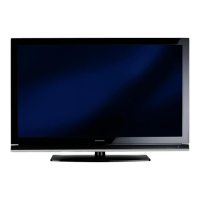
Grundig 48 VLX 8481 WL - User Manual

Grundig 48 VLX 8481 WL
100 pages
Print Icon
To Next Page IconTo Next Page
Loading...
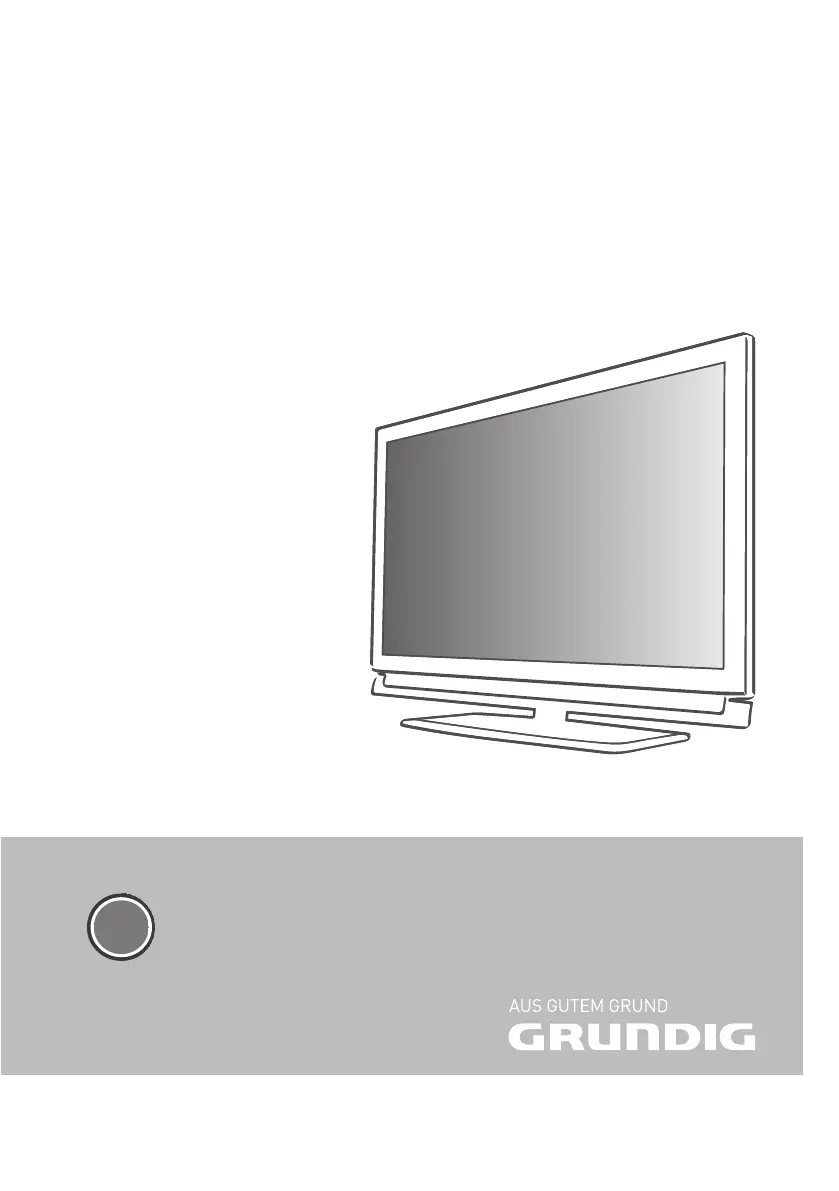
LCD TV with LED Backlight
48 VLX 8481 WL
EN

Table of Contents

Questions and Answers

  • B
    bradley32Aug 9, 2025
    How to fix a Grundig LCD TV with snow but no station?
    • K
      Katrina ClarkAug 9, 2025
      If your Grundig LCD TV screen is lit but showing snow and no station, here are a few things to check: * Ensure the antenna cable is securely connected. * Try starting a station search to program available channels. * Adjust the brightness, contrast, or color settings, as they might be incorrectly set. * Test with a different TV station to rule out a problem at the station. * Change the position of your Grundig LCD TV to avoid potential interference from other devices.
  • J
    Jared NewmanAug 13, 2025
    What to do if the Grundig LCD TV remote control does not work?
    • P
      Pamela WalkerAug 14, 2025
      If the remote control for your Grundig LCD TV isn't working, consider the following: 1. Ensure you're pointing the remote directly at the television. 2. Check and replace the remote batteries if needed. 3. Try switching off the television using the main power button for about 2 minutes.
  • W
    walkergregoryAug 19, 2025
    Why does my Grundig LCD TV have ghosting or reflection?
    • S
      Sabrina GriffinAug 19, 2025
      If you're seeing ghosting or reflections on your Grundig LCD TV, here's what you can do: * Check the channel setting with automatic or manual channel setting/fine tuning. * Have your antenna cable or system checked. * Adjust the color intensity; if it's at maximum, turn it down. * If available, select the correct color standard in the TV standard settings. * Test with another channel to see if the problem is specific to one station. * Ensure the volume is not set to minimum; turn it up or switch it on.
  • A
    Adam DavisAug 25, 2025
    What to do if Grundig 48 VLX 8481 WL DMS device cannot be found?
    • N
      Nancy JohnsonAug 25, 2025
      If your Grundig LCD TV cannot find a DMS device, ensure that the DMS device is switched on and operating. Also, check the network settings to make sure they are configured correctly.
  • C
    chriswyattAug 28, 2025
    Why is Teletext missing or faulty on my Grundig LCD TV?
    • R
      Ruth HarrisAug 28, 2025
      If the teletext on your Grundig LCD TV is missing or faulty, test with another channel. This helps determine if the issue is with the station. Check the antenna system, as a weak station signal could be the cause. Also, test another channel for fine tuning and ghosts to rule out television station problems or antenna system issues.
  • R
    Richard McintoshSep 2, 2025
    How to fix a dark picture in PC mode on Grundig LCD TV?
    • R
      Roy Smith Jr.Sep 2, 2025
      If the picture is dark in PC mode on your Grundig LCD TV, the issue may be due to an incorrect setting for picture resolution and picture frequency on the PC. Try changing the setting on the PC, for example, to a picture resolution of 1280 x 768 and a picture frequency of 60Hz.

Grundig 48 VLX 8481 WL Specifications

General IconGeneral
BrandGrundig
Model48 VLX 8481 WL
CategoryLCD TV
LanguageEnglish

Related product manuals