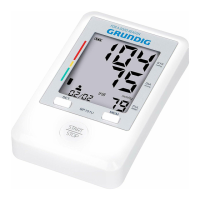
1.2 The mark of year appears and flashes after press the “SET” Setting button for 3~4 seconds,
while the unit is off. Finally, press the “SET” button again and continue with step 2.
Press the “MEM” button to increase one year. Long press the button and the value quickly
changes
Year Setting
The year can be set between 2015 and 2050, and it will return to 2015 when the display of year
up to 2050.
2. To Set Date & Time
Press the “MEM” button to change the month and press the “SET” button and continue with next
step. Then set the day, the hour and the minute by using the same way. Continue with step 3.
Month Setting
Day Setting
Hour Setting
Minute Setting
871125208143.indd 7 14-03-18 14:53


 To Next Page
 Loading...