34
Chapter 3 Using the LCD TV
Use the ▲▼ buttons to select an option of the sub-menu, and press the OK button. While in
adjustment mode, and use the ◄► buttons to change the value of the item.
Press the EXIT button to exit the menu.
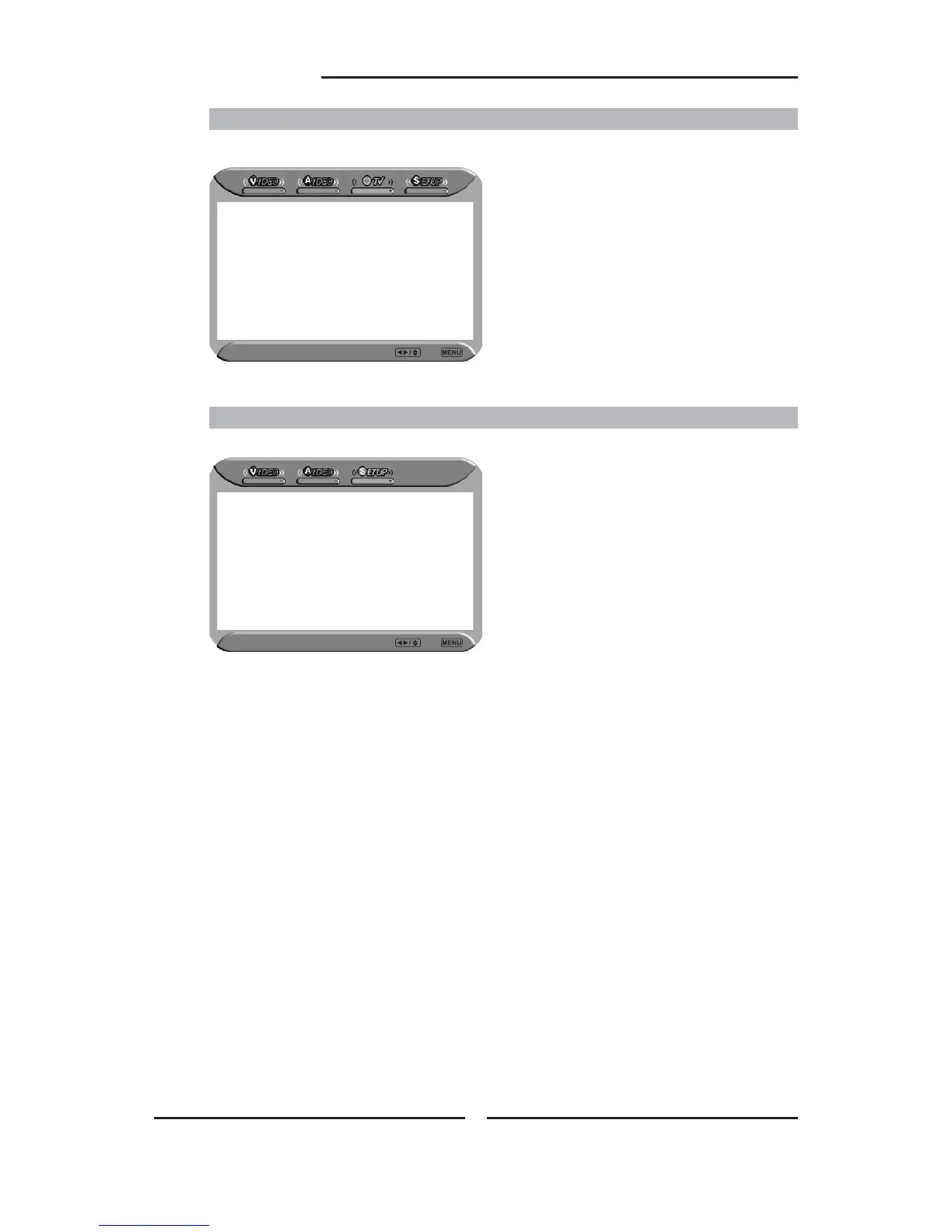
SETUP MENU:
SETUP Select Exit
Parental
Language English
Hotel Lock Off
Change Password
OSD Transparent On
Default
Allows you to set up a variety of features: Parental , Language, Hotel Lock, Change Password, etc.
TV MENU:
Region Selection UK
Searching
Manual Scan
Update Search
Program Edit
Favorite
TV Select Exit
Allows you to edit and label channels.









 To Next Page