38
Chapter 3 Using the LCD TV
Press the button to turn the LCD TV on.
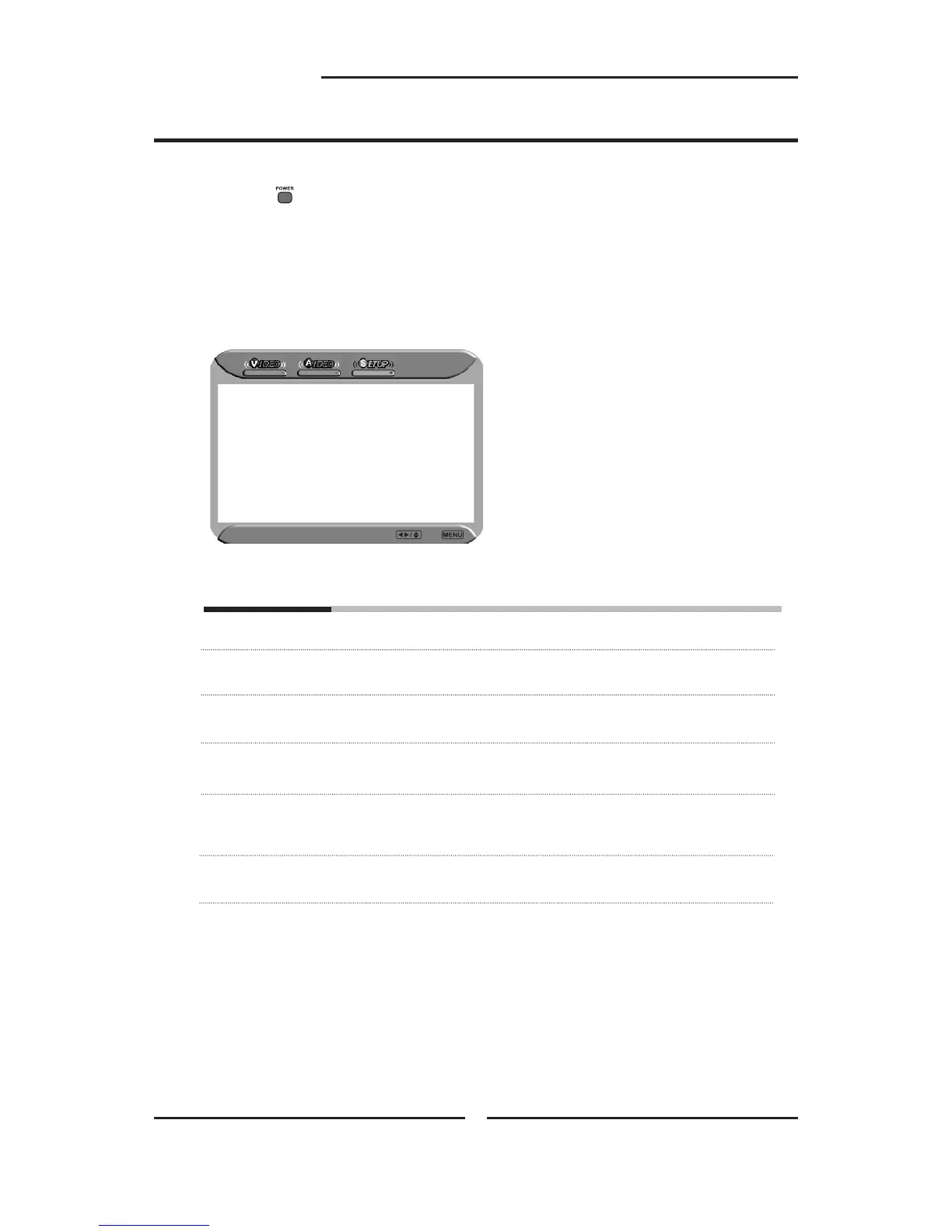
Press the MENU button on the remote control to display the Main menu, and use the
◄► buttons to select the SETUP.
Use the ▲▼ buttons to highlight an individual SETUP option, use the ◄► buttons to
change the setting, and press the MENU to exit the menu.
The SETUP menu includes the following options:
Parental Allows to setup the Parental Lock options.
Language Selects to display all on-screen menus in your language of choice :
English/ Chinese/Spainish/French/Germany.
Hotel Lock Allows to select the Hotel Lock to be on or off. (Default password is
0000)
Change Password Allows to change the 4-digit password.
OSD Transparent Controls the translucence of the OSD on-screen menus’s
background.
Default Restores factory settings.
Customizing the SETUP Settings
SETUP Select Exit
Parental
Language English
Hotel Lock Off
Change Password
OSD Transparent On
Default









 To Next Page