EasyManua.ls Logo

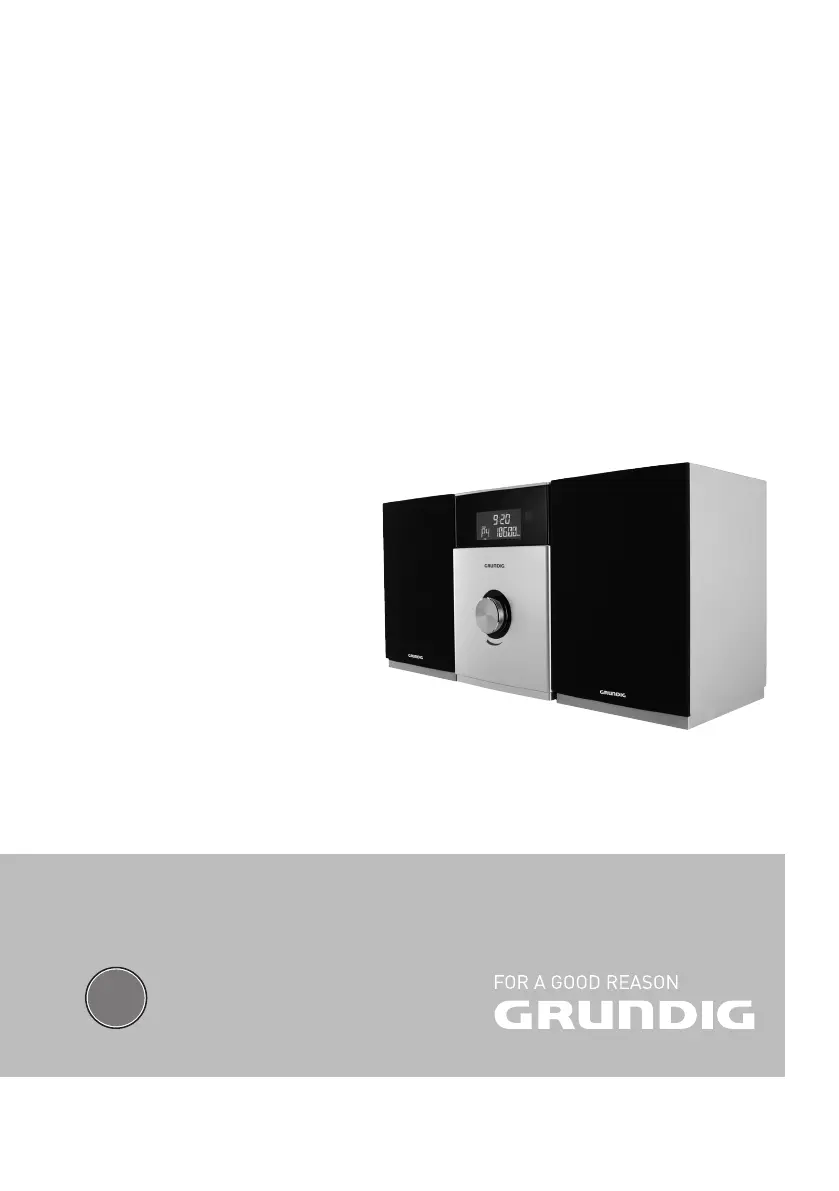
Grundig MS 510 - User Manual

Grundig MS 510
28 pages
Print Icon
To Next Page IconTo Next Page
Loading...
EN
MICRO HİFİ SYSTEM
MS 510
MS 520

Table of Contents

Questions and Answers

  • M
    Mrs. Taylor Dixon DVMAug 14, 2025
    What to do if the Grundig Stereo System remote control does not work?
    • A
      Anna ThomasAug 14, 2025
      If the Grundig Stereo System remote control isn't working, try these steps: First select the correct input source before using the function buttons. Ensure the remote is close to the hi-fi system and pointed directly at the receiver on the front. Verify the batteries' polarity or insert new batteries.
  • J
    John JordanAug 17, 2025
    What to do if the Grundig Stereo System displays »NO DISC«?
    • L
      Lindsey JensenAug 17, 2025
      If your Grundig Stereo System displays »NO DISC«, try the following: Insert a CD, ensuring the label faces upwards. If moisture has collected on the laser lens, wipe it clean. Clean the CD or try a different one. Also, ensure that CD-RW/CD-R discs are finalized.
  • A
    Andrea BrownAug 20, 2025
    Why is the sound too quiet or of poor quality on my Grundig Stereo System?
    • K
      kayla76Aug 21, 2025
      If the sound from your Grundig Stereo System is too quiet or the quality is poor, try these solutions: Increase the volume. Check if the loudspeakers are connected properly and also check the loudspeaker connections. Make sure to pull out the headphones jack.
  • S
    susan54Aug 25, 2025
    How to improve poor radio reception on Grundig Stereo System?
    • M
      Megan GoldenAug 25, 2025
      To improve poor radio reception on your Grundig Stereo System, try repositioning the wire antenna. Additionally, move the hi-fi system further away from the television.
  • C
    Carrie PetersonAug 27, 2025
    What to do if my Grundig Stereo System does not react when the buttons are pressed?
    • L
      lvegaAug 27, 2025
      If your Grundig Stereo System isn't responding to button presses, disconnect the power cord from the mains plug, wait a short time, and then reinsert it and switch the hi-fi back on.
  • P
    pfryAug 30, 2025
    Why does my Grundig Stereo System sound wrong?
    • D
      Dawn StanleyAug 31, 2025
      If the stereo sound on your Grundig Stereo System sounds wrong, check if the loudspeakers are connected properly.
  • P
    Pamela BrownSep 3, 2025
    Why is the time and timer setting not displayed on my Grundig Stereo System?
    • R
      Roberta TurnerSep 3, 2025
      If the time and timer setting are not displayed on your Grundig Stereo System, it may be due to a power failure or the power plug being disconnected. Set the time again.
  • T
    Todd JimenezSep 7, 2025
    Why does the Grundig Stereo System timer function not work?
    • J
      Jeffrey ReyesSep 7, 2025
      If the timer function on your Grundig Stereo System isn't working, first set the time. Then, activate the timer function.
  • J
    Jeff GibbsSep 9, 2025
    Why won't my Grundig Stereo System play CD-Rs or CD-RWs correctly?
    • L
      Lauren EdwardsSep 9, 2025
      If your Grundig Stereo System is not playing CD-Rs or CD-RWs correctly, it could be due to a faulty CD or incorrect software/hardware settings during burning. Check the components of your CD burner/burner software or try using a different CD.

Summary

SETUP AND SAFETY

General Safety & Handling

Important guidelines for safe operation, ventilation, handling, and device connection.

CONNECTION AND PREPARATION - Initial Setup

Connecting Loudspeakers

Instructions for connecting the left and right speakers to the hi-fi system's terminals.

CONNECTION AND PREPARATION - Media & Peripherals

Connecting External Devices

How to connect audio outputs from external devices to the AUX IN sockets.

CONNECTION AND PREPARATION - Power & Remote

Connecting Power Cord

Steps for connecting the hi-fi system to the mains power supply and important safety notes.

Inserting Remote Batteries

Guide on opening the compartment and inserting batteries into the remote control correctly.

SETTINGS - Radio Configuration

Setting Time Manually

Step-by-step instructions for manually setting the current time and day on the device.

SETTINGS - Manual Tuning & Display

GENERAL FUNCTIONS

Switching On;Off and Standby

Instructions on how to turn the hi-fi system on, off, and put it into standby mode.

Selecting Input Sources

How to choose between different audio input sources like CD, USB, AUX, or Radio.

TUNER MODE

Selecting Tuner Input Source

How to switch the input source to the FM tuner to listen to radio stations.

EXTERNAL DATA MEDIA MODE - CD & USB Setup

Using CDs

Information on compatible CD formats (CD-DA, CD-R, CD-RW) and playback limitations.

Using MP3 Player, USB, or Memory Card

Details on connecting and using MP3 players, USB sticks, and memory cards, including compatibility notes.

EXTERNAL DATA MEDIA MODE - Playback Operations

Connecting MP3 Player or USB Stick

Steps to connect MP3 players or USB memory sticks to the hi-fi system.

Inserting Memory Card

Instructions for inserting SD/SDHC/MMC memory cards into the device.

Media Playback Control

Basic playback functions including starting, pausing, resuming, and stopping media playback.

EXTERNAL DATA MEDIA MODE - Advanced Playback

EXTERNAL DATA MEDIA MODE - Playlist Management

Creating and Managing Playlists

Steps to create, store, play, and delete custom playlists from media files.

BLUETOOTH MODE (MS 520 ONLY)

Selecting Bluetooth Input

How to switch the hi-fi system's input source to Bluetooth audio.

Connecting Bluetooth Devices

Step-by-step guide to finding, pairing, and connecting Bluetooth devices to the system.

Bluetooth Playback Control

Managing audio playback from a connected Bluetooth device, including volume and track control.

TIMER MODE - Timer Setup

TIMER MODE - Timer Operations

INFORMATION - Troubleshooting

Troubleshooting Guide

Common problems, their possible causes, and suggested solutions for the hi-fi system.

Grundig MS 510 Specifications

General IconGeneral
Cassette deckYes
AUX InputYes
Remote ControlYes
FunctionsCD Player, Cassette Deck
Supported radio bandsFM

Related product manuals