ENGLISH
29
Alarm with personal voice recording
With this alarm type, you can record a text of your choice and play it back
as an alarm signal (also see page 29).
1 Switch off device by pressing »
ON/OFF
«.
2 To create the voice recording see steps 1 to 4 in the section ”Creating a
personal voice recording” on page 29.
3 Activate the first alarm program by pressing »e1« twice.
4 Press »P+« or »P–« until »AL VOICE« appears in the display.
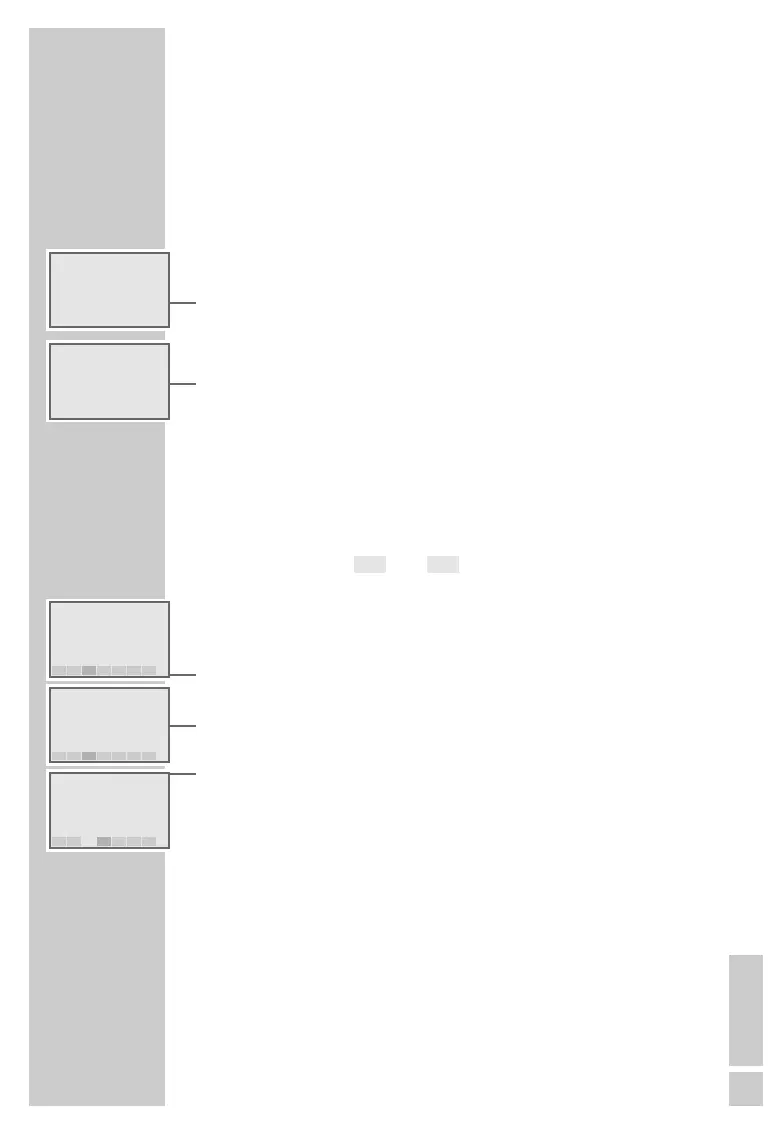
– Display: »ALARM 1
ɢ« flashes.
5 Use »VOL.
+
–« to set the desired maximum volume of the recording.
6 To set and confirm the alarm time, repeat steps 6 to 9 (alarm with radio
programme).
Note:
If the voice recording is mistakenly erased or has not yet been created,
the alarm sounded will be a signal tone.
Limiting alarm to individual days of the week
In the original setting the selected alarm types and times apply to each day
of the week (display: » « to » «). If it is desired, individual days can
be deleted. You can thus create your own personal weekly rhythm.
1 Switch off device by pressing »
ON/OFF
«.
2 Activate the first alarm program by pressing »e1« twice.
3 Press »
E«or»R« until the desired day of the week flashes in the display.
4 To delete the day, press »P+« or »P–«.
– Display: »AL- 1OFF«.
5 Press »
E«or»R« to go to the next day of the week.
– The deleted day of the week flashes in the display.
6 To delete further days of the week repeat steps 4 to 6.
7 Confirm entries with »e1«.
8 To re-enter deleted days of the week repeat steps 1 to 8.
Note:
If the alarm times for this day have expired, the next day of the week to
which the alarm applies always appears in the display with alarm time
and type, regardless of the selected setting.
SUNMON
ALARM MODE
____________________________________________
g AL- 1 ON
Ǽ 23.16
ALARM 1
7:30
ɷ
MON TUE WED THU FRI SAT SUN
g AL- 1 OFF
Ǽ 23.16
ALARM 1
7:30
ɷ
MON TUE WED THU FRI SAT SUN
g AL- 1 ON
Ǽ 23.16
ALARM 1
7:30
ɷ
MON TUE THU FRI SAT SUN
g 14.06 THU
Ǽ 23:16
ɢ
ALARM 1
7:30
ɢ
g AL VOICE
Ǽ 23:16
ALARM 1
6:00
ɢ



 To Next Page