ENGLISH
25
VOICE RECORDING
____________________________
Creating a personal voice recording
If you want to leave someone a message, you can record a text of your cho-
ice which can be called up at any time at the press of a button. The duration
of the voice recording is limited to 19 seconds. It is only possible to record a
text when the device is in stand-by mode.
A voice recording can also be used as a wake-up signal when the device is
set accordingly (see section ”Alarm with personal voice recording” on
page 29).
1 Switch off device by pressing »
ON/OFF
«.
2 Press »RECORD« until you hear a signal.
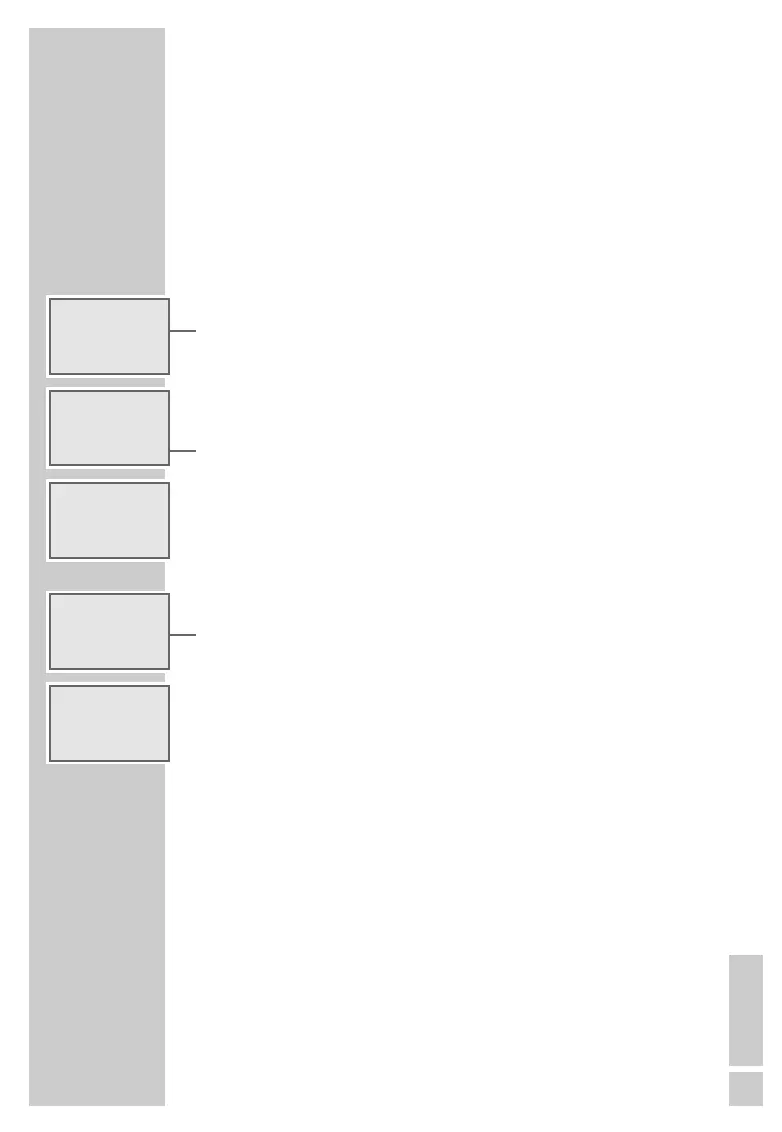
– Display: »RECORD«, »
ɢ
« flashes, the 19 seconds allotted for the
voice recording are counted off.
3 Speak the desired text into the microphone labelled »MIC« on the inte-
rior of the lid.
4 End recording with »PLAY/STOP«.
– Display: »
R
ɢ
«.
– The recording is automatically played back, then »
ɢ
« flashes in the
display.
– The recording can be called up at any time by pressing »PLAY/
STOP«.
Deleting a personal voice recording
1 To delete a voice recording press »ERASE« until the display switches
from »ERASE« to »ERASING«.
– Display: »
ɢ
« disappears.
– The voice recording is deleted.
g RECORD
•
16
ɢ
ALARM
-:--
g ERASE
Ǽ 23:16
ɢ
ALARM
-:--
g 14.06 THU
•
03
R
ɢ
ALARM
-:--
g 14.06 THU
Ǽ 23:16
ɢ
ALARM
-:--
g ERASING
Ǽ 23:16
ALARM
-:--



 To Next Page