11
ENGLISH
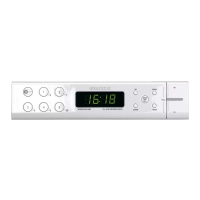
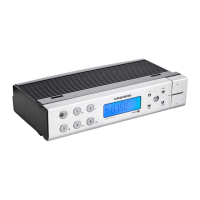
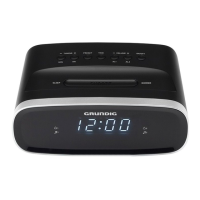
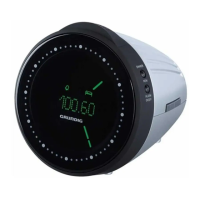
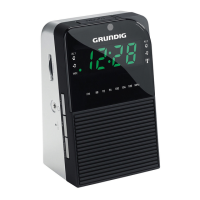
See the figure on page 3.
ON/OFF Switching on/off;
terminates alarm for the day;
terminates the alarm timer.
1...5
6...10
Channel positions, press once
for channel position 1 … 5,
press twice for channel posi-
tion 6 … 10.
Display Displays various information
such as station frequency, vol-
ume, time, alarm time, alarm
timer.
Illuminated
display
§ Alarm with radio station acti-
vated.
e Alarm with signal tone activated.
1 Device activated.
w Alarm timer activated.
UP/DOWN For setting the radio station
manually;
for setting the time, alarm time,
and alarm timer.
MEMO SET Device activated: saves the
radio station at a channel posi-
tion when installing;
Device switched off: to set the
time, hold down »MEMO SET«
and set the time with »UP« or
»DOWN«.
OVERVIEW
_____________________________________________________________
MODE Device switched on: switches
the display from radio station
frequency to the time;
Device switched off: to set
the alarm time, press and
hold down »MODE« and set
the alarm time with »UP« or
»DOWN«;
to set the alarm type.
TIMER To set the alarm timer, press
and hold down »TIMER« and
set the alarm timer with »UP« or
»DOWN«.
+ VOL. – For setting the volume.
Back of the device
Ü Mains cable.
Projectile antenna.
Bottom of the device
Battery compartment for
the back-up battery.



 To Next Page