5.5 Gmail
Gmail is Google's web-based email service. Gmail can be configured when you set up your
phone for the first time. Depending on your settings of the synchronization, Gmail on your
phone may be synchronized with your Gmail account on the web automatically.
1. Tap Application Drawer > APPS tab > .
2. If you do not log in your Google Account, tap “NEW” to create an account, or tap “Existing”
to sign in the Google account. Please follow the on-screen instruction to log in.
3. Once logged in, you can begin reading and sending emails from your Gmail account.
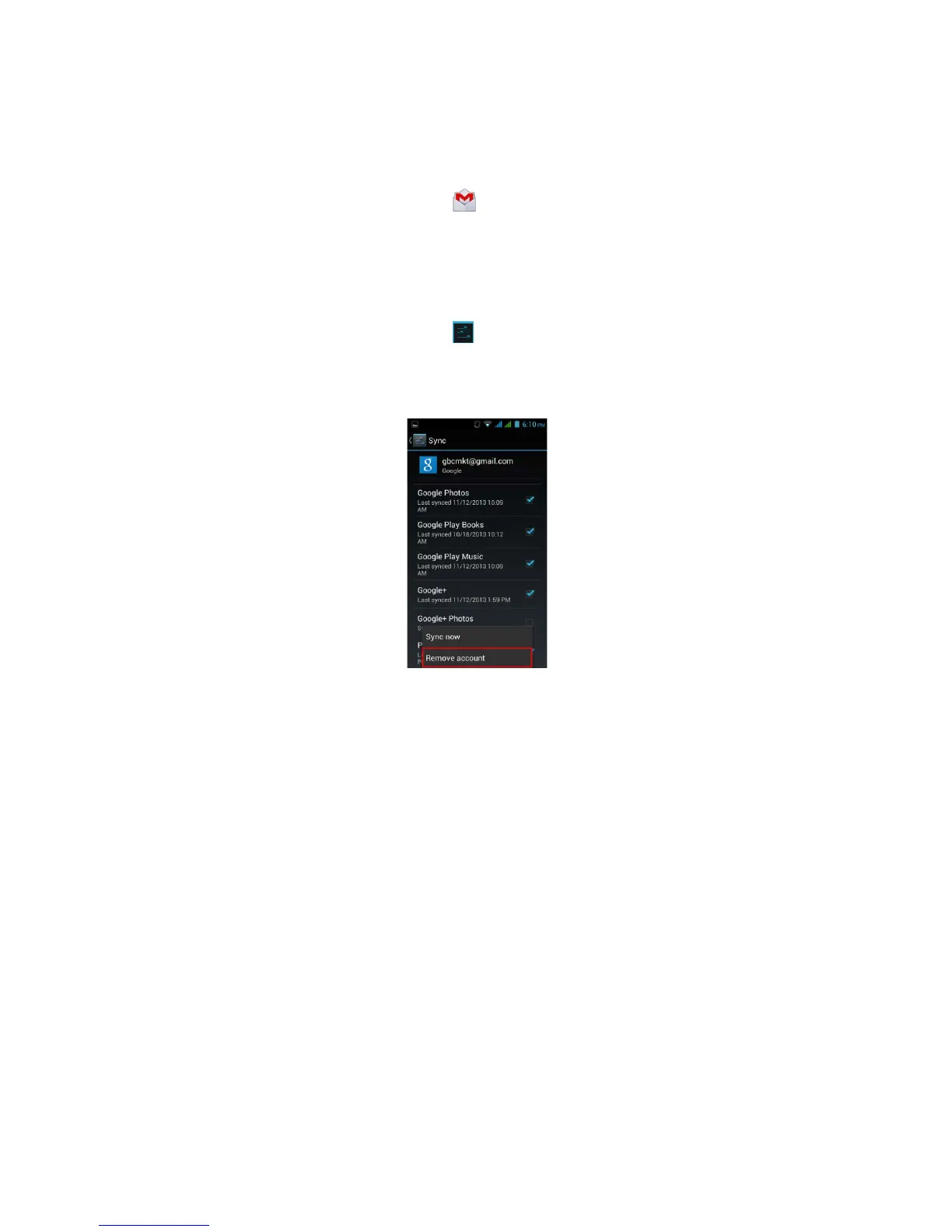
To remove Gmail account
1. Tap Application Drawer > APPS tab > > ACCOUNTS Google > the preferred Gmail
account > Sync.
2. Tap Menu > Remove account.
Android 4.2 | 19



 To Next Page