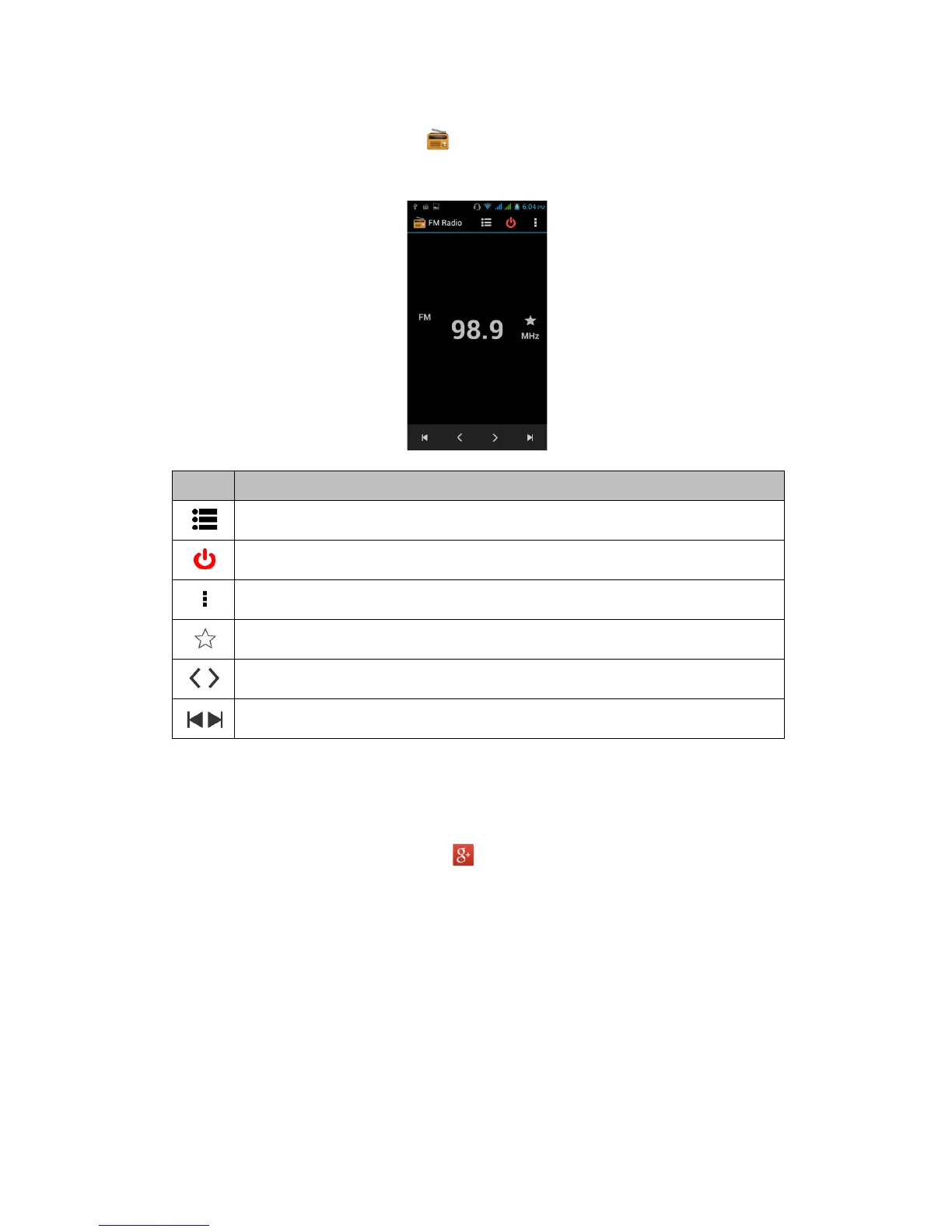
5.16 FM Radio
Tap Application Drawer > APPS tab > .
Please plug in your earphone before listening.
Icons Function
Open the channel list
Close FM Radio
More functions
Add to favorites
Previous radio frequency/ Next radio frequency
Previous channel/ Next channel
5.17 Google+
You can check your friends’ updates, post updates of your own and chat with your friends in
Google+.
1. Tap Application Drawer > APPS tab > .
2. If you do not log in your Google Account, tap “NEW” to create an account, or tap “Existing”
to sign in the Google account. Please follow the on-screen instruction to log in.
Android 4.2 | 23



 To Next Page