EasyManua.ls Logo

Gtec ZP120N - User Manual

Gtec ZP120N
41 pages
Print Icon
To Next Page IconTo Next Page
Loading...
USER’S MANUAL
MANUALE UTENTE
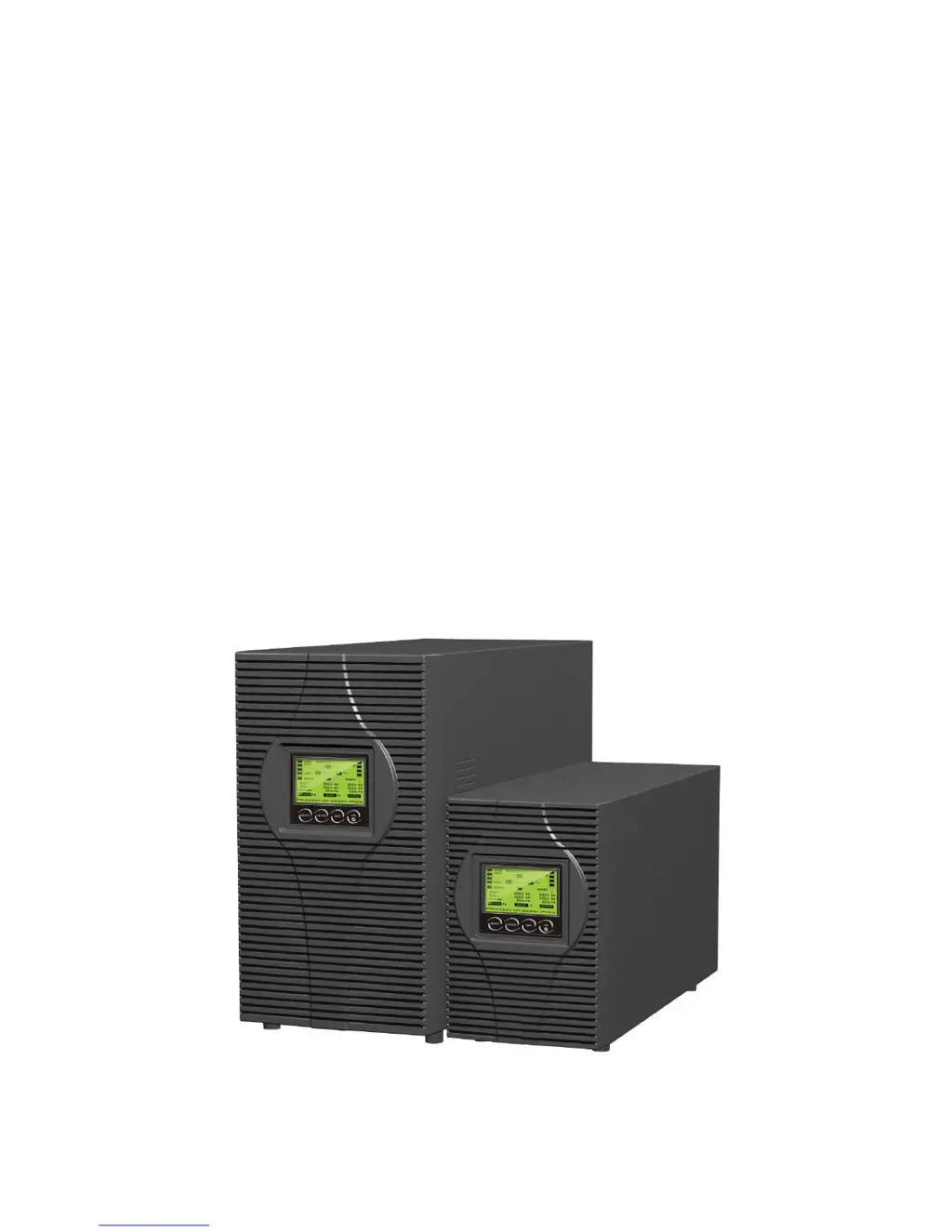
For Models ZP120N
1~3KVA
Uninterruptible Power System
Re
Deal
www.redeal.pt
sales@redeal.pt

Questions and Answers

  • C
    Cathy MartinSep 8, 2025
    What does 'battery open' mean on my Gtec UPS?
    • S
      Sarah CameronSep 8, 2025
      A 'battery open' message on your Gtec UPS means the battery pack is not connected correctly. Perform a battery test to confirm. Check that the battery bank is properly connected to the UPS and that the battery breaker is turned on.
  • S
    suzanne48Sep 10, 2025
    What does 'site fail' mean on my Gtec ZP120N UPS?
    • M
      mgilbertSep 10, 2025
      A 'site fail' message on your Gtec UPS means the phase and neutral conductors at the input of the UPS system are reversed. Rotate the mains power socket by 180° or connect the UPS system correctly.
  • L
    Lawrence RiveraSep 12, 2025
    What does display code 3 mean on Gtec UPS?
    • A
      Amanda PooleSep 12, 2025
      Display code 3 on the LCD, accompanied by an audible alarm sounding every 1 beep in every 4 seconds, indicates that the mains power supply has failed, or the input power and/or frequency are out of tolerance. The UPS is automatically switching to battery mode. Check the input power source and inform your dealer if necessary.
  • C
    Christopher AndersonSep 13, 2025
    Why is my Gtec ZP120N not showing any indication even when connected to mains?
    • S
      Sharon HudsonSep 14, 2025
      The Gtec UPS may not show any indication because there is no input voltage. Check the building wiring socket outlet and the input cable.
  • W
    William SmithSep 15, 2025
    What does display code 1 mean on Gtec ZP120N UPS?
    • J
      jamiemedinaSep 16, 2025
      Display code 1 on the LCD, even when power is available, indicates that the inverter is not switched on. Press the On-Switch to activate it.
  • C
    Christopher AshleySep 18, 2025
    What does EPO active mean on my Gtec UPS?
    • M
      Melissa PenningtonSep 18, 2025
      EPO active means the EPO (Emergency Power Off) function is enabled. Plug in the EPO switch.

Summary

Safety and EMC Instructions

Installation

Guidelines for safe and proper installation of the UPS unit.

Operation

Procedures for operating the UPS system and connected equipment.

Maintenance, Servicing, and Faults

Instructions for maintenance, servicing procedures, and troubleshooting common faults.

Transport and Storage

Proper procedures for safely transporting and storing the UPS unit.

Standards Compliance

List of relevant safety and EMC standards the UPS complies with.

Description of Commonly Used Symbols

Introduction

Panel Description

Front Panel Controls

Details of the front panel buttons and their respective functions.

LCD Display Information

Explanation of LCD screen elements, displays, and status indicators.

Connection and Operation

Initial Inspection

Procedure to inspect the UPS packaging and contents for any transit damage.

UPS Input Connection

Guidance on connecting the UPS to the main power supply.

UPS Output Connection

Instructions for connecting loads to the UPS output sockets.

Battery Charging and Special Connections

Procedures for battery charging and EPO/Tvss connections.

Powering On, Off, and Testing

Steps to turn the UPS on/off and perform functional self-tests.

Alarm Mute and External Battery Setup

How to mute alarms and connect external batteries for extended backup.

Operating Modes

Line Mode

Explanation of the UPS operation when powered by the utility line.

Battery Mode

Explanation of the UPS operation when running on battery power.

Bypass Mode

Explanation of the UPS operation in bypass mode.

No Output Mode

Explanation of the UPS operation when the output is disabled.

EPO, ECO, and Converter Modes

Details on Emergency Power Off, Economy, and Converter operating modes.

Abnormal Mode Handling

Information on identifying and responding to abnormal UPS operating conditions.

Setting by LCD Module

Trouble Shooting

Maintenance

Operation and Storage Guidelines

Guidelines for UPS operation, battery service life, and storage.

Battery Replacement Procedure

Step-by-step instructions for safely replacing UPS batteries.

Technical Data

Electrical Specifications

Detailed electrical input, output, and battery specifications for UPS models.

Operating Environment

Recommended operating and storage environment conditions for the UPS.

Backup Time and Dimensions

Typical backup runtime at different loads and physical dimensions.

Communication Port

USB Interface

Information about the USB port for UPS monitoring and communication.

RS232 and AS400 Interfaces

Details on optional RS232 and AS400 serial communication interfaces.

Software

Appendix: Rear Panel Views

ZP120 N-1 K;1 K-KS Rear Panel

Diagram illustrating the rear panel layout for 1K and 1K-KS models.

ZP120 N-2 K;2 K-KS Rear Panel

Diagram illustrating the rear panel layout for 2K and 2K-KS models.

ZP120 N-3 K;3 K-KS Rear Panels

Diagrams showing the rear panel layout for 3K and 3K-KS models.

Gtec ZP120N Specifications

General IconGeneral
BrandGtec
ModelZP120N
CategoryUPS
LanguageEnglish

Related product manuals