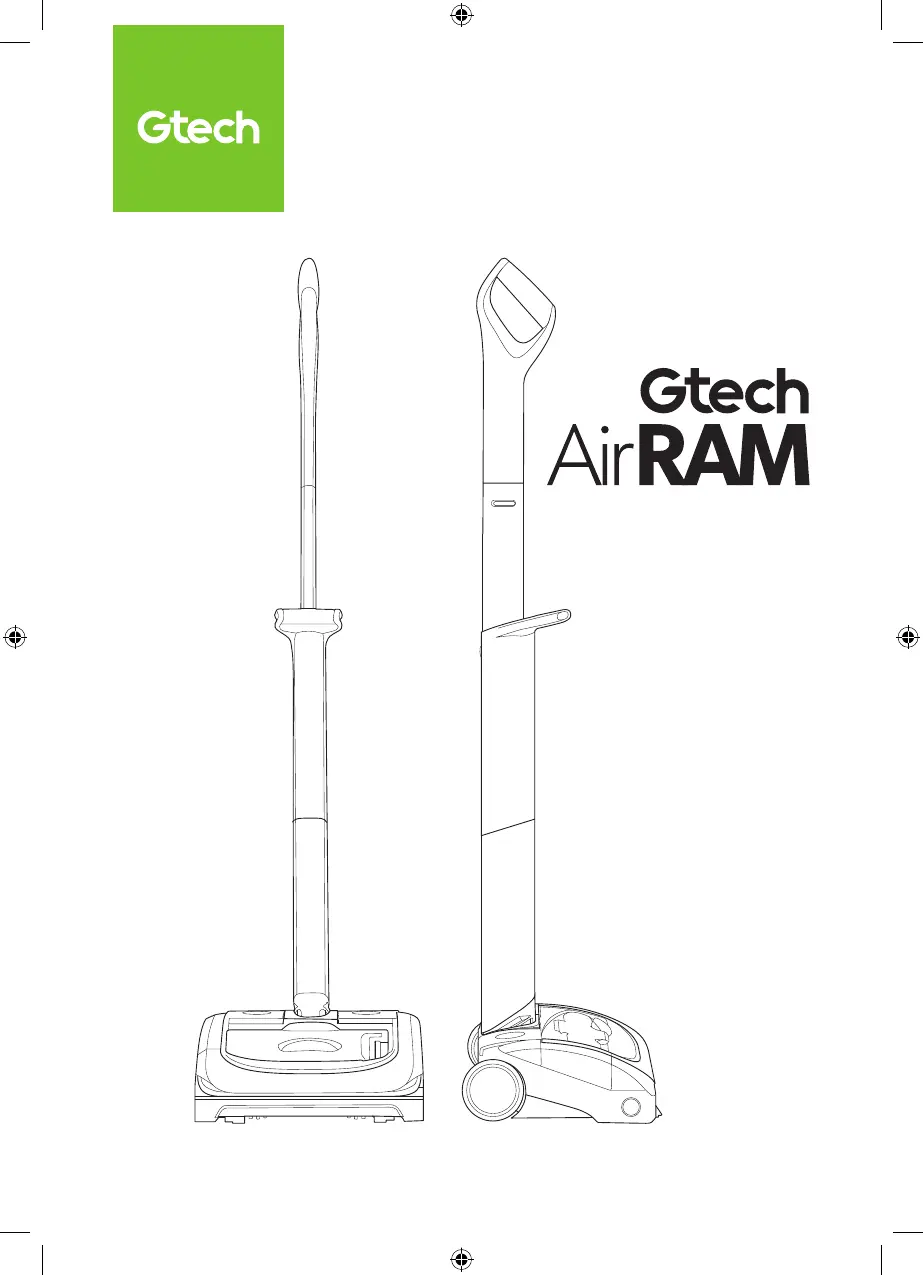
What to do if my Gtech Vacuum Cleaner AirRAM has stopped working?
- HHeather MunozAug 5, 2025
If your Gtech AirRAM vacuum cleaner has stopped working, try charging the battery. Also, make sure to clear any debris from the brush bar.
What to do if my Gtech Vacuum Cleaner AirRAM has stopped working?
If your Gtech AirRAM vacuum cleaner has stopped working, try charging the battery. Also, make sure to clear any debris from the brush bar.
Why is my Gtech Vacuum Cleaner AirRAM not cleaning well?
If your Gtech AirRAM isn't cleaning effectively, start by emptying the bin. Then, ensure the bin and filter are correctly fitted. If the issue continues, clean or replace the filter and check the brush bar fitment.
How to troubleshoot Gtech AirRam AR29 Vacuum Cleaner battery that will not charge?
If the battery of your Gtech vacuum cleaner won't charge, first verify that the charger is correctly connected to both the battery and the mains supply. Then, check the wall socket to ensure it's functioning properly.
Guidelines for safe handling, use by children, and avoiding hazards.
Precautions for using the charger and electrical components safely.
Instructions for handling Li-Ion batteries to prevent explosion or burns.
Step-by-step instructions for assembling the Gtech AirRAM.
Troubleshooting steps for brush bar jams and red light indicators.
Common issues and their solutions for the Gtech AirRAM.
Guidelines for safe handling, use by children, and avoiding hazards.
Precautions for using the charger and electrical components safely.
Instructions for handling Li-Ion batteries to prevent explosion or burns.
Step-by-step instructions for assembling the Gtech AirRAM.
Troubleshooting steps for brush bar jams and red light indicators.
Common issues and their solutions for the Gtech AirRAM.
| Brand | Gtech |
|---|---|
| Model | AirRam AR29 |
| Category | Vacuum Cleaner |
| Language | English |