5
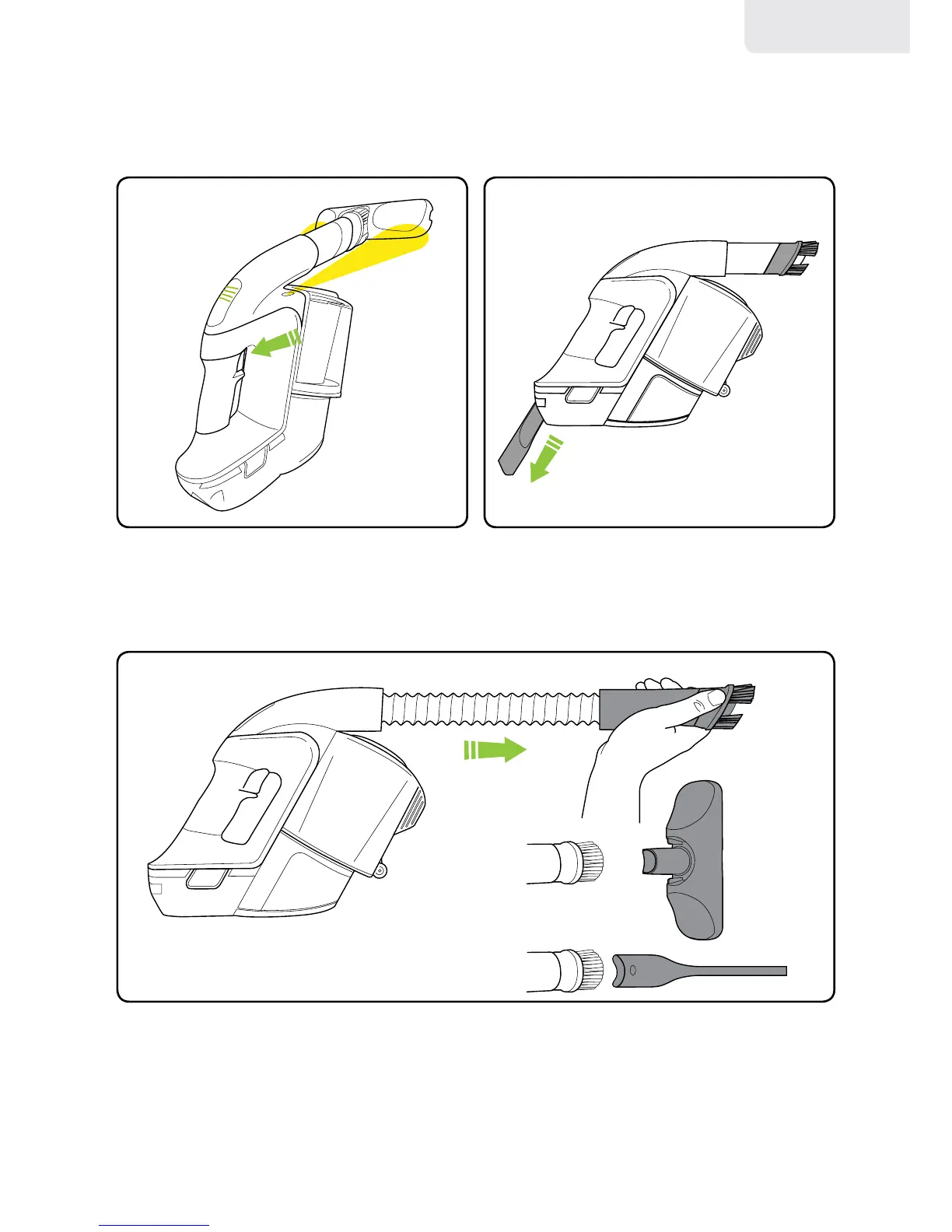
Pressthetriggerlightlytoturnonthe
integratedlightsandseethebatterylevel.
Pressthetriggerrmlytovacuum.
AnextendablehoseisbuiltintoyourMulti.Pulltheblacktubeforwardstoreleaseit.
Usetheextendablehosewithanyoftheaccessoriesforhardtoreachareas.
Thebrushcanbeusedfordusting.
Thecrevicetoolisstoredinsidethehandle.
Operation
english



 To Next Page