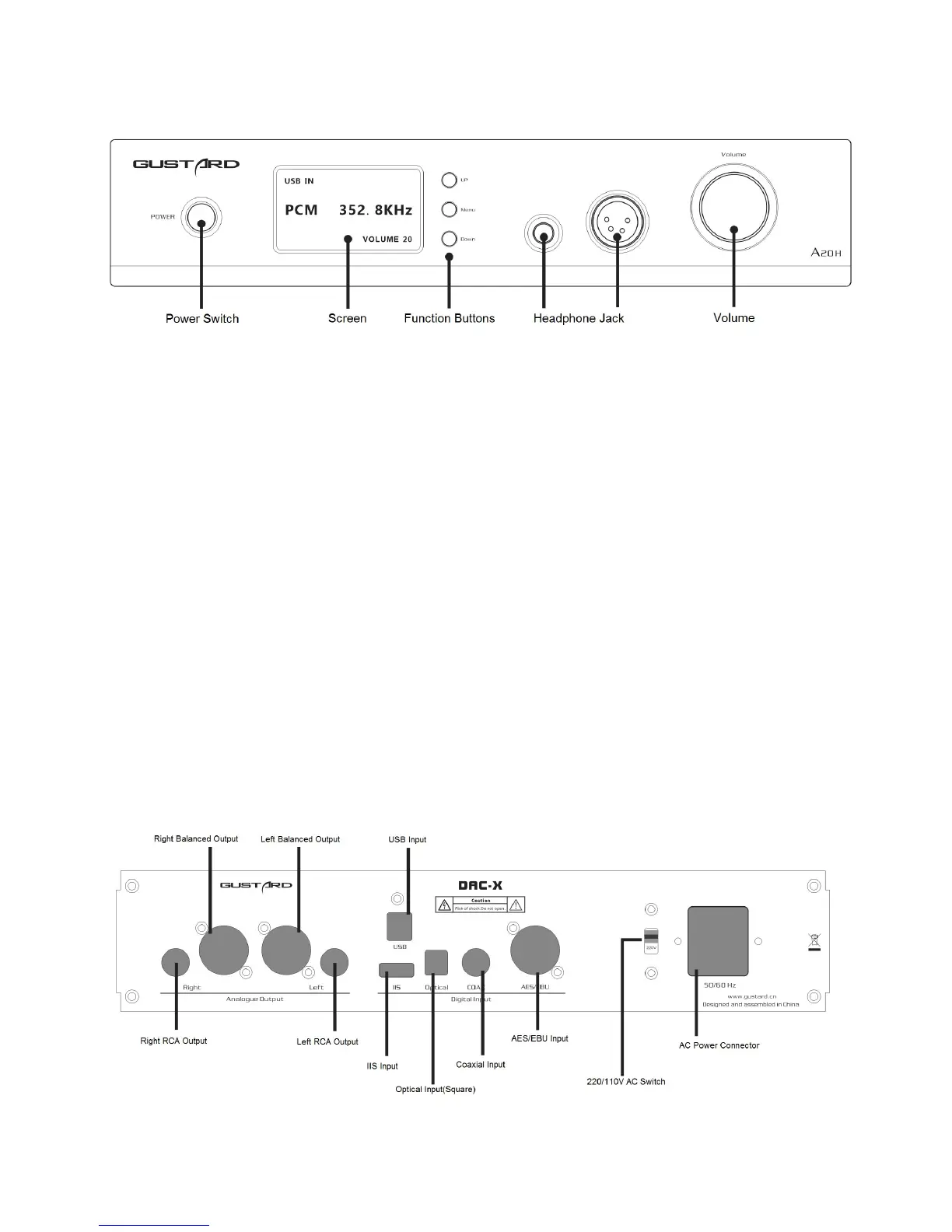
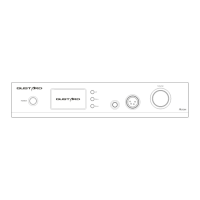
Front panel
1. The Power button is a key switch, press once to power on, press again to shutdown.
2. The screen shows the current input channel, encoding format, and sample rate, volume
and other status.
3. The Function buttons can be used to select the input channel and enter the settings menu.
4. Balanced headphone jack can be connected to balance headphones.
5. Single-ended headphone jack can be connected to single-ended headphones.
6. Rotate the volume knob clockwise or counterclockwise to increase or decrease the volume
of the output; or to adjust the options when entering the menu.
Rear panel


 To Next Page