The screen and the setting menu
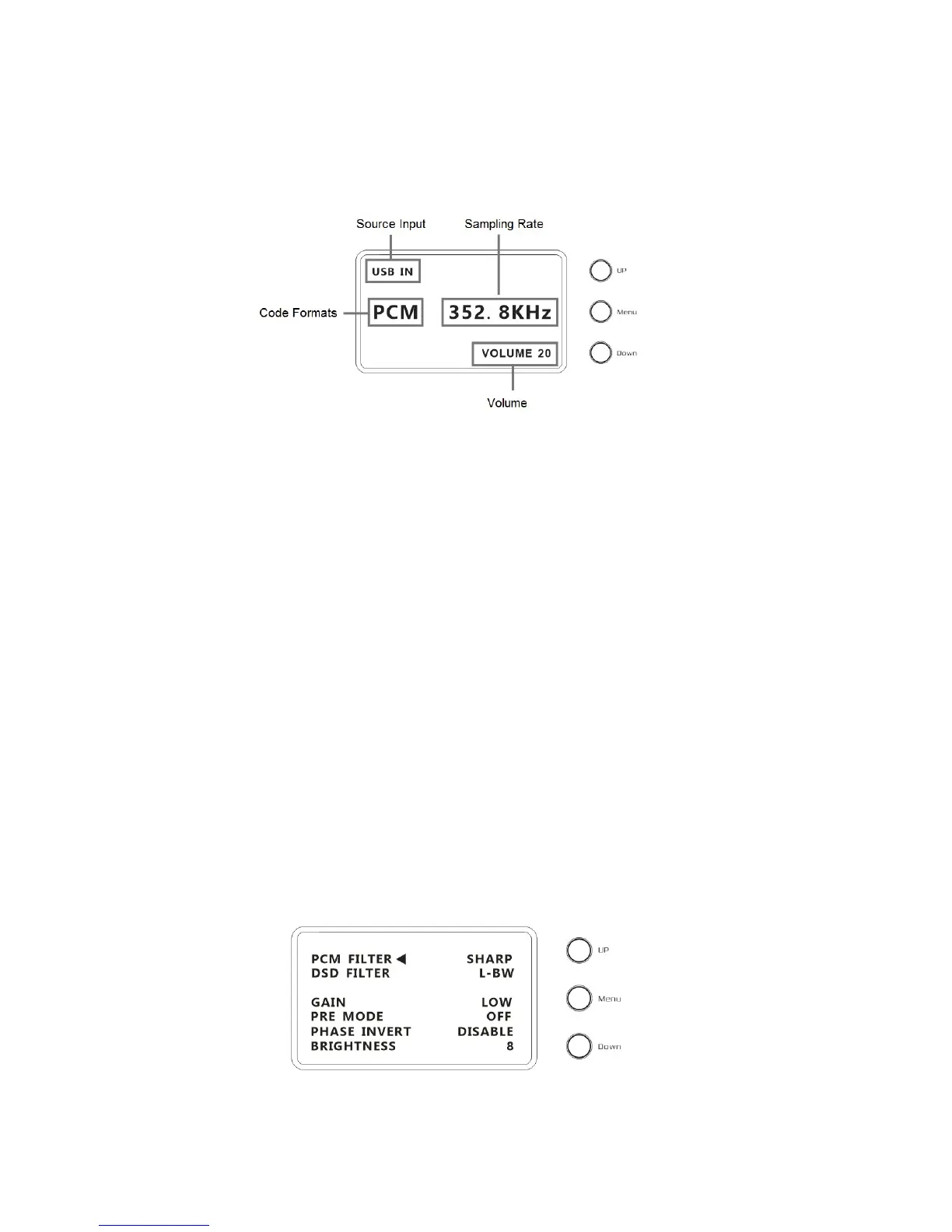
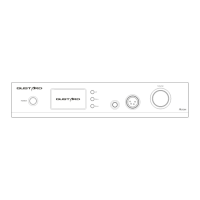
1.The A20H DAC & Headphones amplifier use a large-size OLED screen to display the
real-time status and functions operation.The following figure shows an example
2.Input channel selection
The A20H has 5 input channels. In main menu status, press button "Down" could select in
COAX——AES——USB——IIS——OPT. You can also press "Up" to select in the Reverse order.
(Note: the USB option can be selected at any time. But if the USB option is selected without
USB daughter-card installed, there will not be any signal input to the A20H)
3.Volume
In main menu status, rotate the volume knob to adjust the volume. Clockwise to
increase, counterclockwise to decrease. Volume from -60dB to 0dB, a total of 60 levels adjustment.
4.Settings
In main menu status, press the Menu button to enter the settings menu. Press the button Up and Down
buttons to toggle the items .Rotate the Volume knob to adjust or select the options. Press the Menu
button again to return to the main menu status.
The Setting menus are toggled by arrow movement, as follows:
- PCM digital filters selections
- DSD digital filters selections
- Amp gain adjust
- Pre-Amp control
- Analog output phase control
- Screen brightness


 To Next Page