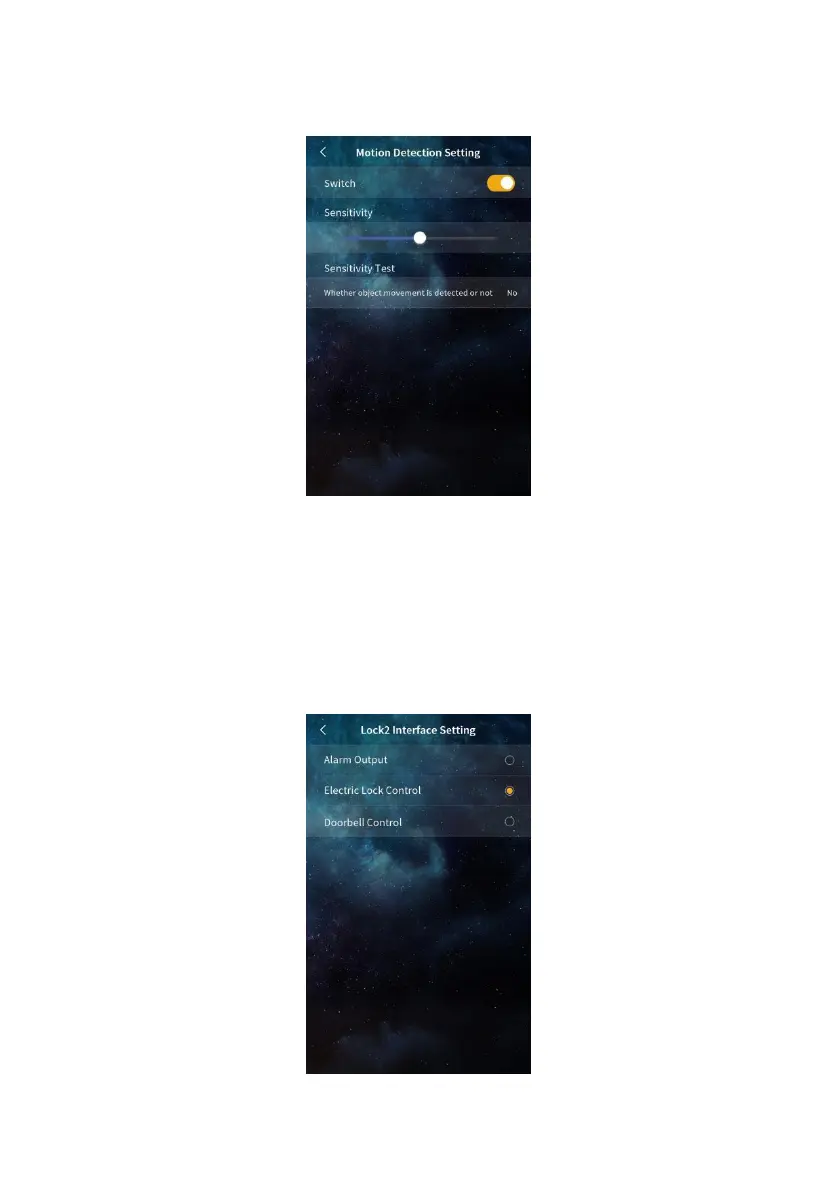
moving. If an object moves, Yes is displayed. If no object moves, None is displayed.
Used to view the detection result of the device when adjusting the sensitivity.
Motion detection Setting
5.9.6. Lock 2 Interface Setting
Lock2 interface functions can be selected, including: alarm output, electronic lock control,
doorbell control.
Lock 2 Interface Setting


 To Next Page